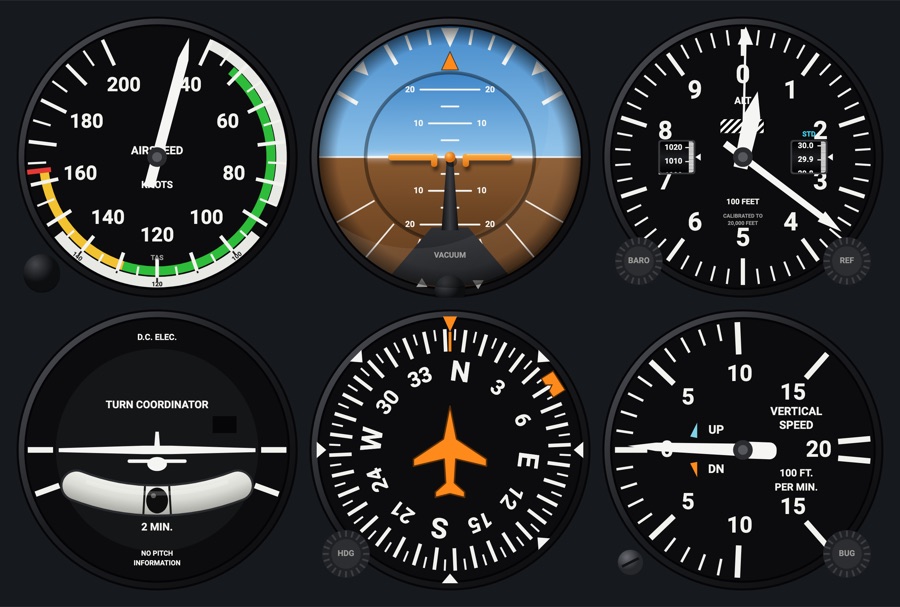
Vertical speed
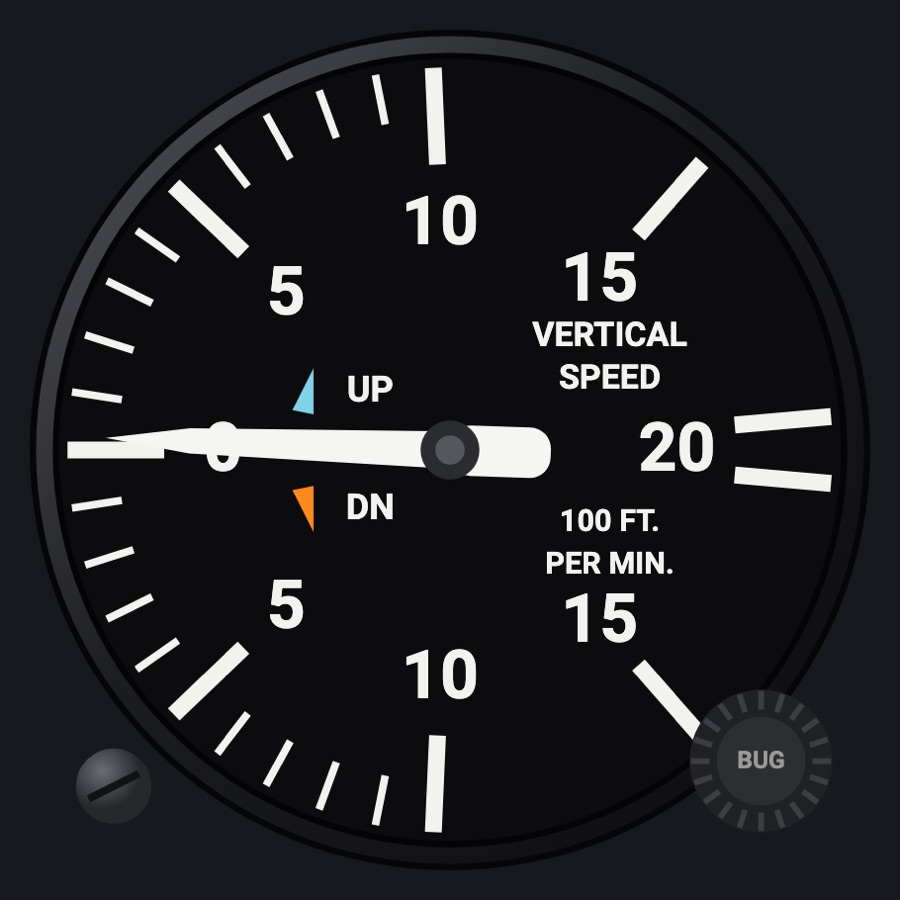
A round VSI that lags the climb rate by a few seconds like a real calibrated-leak instrument. It also has a small zero error you correct with its screw, a manual bug, and a cyan bug for the autopilot's VS target.
- Modeled on
- Classic round vertical speed indicator of a light aircraft (0 to 2,000 ft/min)
- Category
- Flight instruments
- Size
- 1 cell
- Version
- 1.0 · 2026-10-19
- Plan
- Free any two of the six-pack
- Simulators
- MSFS 2020 · MSFS 2024 · X-Plane 11 · X-Plane 12
Features
- 0 at 9 o'clock, up to 2,000 ft/min each way; marks every 100 up to 1,000, then 1,500 and 2,000
- Needle lag of about 3 seconds
- A random zero error each app run (up to about 80 ft/min), corrected with the zero-adjust screw (kept)
- Orange manual bug set with the BUG knob
- Cyan bug at the autopilot's vertical speed target when VS mode is active
- Static-system failures: zero when the static port is blocked; a brief jump when alternate static is selected
- Realistic needles (Settings > Instruments: Off / Light / Normal / Strong): spring-mass needle motion with overshoot and engine vibration (more on the ground)
- Red X across the face when its data is missing or stale, instead of a believable wrong reading
- Night lighting: the face takes the panel's red flood light, the glareshield's warm light from above (stronger for instruments higher on the page) and its own light, a lamp hidden at the top of the case lighting the dial downward (Settings > Dimmers: Red flood light, Glareshield, Instruments (analog))
On the iPad
- Drag the zero-adjust screw (lower left) up or down: 10 ft/min a step
- Drag the BUG knob (lower right): 100 ft/min a step (starts from the current climb rate); double tap it to remove the bug
- Tap elsewhere on the face to change the instrument
Settings
- Static system: Normal / Blocked / Alternate (Settings > Failures)
- Realistic needles: Off / Light / Normal / Strong
Simulator data
What the Hub reads from the simulator for this instrument, and what the instrument sends back. Names are the simulators' own: MSFS SimVars and events, X-Plane datarefs and commands.
Reads
| Value | MSFS | X-Plane |
|---|---|---|
| Vertical speed (fpm) | VERTICAL SPEED (feet per minute) | sim/cockpit2/gauges/indicators/vvi_fpm_pilot |
| Autopilot modes, one bit each (ApBit: ap, fd, yd, hdg, nav, apr, bc, alt, vs, flc, lvl, gs, vnv) (bitfield) | AUTOPILOT MASTER (bool)AUTOPILOT FLIGHT DIRECTOR ACTIVE (bool)AUTOPILOT YAW DAMPER (bool)AUTOPILOT HEADING LOCK (bool)AUTOPILOT NAV1 LOCK (bool)AUTOPILOT APPROACH HOLD (bool)AUTOPILOT BACKCOURSE HOLD (bool)AUTOPILOT ALTITUDE LOCK (bool)AUTOPILOT VERTICAL HOLD (bool)AUTOPILOT FLIGHT LEVEL CHANGE (bool)AUTOPILOT WING LEVELER (bool)AUTOPILOT GLIDESLOPE HOLD (bool) | sim/cockpit2/autopilot/servos_onsim/cockpit2/autopilot/flight_director_modesim/cockpit2/switches/yaw_damper_onsim/cockpit2/autopilot/heading_statussim/cockpit2/autopilot/nav_statussim/cockpit2/autopilot/approach_statussim/cockpit2/autopilot/backcourse_statussim/cockpit2/autopilot/altitude_hold_statussim/cockpit2/autopilot/vvi_statussim/cockpit2/autopilot/speed_statussim/cockpit2/autopilot/roll_statussim/cockpit2/autopilot/glideslope_status |
| Autopilot vertical speed target (fpm) | AUTOPILOT VERTICAL HOLD VAR (feet per minute) | sim/cockpit2/autopilot/vvi_dial_fpm |
Add-on aircraft with their own systems may use other variables; the Hub reads the standard ones.
Changes
The instrument's version counts what its faces share (the case, the mechanism, the data, the sounds); a face's own version counts that face alone.
- 1.0 2026-10-19
- First numbered version.