
Avionics
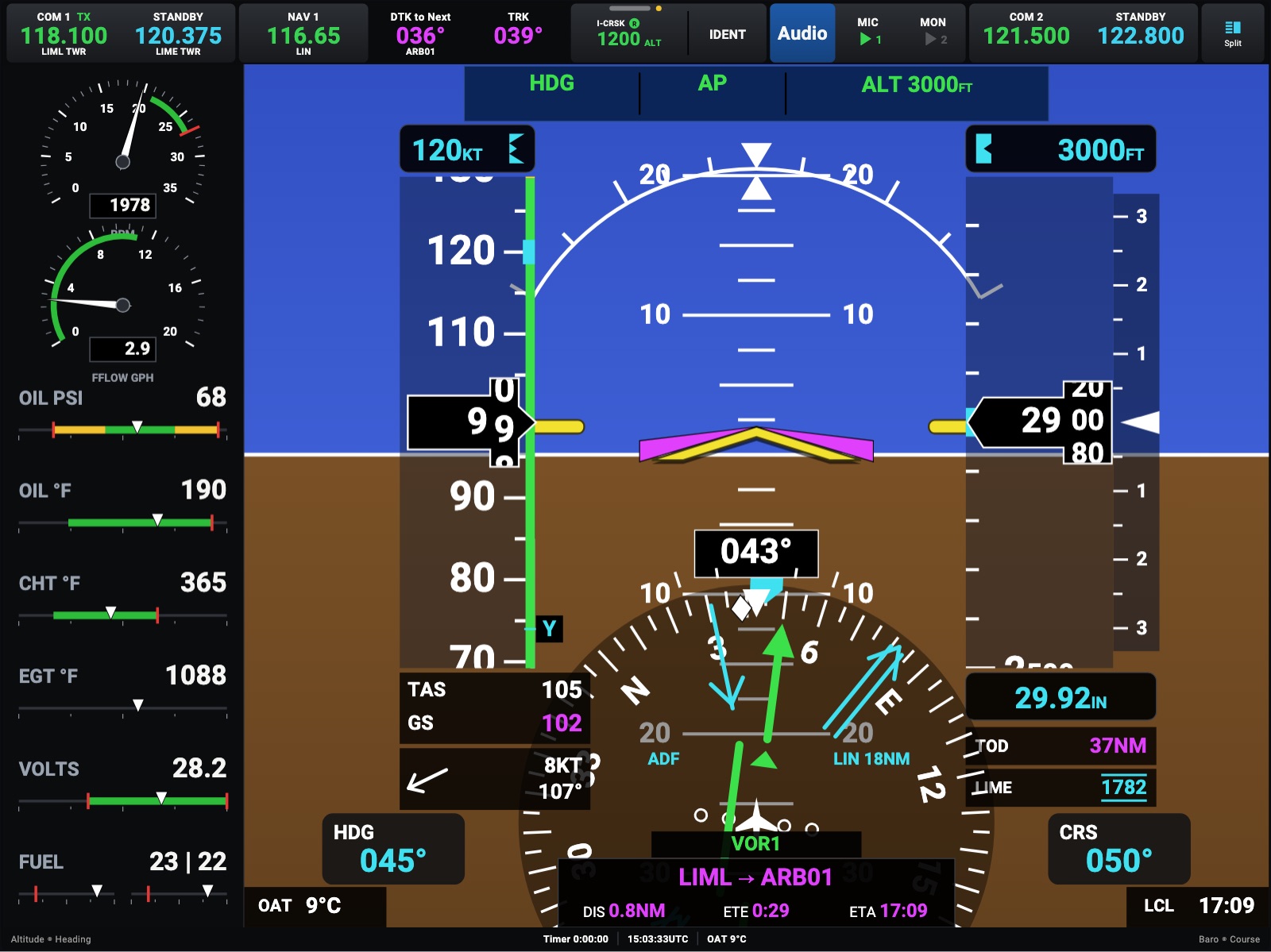
Touch Avionics in the menu at the top. The device becomes one large NEXT display, with its views in the middle of the menu:
- PFD: the flight display, on the whole screen.
- Map: the navigator, on the whole screen: the moving map, the flight plan, nearest, weather, traffic and waypoints.
- Remote (iPhone only): the phone as a touch controller for the navigator. See On an iPhone.
Each device remembers its own view, so a tablet can stay on the map while the others are panels. Panel in the menu goes back to the instruments, and FlightBook opens the FlightBook.
The lock works here too: the view takes the whole screen, and the menu hides until you need it.
Avionics is part of Headingstar Pro.