Hour meter
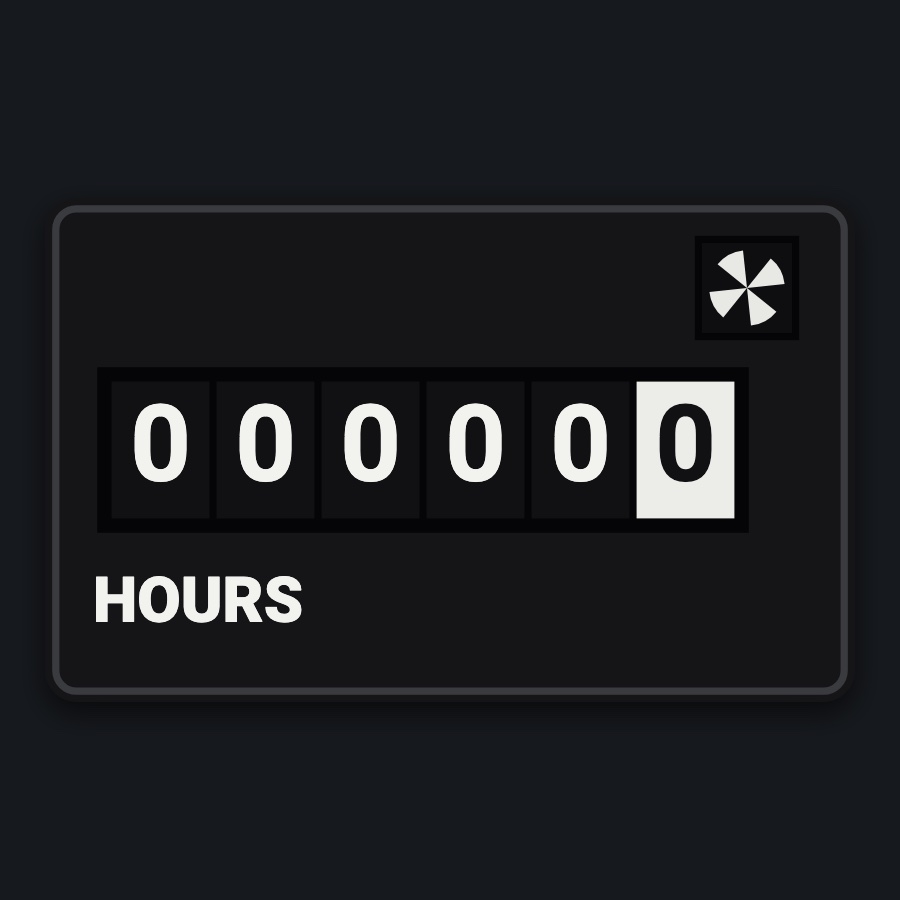
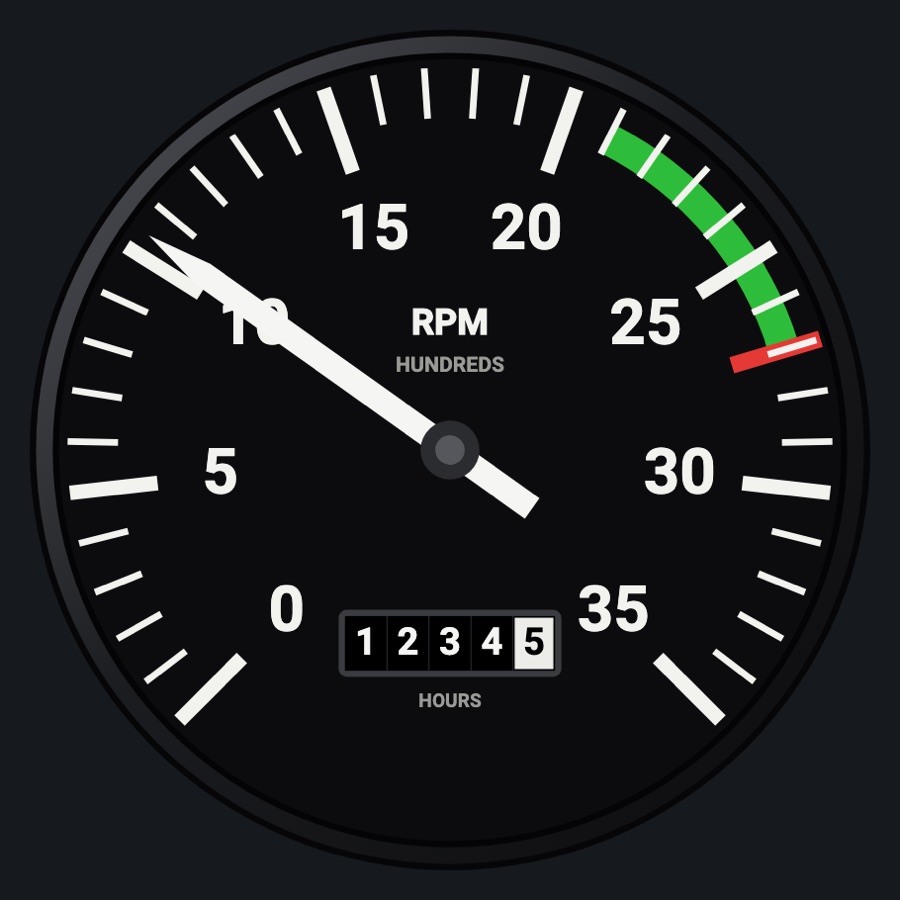
The engine's hours on a black counter: five white figures and the tenths in black on white, turning as the engine runs. The little window at its top right spins while the engine is running, as the real one's does; HOURS under the figures.
- Modeled on
- Engine hour meter (tach-style counter), as on a Cessna 152 panel
- Category
- Engine and systems
- Size
- 1 cell
- Version
- 1.0 · 2026-10-19
- Plan
- Pro
- Simulators
- MSFS 2020 · MSFS 2024 · X-Plane 11 · X-Plane 12
Features
- Five white figures and a tenths wheel (black on white) showing the engine's running time, from the simulator
- The tenths wheel rolls between figures as the hours accumulate
- Striped running window at the top right that turns while the engine runs (RPM above 100), still when it is stopped
- HOURS lettering; the counter reads 0 until the simulator sends its hours
- Round black case with its thin gray lip; lit by the panel as its other round gauges at night
On the iPad
- Tap the face to change the instrument
Simulator data
What the Hub reads from the simulator for this instrument, and what the instrument sends back. Names are the simulators' own: MSFS SimVars and events, X-Plane datarefs and commands.
Reads
| Value | MSFS | X-Plane |
|---|---|---|
| Engine 1 running time (tach hour meter) (h) | GENERAL ENG ELAPSED TIME:1 (hours) | sim/time/hobbs_time |
| Engine RPM, engine 1 (rpm) | GENERAL ENG RPM:1 (rpm) | sim/cockpit2/engine/indicators/engine_speed_rpm[0] |
Add-on aircraft with their own systems may use other variables; the Hub reads the standard ones.
Changes
The instrument's version counts what its faces share (the case, the mechanism, the data, the sounds); a face's own version counts that face alone.
- 1.0 2026-10-19
- First numbered version.