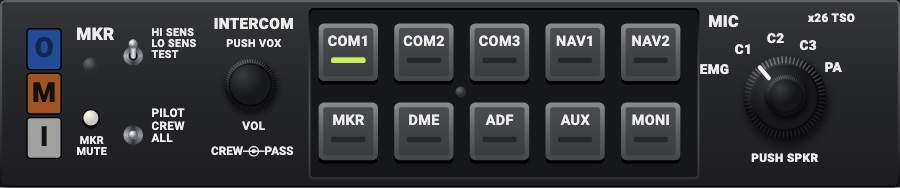
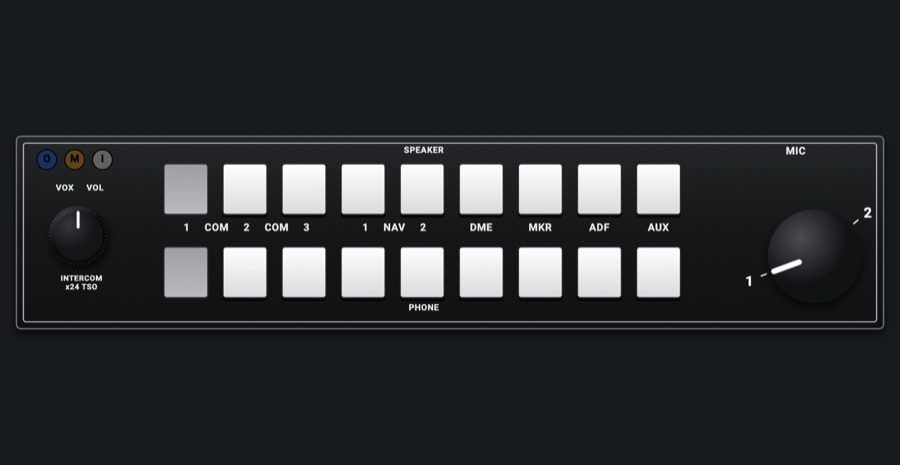
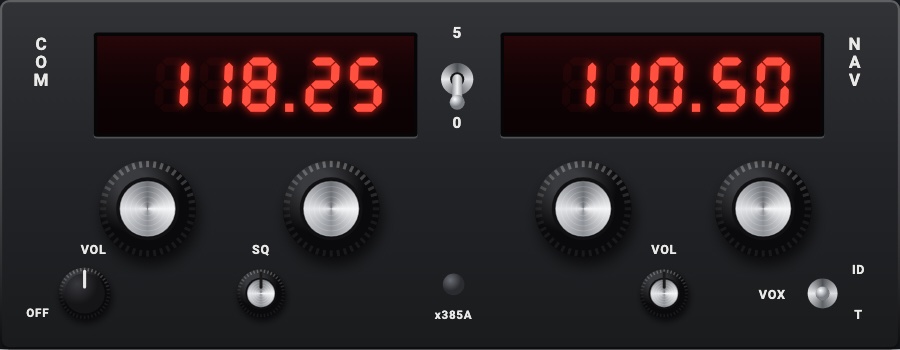
Marker beacon panel
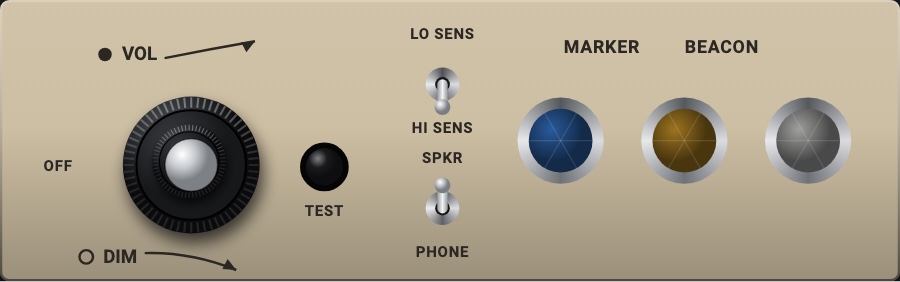
The 152's marker beacon panel on its beige faceplate: the three lamps (blue outer, amber middle, white inner) under MARKER BEACON, each lit while the simulator hears its marker; TEST lights all three. The VOL / DIM knob, the LO SENS / HI SENS and SPKR / PHONE toggles work as the real ones and say nothing to the simulator.
- Modeled on
- Cessna 152 marker beacon receiver panel (three lamps, VOL / DIM knob, TEST, sensitivity and speaker toggles)
- Category
- Radios and panels
- Size
- 2 × 1 cells
- Version
- 1.0 · 2026-10-19
- Plan
- Pro
- Simulators
- MSFS 2020 · MSFS 2024 · X-Plane 11 · X-Plane 12
Features
- Three lamps: blue for the outer marker, amber for the middle, white for the inner, lit while the simulator's receiver hears that marker
- TEST lights all three lamps while held
- VOL / DIM knob: the outer ring the volume with OFF at its stop (OFF: the lamps dark), the silver center the lamps brightness (DIM)
- LO SENS / HI SENS and SPKR / PHONE toggles clack between their positions; no simulator counterpart, as the volume and DIM
- Dark without avionics power; at night the faceplate and its controls take the red flood light (and the glareshield's warm light when its dimmer is up); the lamps keep their own colors
On the iPad
- Press and hold TEST to light the three lamps
- Drag round the knob: its outer ring the volume (down to OFF), its center the lamps brightness
- Tap a toggle (or swipe it) to flip it between its positions
- Long press to change or move the module
Simulator data
What the Hub reads from the simulator for this instrument, and what the instrument sends back. Names are the simulators' own: MSFS SimVars and events, X-Plane datarefs and commands.
Reads
| Value | MSFS | X-Plane |
|---|---|---|
| Marker beacon: 0 none, 1 outer, 2 middle, 3 inner (enum) | MARKER BEACON STATE (number) | sim/cockpit2/radios/indicators/outer_marker_litsim/cockpit2/radios/indicators/middle_marker_litsim/cockpit2/radios/indicators/inner_marker_lit |
Add-on aircraft with their own systems may use other variables; the Hub reads the standard ones.
Changes
The instrument's version counts what its faces share (the case, the mechanism, the data, the sounds); a face's own version counts that face alone.
- 1.0 2026-10-19
- First numbered version.