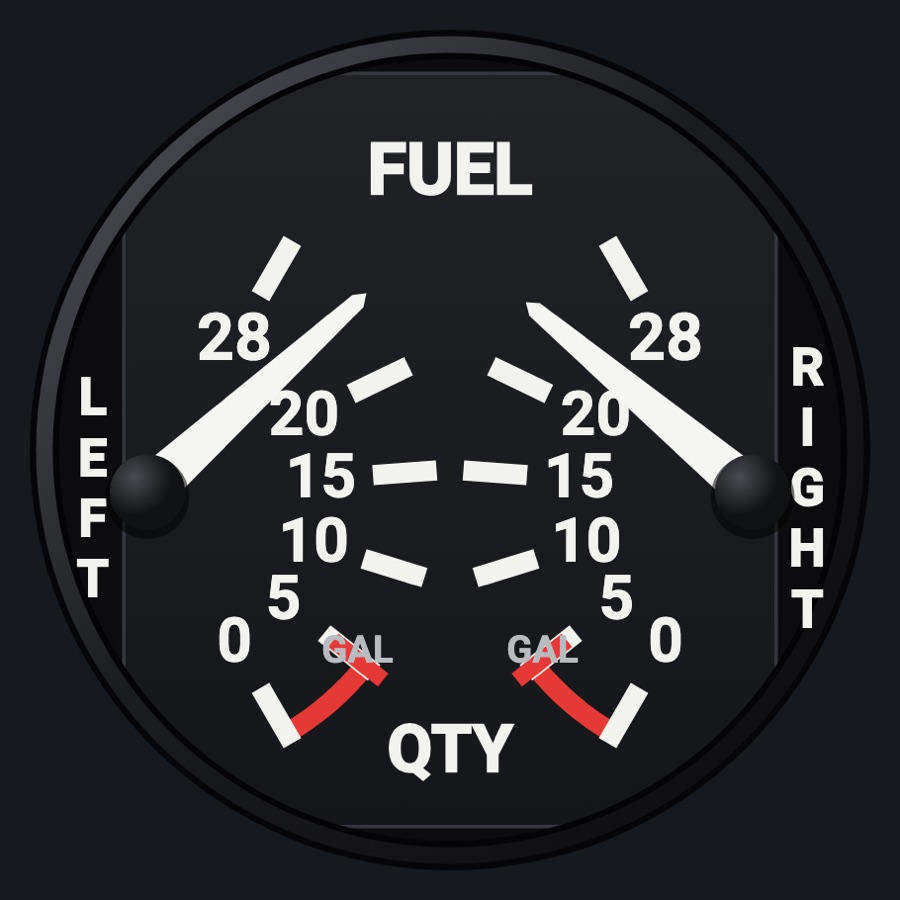
C172 fuel selector and shutoff
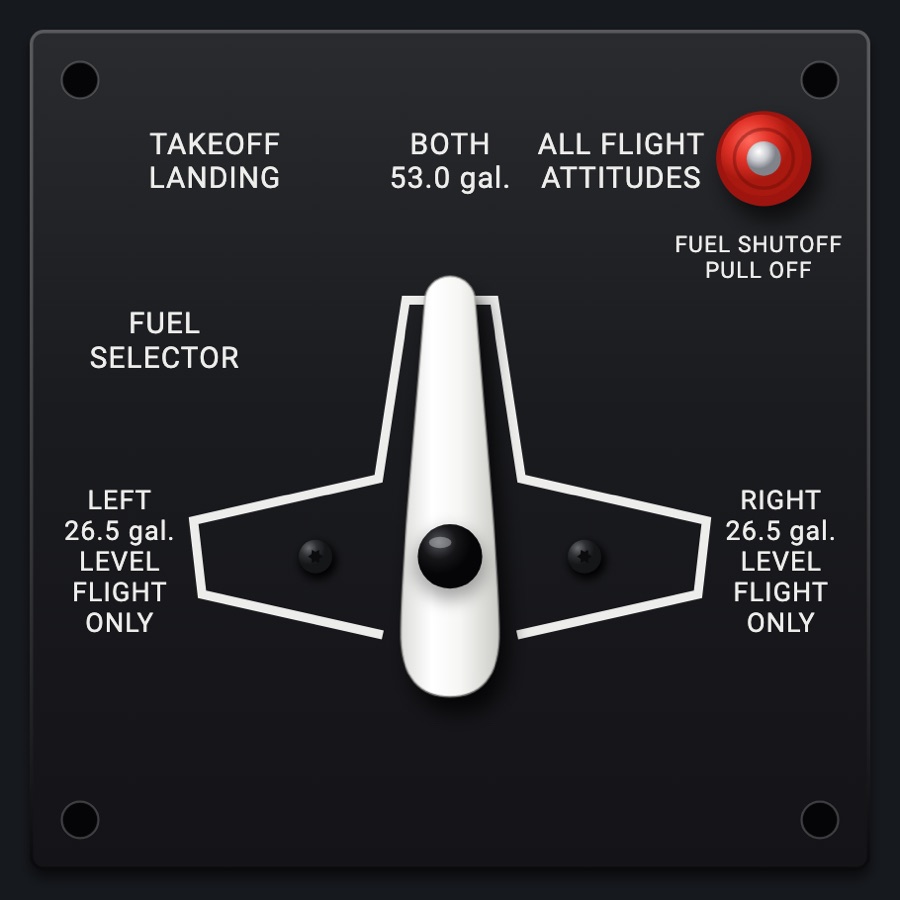
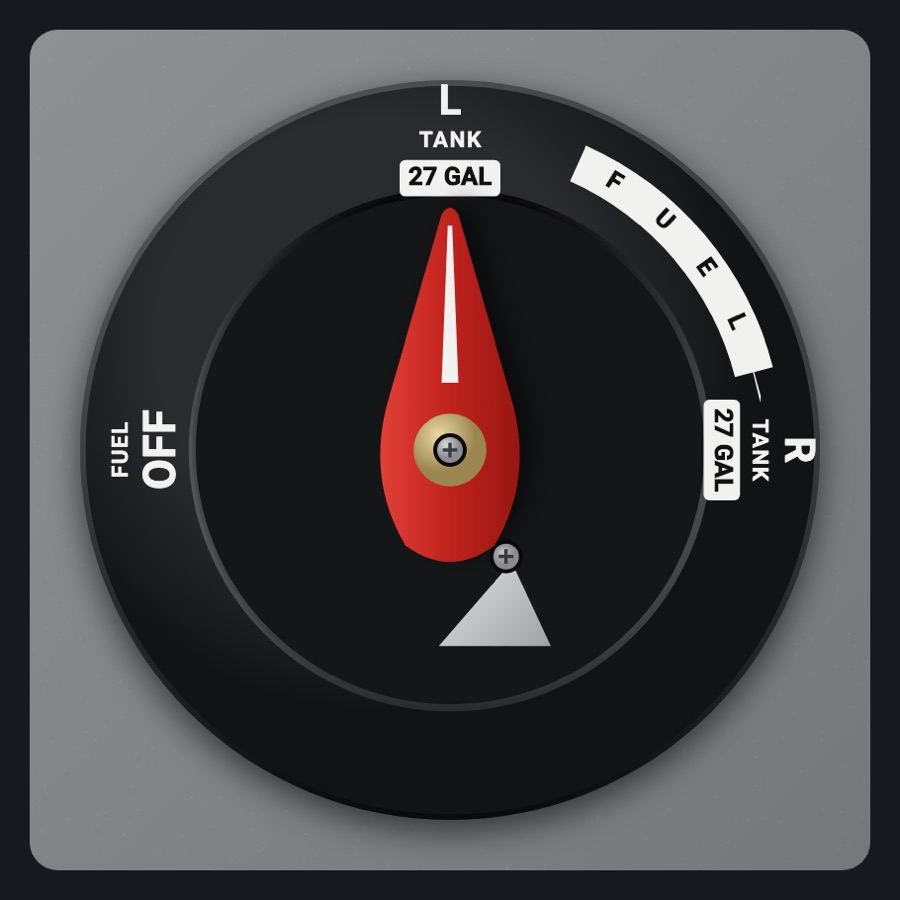
The 172's floor fuel selector plate with its white LEFT / BOTH / RIGHT lever and the red FUEL SHUTOFF knob. Turn the lever or touch a position to select tanks in the simulator, and push or pull the shutoff. Comes as a 1 x 1 or a roomier XL 2 x 1.
- Modeled on
- Cessna 172 fuel selector valve and FUEL SHUTOFF knob
- Category
- Airframe
- Size
- 1 cell
- Version
- 1.0 · 2026-10-19
- Plan
- Pro
- Simulators
- MSFS 2020 · MSFS 2024 · X-Plane 11 · X-Plane 12
Variants
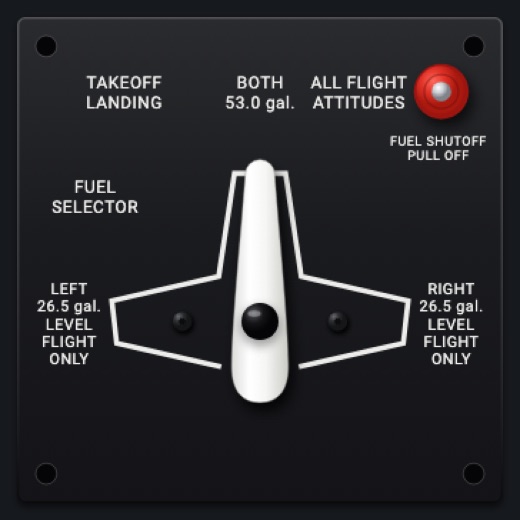
1 x 1v1.0
Selector and shutoff knob in one cell
Picker: SIZE > 1 × 1
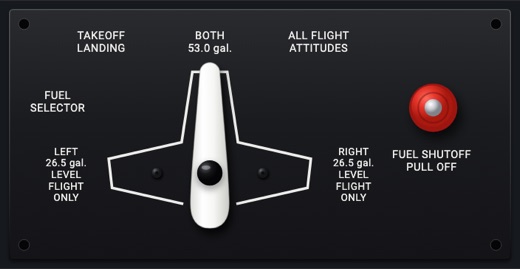
XL 2 x 1v1.0
The same plate stretched to fill two cells: a larger outline and lever (x1.32), a large shutoff knob on the right, bigger placards
Picker: SIZE > XL 2 × 1
Features
- The 172's plate: white outline, placards BOTH 53.0 gal. (TAKEOFF LANDING, ALL FLIGHT ATTITUDES), LEFT and RIGHT 26.5 gal. LEVEL FLIGHT ONLY, FUEL SELECTOR
- White plastic lever with a glossy black pivot cap and its shadow; it shows where the simulator's selector is
- Detents at LEFT, BOTH and RIGHT, each clicking (sound and haptic) as the lever reaches it
- Red FUEL SHUTOFF knob (PULL OFF): pulled, it stands out on its red shaft, larger with a longer shadow
- What you set is shown at once and held until the simulator agrees (or 2.5 s pass)
- No OFF position, as on the 172: if the simulator reports OFF the lever stays at its last tank
- At night the plate takes the panel's flood light
On the iPad
- Drag the lever around its pivot to turn it; release to select the nearest of LEFT, BOTH, RIGHT
- Tap anywhere toward a position to put the lever there
- Tap the red FUEL SHUTOFF knob to pull or push it; or swipe it down to pull (off) and up to push (on)
Settings
- Size: 1 × 1 or XL 2 × 1 (picker variant)
Simulator data
What the Hub reads from the simulator for this instrument, and what the instrument sends back. Names are the simulators' own: MSFS SimVars and events, X-Plane datarefs and commands.
Reads
| Value | MSFS | X-Plane |
|---|---|---|
| Fuel selector: 0 off, 1 left, 2 both, 3 right (enum (NaN: another kind)) | FUEL TANK SELECTOR:1 (enum) | sim/cockpit2/fuel/fuel_tank_selector |
| Fuel shutoff pulled (no fuel to the engine) (bool) | GENERAL ENG FUEL VALVE:1 (bool) | sim/cockpit2/fuel/firewall_closed_left |
Sends
| When you… | MSFS | X-Plane |
|---|---|---|
| Selecting a position: 1 LEFT, 2 BOTH, 3 RIGHT | FUEL_SELECTOR_OFFFUEL_SELECTOR_LEFTFUEL_SELECTOR_ALLFUEL_SELECTOR_RIGHT | sim/cockpit2/fuel/fuel_tank_selector |
| Tapping or swiping the shutoff knob: 1 pulled (off), 0 pushed in | TOGGLE_FUEL_VALVE_ENG1 | sim/fuel/fuel_firewall_valve_lft_opensim/fuel/fuel_firewall_valve_lft_closed |
Add-on aircraft with their own systems may use other variables; the Hub reads the standard ones.
Changes
The instrument's version counts what its faces share (the case, the mechanism, the data, the sounds); a face's own version counts that face alone.
- 1.0 2026-10-19
- First numbered version.