Heading
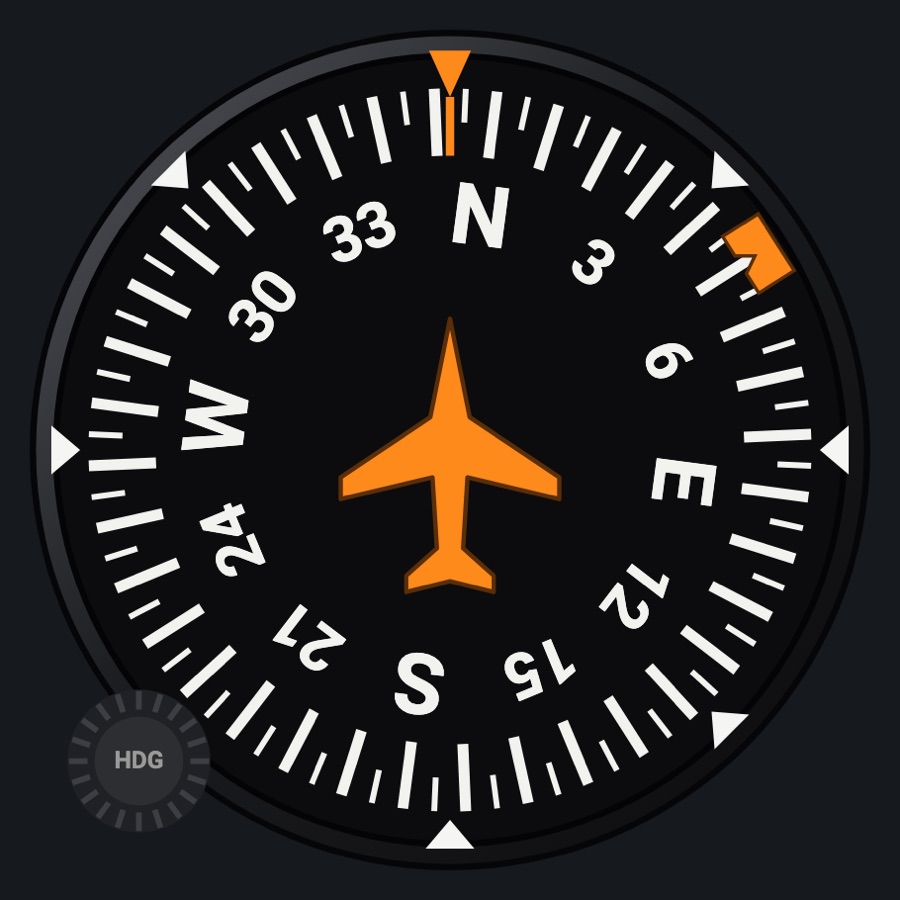
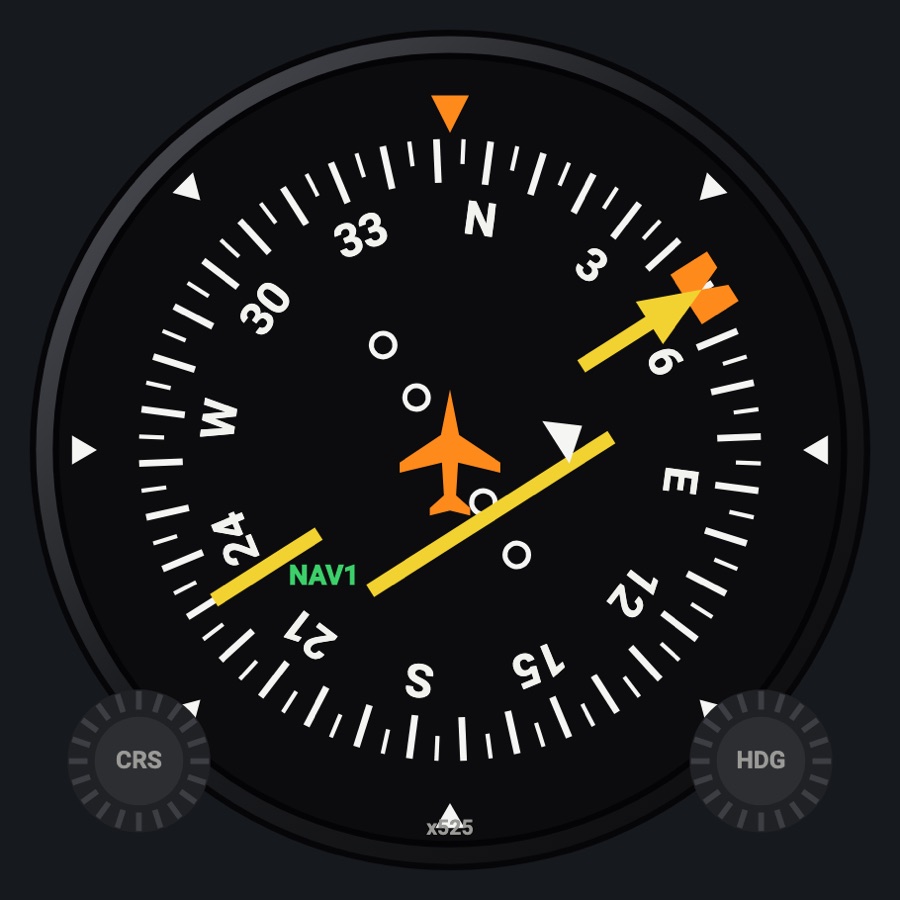
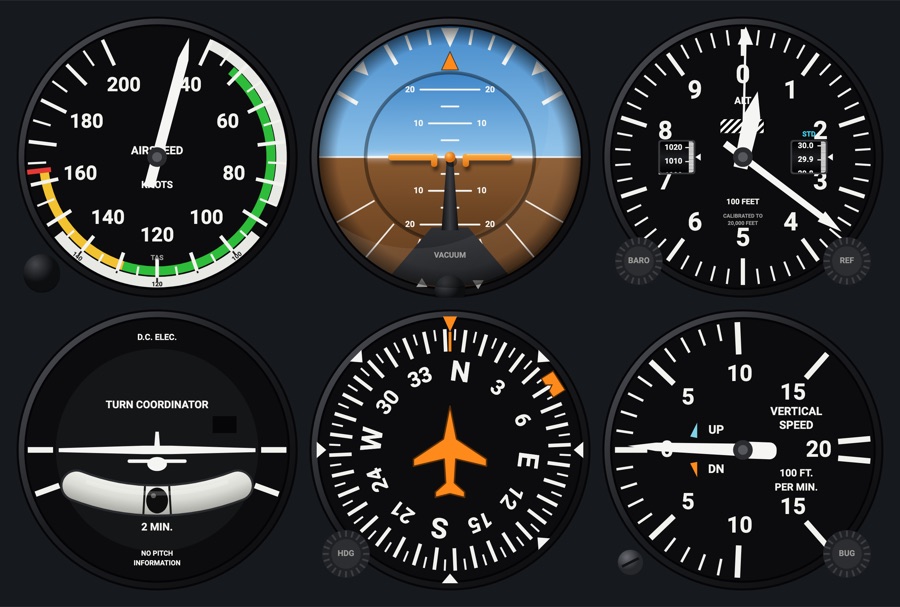
A directional gyro with an orange heading bug set with its HDG knob; the bug is the simulator's selected heading, so the autopilot follows it. The C172 vacuum gyro face adds the gyro's drift, a PUSH knob to turn the card or set it to the compass, and an OFF flag without suction.
- Modeled on
- Classic directional gyro (heading indicator) of a light aircraft; and X-Plane 12's C172 vacuum directional gyro
- Category
- Flight instruments
- Size
- 1 cell
- Version
- 1.0 · 2026-10-19
- Plan
- Free any two of the six-pack
- Simulators
- MSFS 2020 · MSFS 2024 · X-Plane 11 · X-Plane 12
Variants
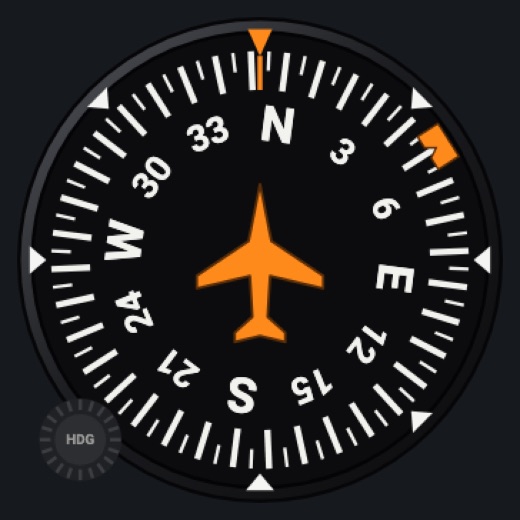
Heading indicatorv1.0
The card is the simulator's heading; one HDG knob (lower left) for the bug.
Instrument picker > FACE > Heading indicator
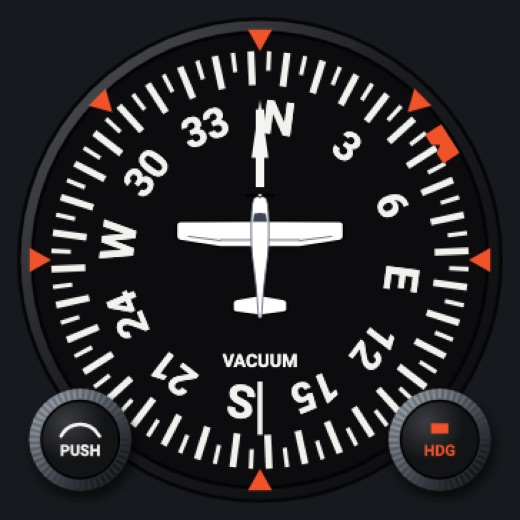
C172 vacuum gyrov1.0
X-Plane 12's 172 directional gyro: a black card under a white aircraft with the 172 seen from above, VACUUM, an OFF flag, its own drift; PUSH knob (lower left) for the card, HDG knob (lower right) for the bug.
FACE > C172 vacuum gyro
Features
- Compass card with 5-degree marks, numbers every 30 degrees and N/E/S/W; orange heading bug on the card (the simulator's selected heading)
- Heading indicator face: the card is the simulator's heading; orange lubber line, 45-degree marks on the case, fixed airplane symbol
- C172 vacuum gyro face: black card turning under a white aircraft (nose line up, tail line down) and the 172 seen from above; orange marks every 45 degrees on the case; knurled PUSH and HDG knobs
- C172 vacuum gyro drift: with Hub 0.4.27 it shows the simulator's own vacuum gyro (its drift and setting); otherwise the card precesses about 3 degrees in 15 minutes until set to the compass
- C172 vacuum gyro: red OFF flag and a stopped card without suction (below 3 inHg); it carries on from where it stopped when suction returns
- HDG sync (double tap on the classic face's knob, or mapped 'Heading bug sync') sends hdgSync: the Hub also sets the simulator's directional gyro to the compass before putting the bug on the heading
- Red X across the face when its data is missing or stale, instead of a believable wrong reading
- Night lighting: the face takes the panel's red flood light, the glareshield's warm light from above (stronger for instruments higher on the page) and its own light, a lamp hidden at the top of the case lighting the dial downward (Settings > Dimmers: Red flood light, Glareshield, Instruments (analog))
On the iPad
- Heading indicator: drag the HDG knob (lower left) up or down to move the heading bug (a degree per 9 px); double tap it to set the bug to the current heading
- C172 vacuum gyro: drag the PUSH knob (lower left) to turn the card a degree per 9 px (the simulator's gyro when the Hub sends it, otherwise the card in the app); double tap it to set the card to the magnetic compass
- C172 vacuum gyro: drag the HDG knob (lower right) to move the bug; double tap it to put the bug on the heading the card shows (the gyro left alone)
- Tap elsewhere on the face to change the instrument
Settings
- Face: Heading indicator / C172 vacuum gyro (instrument picker)
Keys and controllers
Map any of these to a key, a game controller's button or axis, or a MIDI knob (how):
- Heading bug +
- Heading bug -
- Heading bug sync
- Course +
- Course -
- Course sync
Simulator data
What the Hub reads from the simulator for this instrument, and what the instrument sends back. Names are the simulators' own: MSFS SimVars and events, X-Plane datarefs and commands.
Reads
| Value | MSFS | X-Plane |
|---|---|---|
| Heading (glass AHRS heading, else magnetic heading) (deg magnetic) | HEADING INDICATOR (degrees) | sim/cockpit2/gauges/indicators/heading_AHARS_deg_mag_pilotsim/flightmodel/position/mag_psi |
| Heading bug (deg) | AUTOPILOT HEADING LOCK DIR (degrees) | sim/cockpit2/autopilot/heading_dial_deg_mag_pilot |
| Vacuum gyro (directional gyro) heading, with its drift and setting (deg magnetic) | HEADING INDICATOR (degrees) | sim/cockpit2/gauges/indicators/heading_vacuum_deg_mag_pilot |
| Vacuum / suction (inHg) | SUCTION PRESSURE (inHg) | sim/cockpit/misc/vacuum |
| Magnetic (whiskey) compass, with its errors (deg) | WISKEY COMPASS INDICATION DEGREES (degrees) | sim/cockpit2/gauges/indicators/compass_heading_deg_mag |
Sends
| When you… | MSFS | X-Plane |
|---|---|---|
| Dragging the HDG knob (either face), double tap on the vacuum gyro's HDG knob (the difference to the card's heading), or mapped 'Heading bug +' / '-' | HEADING_BUG_SET | sim/cockpit2/autopilot/heading_dial_deg_mag_pilot |
| Double tap on the classic face's HDG knob, or mapped 'Heading bug sync'; the Hub also sets the simulator's own directional gyro to the compass first (X-Plane DG_sync_mag, MSFS HEADING_GYRO_SET) | HEADING_GYRO_SETHEADING_BUG_SET | sim/instruments/DG_sync_magsim/cockpit2/autopilot/heading_dial_deg_mag_pilot |
| Dragging the vacuum gyro's PUSH knob while the Hub sends the simulator's gyro heading (dgHdg) | GYRO_DRIFT_INCGYRO_DRIFT_DEC | sim/instruments/DG_sync_upsim/instruments/DG_sync_down |
| Double tap on the vacuum gyro's PUSH knob while the Hub sends the simulator's gyro heading | HEADING_GYRO_SET | sim/instruments/DG_sync_mag |
| Mapped 'Course +' / 'Course -' only | VOR1_SET | sim/cockpit2/radios/actuators/nav1_obs_deg_mag_pilotsim/cockpit2/radios/actuators/hsi_obs_deg_mag_pilot (also, when HSI_source_select_pilot == 0) |
| Mapped 'Course sync' only | VOR1_SET | sim/cockpit2/radios/actuators/nav1_obs_deg_mag_pilotsim/cockpit2/radios/actuators/hsi_obs_deg_mag_pilot (when HSI shows NAV1) |
Add-on aircraft with their own systems may use other variables; the Hub reads the standard ones.
Changes
The instrument's version counts what its faces share (the case, the mechanism, the data, the sounds); a face's own version counts that face alone.
- 1.0 2026-10-19
- First numbered version.