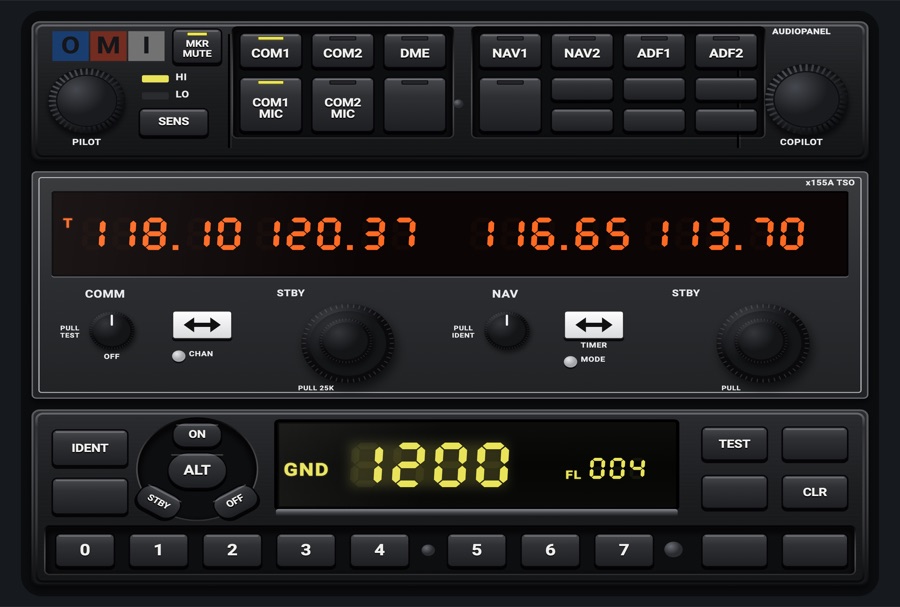
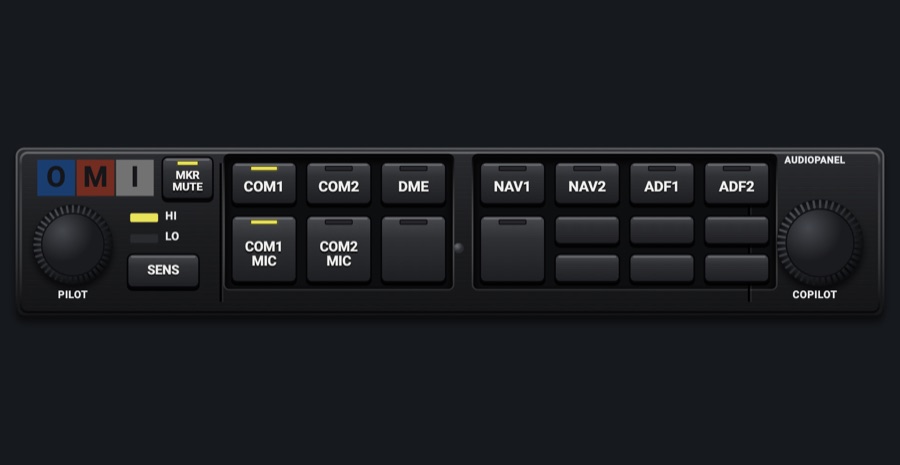
KMA 24-style audio panel
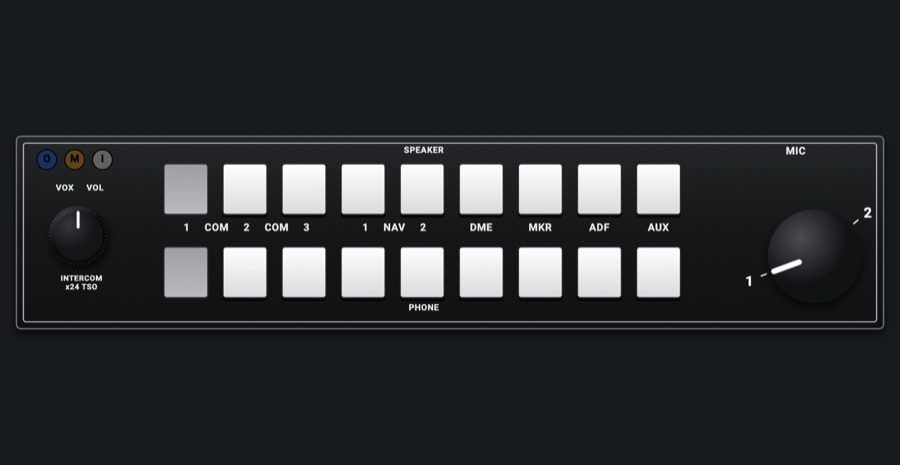
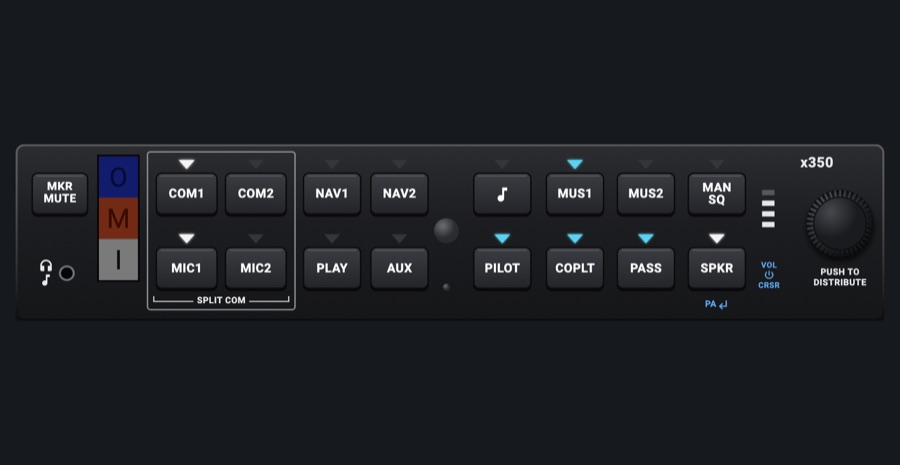
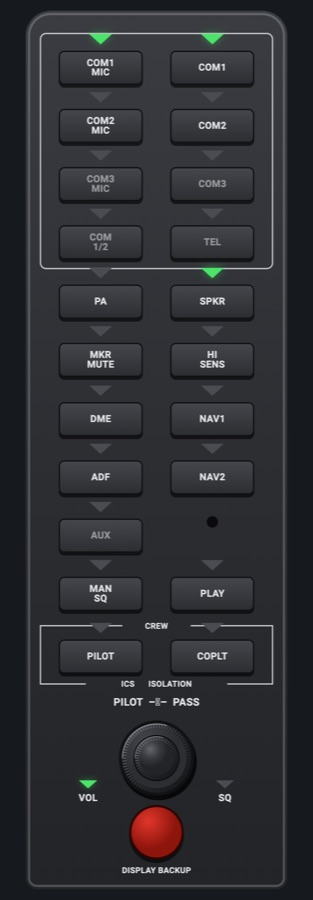
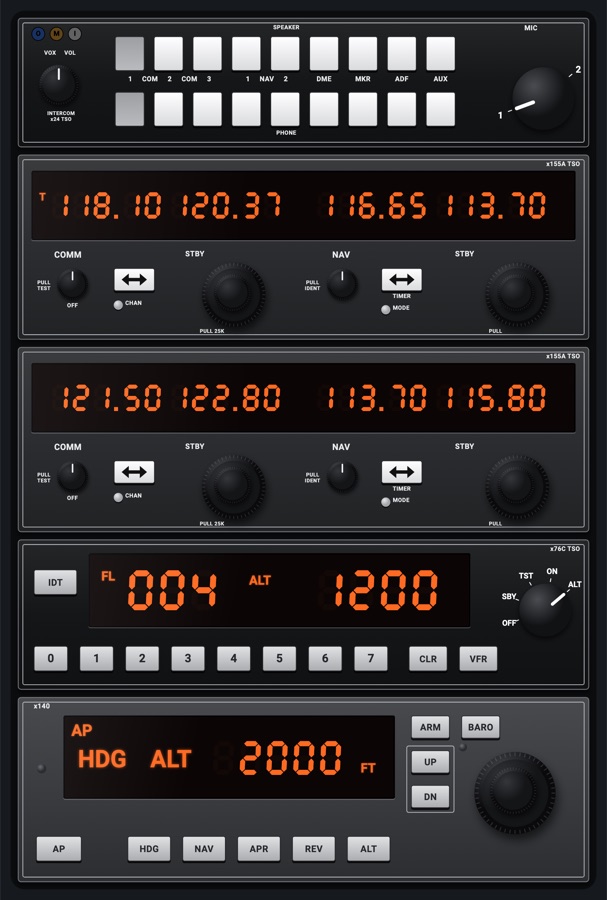
A classic Bendix/King-style audio panel: SPEAKER and PHONE rows of push switches for the COMs, NAVs, DME, MKR and ADF, the MIC selector knob and the marker beacon lamps. The switches drive the simulator's audio panel.
- Modeled on
- Bendix/King KMA 24-style audio panel
- Category
- Radios and panels
- Size
- 2 × 1 cells
- Version
- 1.0 · 2026-10-19
- Plan
- Pro
- Simulators
- MSFS 2020 · MSFS 2024 · X-Plane 11 · X-Plane 12
Features
- Push switches for COM 1, COM 2, NAV 1, NAV 2, DME, MKR, ADF, shown pressed in when on
- SPEAKER and PHONE rows act the same (the simulator has one audio path)
- MIC selector knob: 1 or 2
- Marker lamps O (blue), M (amber), I (white) lit at the beacons
- COM 3 and AUX switches and the intercom knob are drawn but inert
- At night the faceplate, keys and knobs take the red flood light while the display keeps its own colors, dimmed; the glareshield's warm light falls on the faceplate too when its dimmer is up (Settings > Dimmers > Glareshield, off by default)
On the iPad
- Tap a switch (either row) to toggle that audio
- Tap the MIC knob for the other COM, or drag around it
Keys and controllers
Map any of these to a key, a game controller's button or axis, or a MIDI knob (how):
- Transmit on COM 1
- Transmit on COM 2
- Audio NAV 1
- Audio NAV 2
- Audio DME
- Audio ADF
- Audio MKR
Simulator data
What the Hub reads from the simulator for this instrument, and what the instrument sends back. Names are the simulators' own: MSFS SimVars and events, X-Plane datarefs and commands.
Reads
| Value | MSFS | X-Plane |
|---|---|---|
| Audio panel keys lit, one bit each (AudioBit: nav1, nav2, dme, adf, mkr, spkr) (bitfield) | NAV SOUND:1 (bool)NAV SOUND:2 (bool)DME SOUND (bool)ADF SOUND:1 (bool)MARKER SOUND (bool)SPEAKER ACTIVE (bool) | sim/cockpit2/radios/actuators/audio_selection_nav1sim/cockpit2/radios/actuators/audio_selection_nav2sim/cockpit2/radios/actuators/audio_dme_enabledsim/cockpit2/radios/actuators/audio_selection_adf1sim/cockpit2/radios/actuators/audio_marker_enabled |
| COM transmitting: 1, 2, 0 none (enum) | COM TRANSMIT:1 (bool)COM TRANSMIT:2 (bool) | sim/cockpit2/radios/actuators/audio_com_selection |
| Marker beacon: 0 none, 1 outer, 2 middle, 3 inner (enum) | MARKER BEACON STATE (number) | sim/cockpit2/radios/indicators/outer_marker_litsim/cockpit2/radios/indicators/middle_marker_litsim/cockpit2/radios/indicators/inner_marker_lit |
| COM1 heard (1/0) (bool) | COM RECEIVE:1 (bool) | sim/cockpit2/radios/actuators/audio_selection_com1 |
| COM2 heard (1/0) (bool) | COM RECEIVE:2 (bool) | sim/cockpit2/radios/actuators/audio_selection_com2 |
Sends
| When you… | MSFS | X-Plane |
|---|---|---|
| COM 1 / COM 2 switches (hear or stop hearing) | COM1_RECEIVE_SELECTCOM2_RECEIVE_SELECT | sim/cockpit2/radios/actuators/audio_selection_com1sim/cockpit2/radios/actuators/audio_selection_com2 |
| NAV 1, NAV 2, DME, MKR, ADF switches | RADIO_VOR1_IDENT_TOGGLERADIO_VOR2_IDENT_TOGGLERADIO_DME1_IDENT_TOGGLERADIO_ADF_IDENT_TOGGLEMARKER_SOUND_TOGGLETOGGLE_SPEAKER | sim/cockpit2/radios/actuators/audio_selection_nav1sim/cockpit2/radios/actuators/audio_selection_nav2sim/cockpit2/radios/actuators/audio_dme_enabledsim/cockpit2/radios/actuators/audio_selection_adf1sim/cockpit2/radios/actuators/audio_marker_enabled |
| MIC selector knob | COM1_TRANSMIT_SELECTCOM2_TRANSMIT_SELECT | sim/cockpit2/radios/actuators/audio_com_selection (6 = COM1, 7 = COM2) |
Add-on aircraft with their own systems may use other variables; the Hub reads the standard ones.
Changes
The instrument's version counts what its faces share (the case, the mechanism, the data, the sounds); a face's own version counts that face alone.
- 1.0 2026-10-19
- First numbered version.