Tachometer
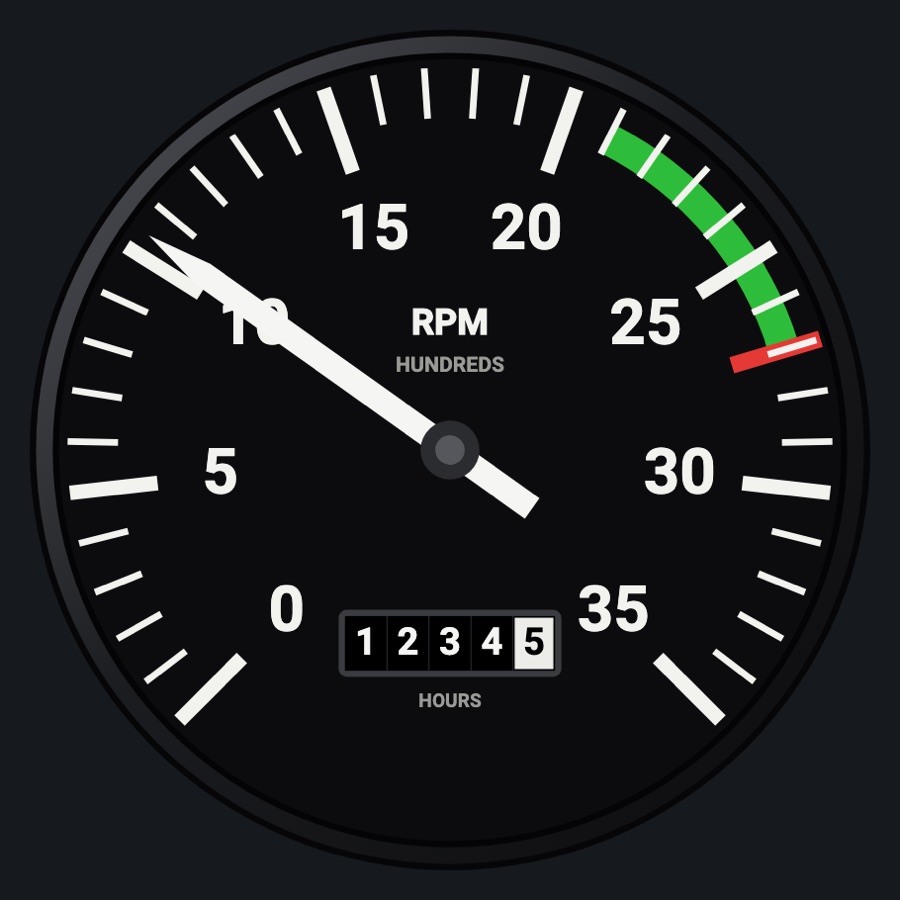
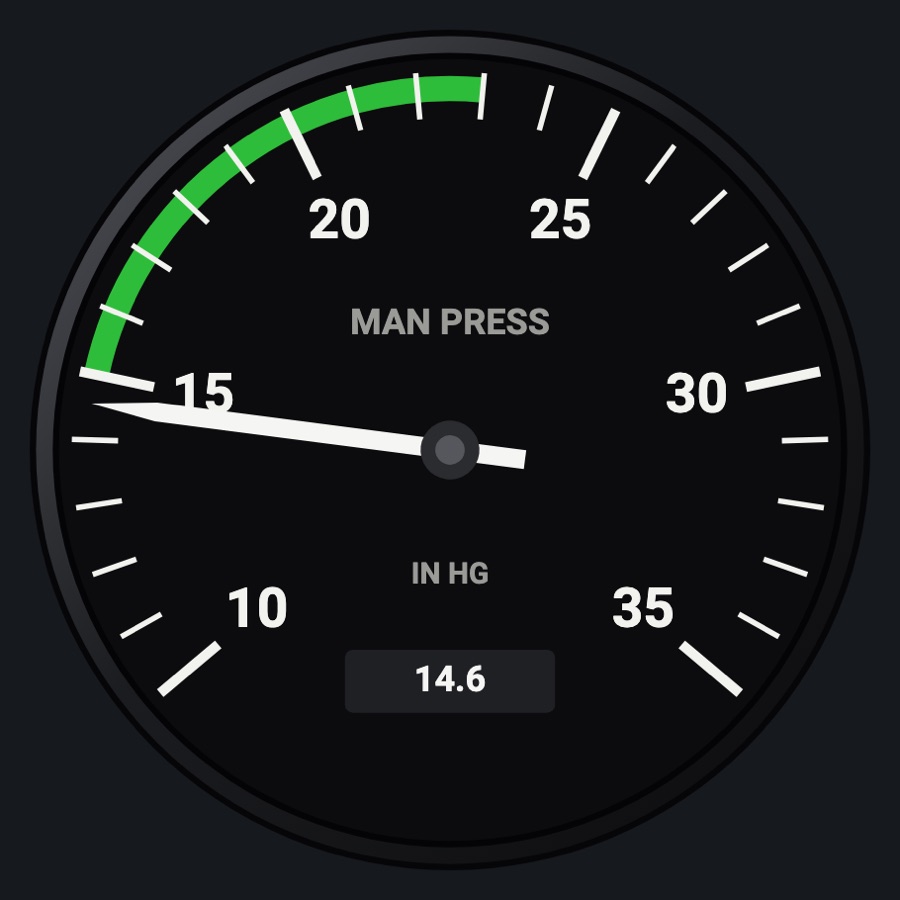
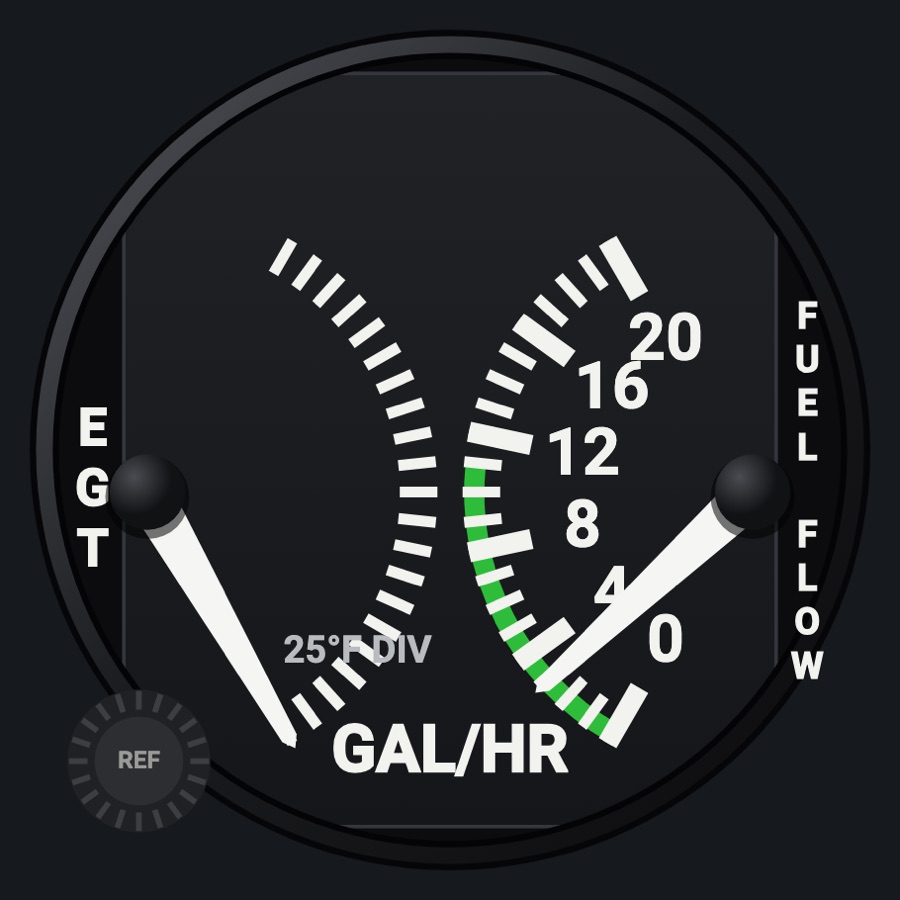
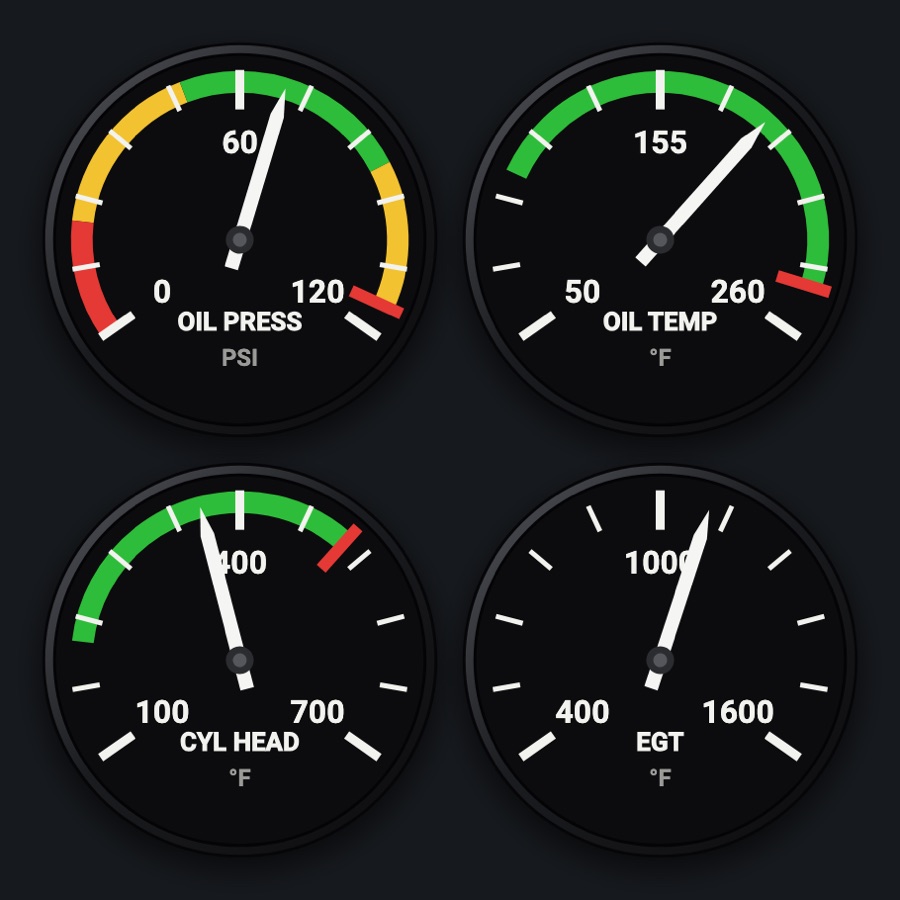
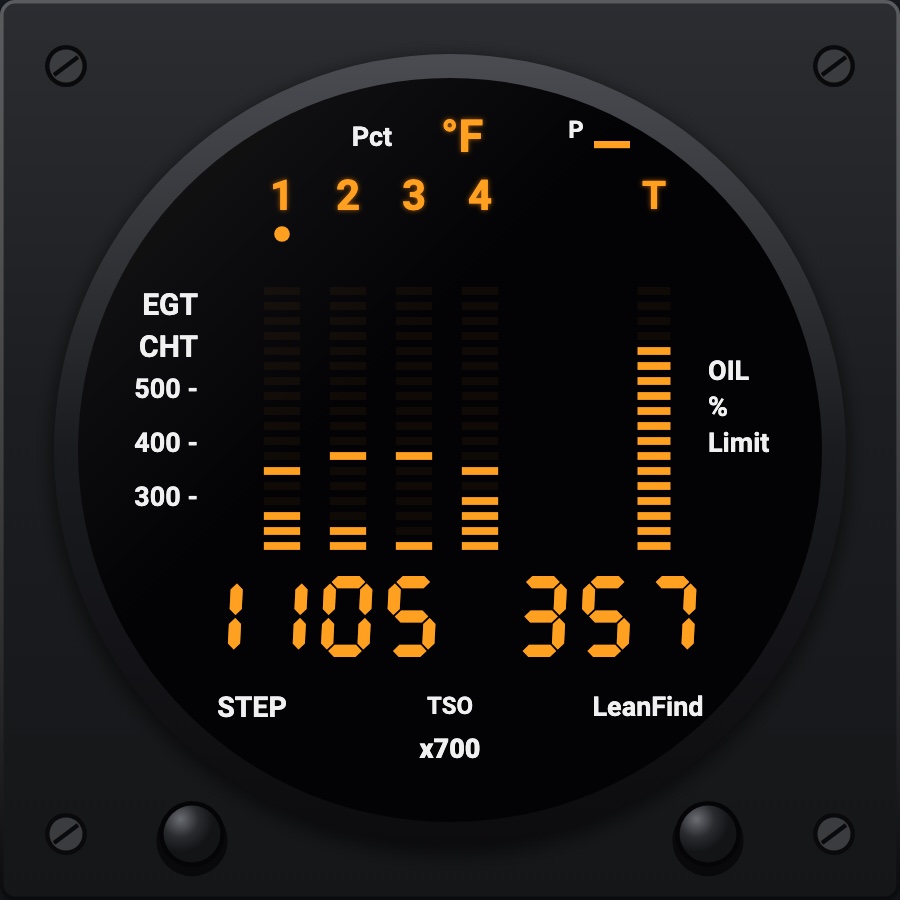
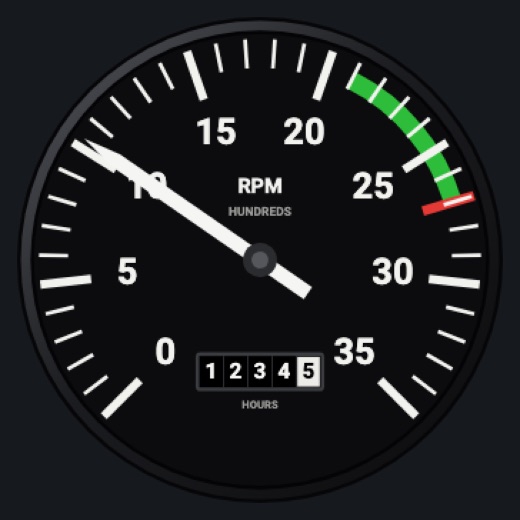
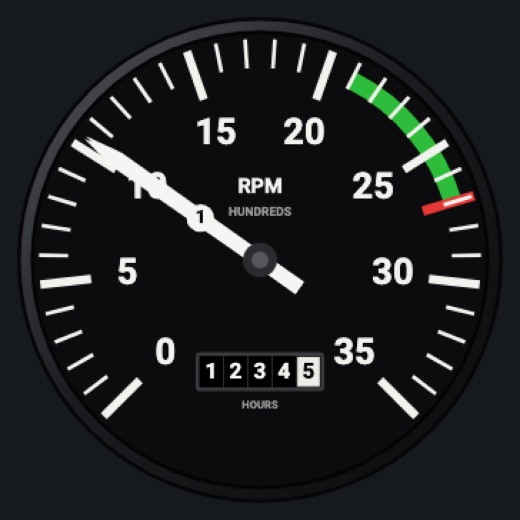
A round tachometer reading 0 to 3,500 RPM, with the green arc and red line of the loaded aircraft and a rolling hour meter (tach time) at the bottom. On a twin it can show engine 1, engine 2, or both engines as a dual gauge with two numbered needles, as on a Baron's panel.
- Modeled on
- Classic round light-aircraft tachometer (RPM in hundreds, with a recording hour meter)
- Category
- Engine and systems
- Size
- 1 cell
- Version
- 1.0 · 2026-10-19
- Plan
- Pro
- Simulators
- MSFS 2020 · MSFS 2024 · X-Plane 11 · X-Plane 12
Variants
Engine 1v1.0
Twin only: the left engine's RPM and tach hours
Picker, ENGINE: Engine 1 (shown when the aircraft is a twin)
Engine 2v1.0
Twin only: the right engine's RPM and tach hours (rpm2, tachHours2)
Picker, ENGINE: Engine 2
Bothv1.0
Twin only: one dial with two needles, numbered 1 and 2 near their tips (engine 2's under engine 1's)
Picker, ENGINE: Both
Features
- 0 to 35 hundred RPM over three quarters of a turn, a long white needle with its counterweight
- Green arc (and yellow, where the profile has one) and the red line from the aircraft profile
- Hour meter: four digits and a white tenths wheel that rolls, from the simulator's engine running time
- Twin: a dual-needle face for both engines, needles numbered 1 and 2
- Realistic needles (Settings): spring overshoot and engine vibration on the needle
- Red X over the face when the RPM value is missing or stale
- Night lighting: the face takes the panel's red flood light, the glareshield's warm light from above (stronger for instruments higher on the page) and its own light, a lamp hidden at the top of the case lighting the dial downward (Settings > Dimmers: Red flood light, Glareshield, Instruments (analog))
Your aircraft: The green/yellow arcs and the red line come from the aircraft's engine limits (e.g. C172SP green 2100-2700, red line 2700; TSIO-520 profiles a yellow band and 2600 red line). Twins get the Engine 1 / Engine 2 / Both choice. A generic profile (an aircraft the Hub doesn't know) gets wide default scales with no bands or red lines (0-3,000 RPM).
On the iPad
- No knobs: a tap on the face asks to change the instrument
Settings
- ENGINE (twin aircraft only): Engine 1, Engine 2, Both
- Global: Realistic needles (Off, Light, Normal, Strong) affects its needle
Simulator data
What the Hub reads from the simulator for this instrument, and what the instrument sends back. Names are the simulators' own: MSFS SimVars and events, X-Plane datarefs and commands.
Reads
| Value | MSFS | X-Plane |
|---|---|---|
| Engine RPM, engine 1 (rpm) | GENERAL ENG RPM:1 (rpm) | sim/cockpit2/engine/indicators/engine_speed_rpm[0] |
| Engine 1 running time (tach hour meter) (h) | GENERAL ENG ELAPSED TIME:1 (hours) | sim/time/hobbs_time |
| RPM, engine 2 (rpm) | GENERAL ENG RPM:2 (rpm) | sim/cockpit2/engine/indicators/engine_speed_rpm[1] |
| Engine 2 running time (tach hour meter) (h) | GENERAL ENG ELAPSED TIME:2 (hours) | sim/time/hobbs_timesim/aircraft/engine/acf_num_engines |
Add-on aircraft with their own systems may use other variables; the Hub reads the standard ones.
Changes
The instrument's version counts what its faces share (the case, the mechanism, the data, the sounds); a face's own version counts that face alone.
- 1.0 2026-10-19
- First numbered version.