C172 trim wheel, standing
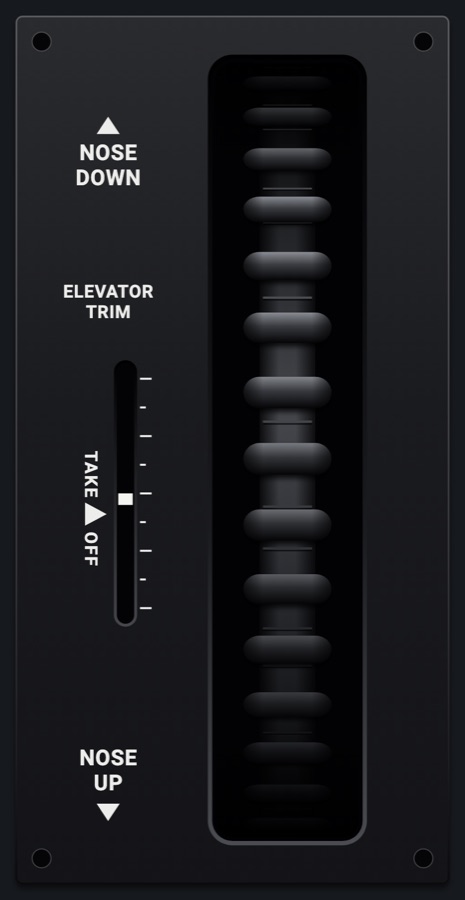
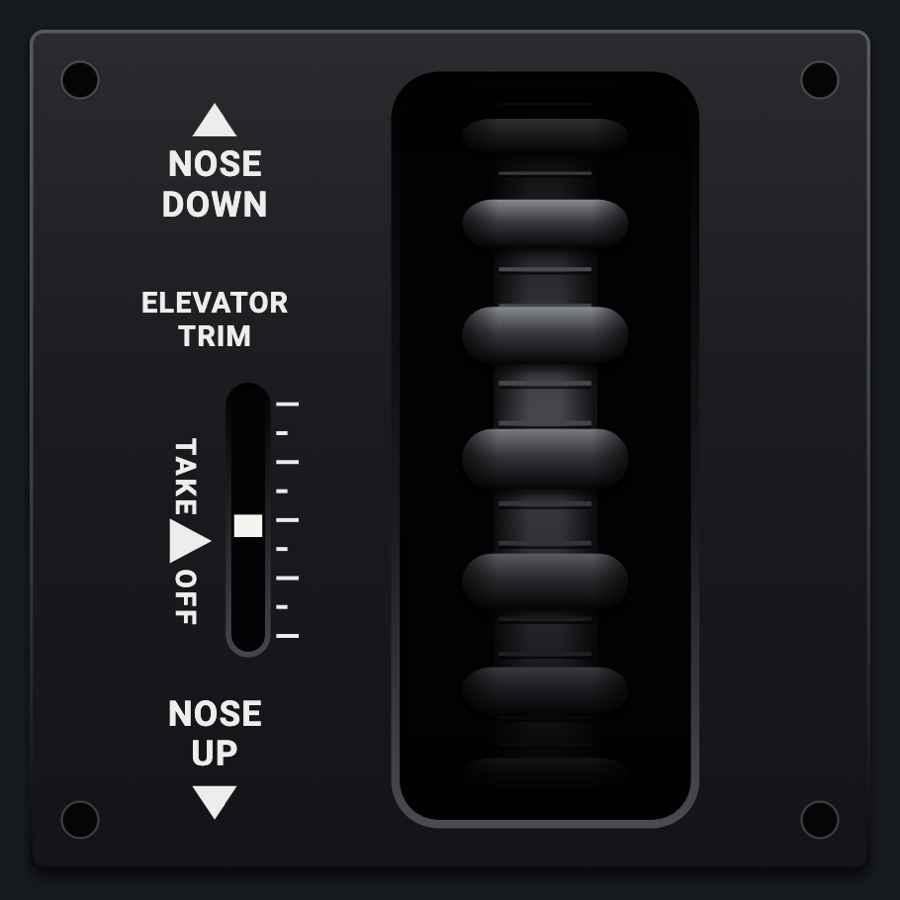
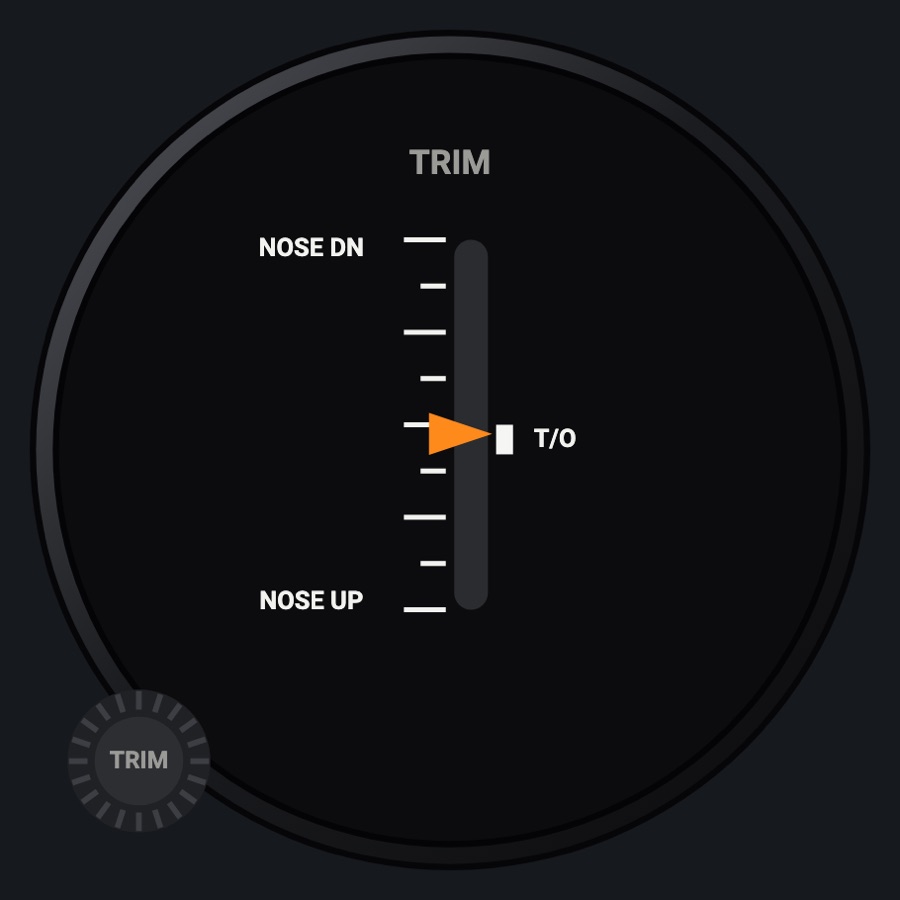
The 172's elevator trim wheel standing in its pedestal slot, with its position indicator and TAKE OFF mark beside it. Roll the wheel on the iPad to trim the simulator's elevator; the indicator follows the simulator's trim. It is the tall (1 x 2) size of the C172 trim wheel.
- Modeled on
- Cessna 172 pedestal elevator trim wheel
- Category
- Airframe
- Size
- 1 × 2 cells
- Version
- 1.0 · 2026-10-19
- Plan
- Pro
- Simulators
- MSFS 2020 · MSFS 2024 · X-Plane 11 · X-Plane 12
Variants
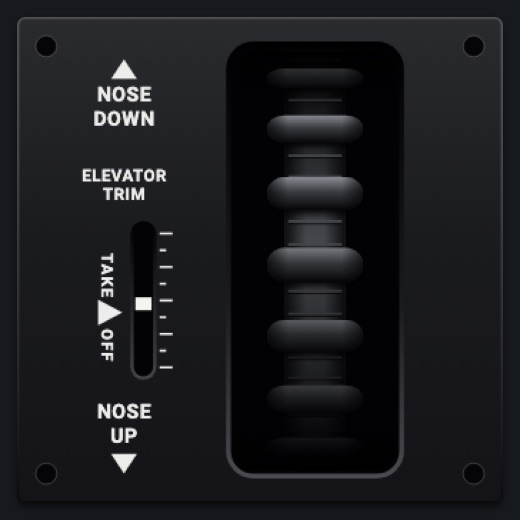
1 x 1v1.0
The same wheel and indicator in a single cell (shorter slot)
Picker: SIZE > 1 × 1
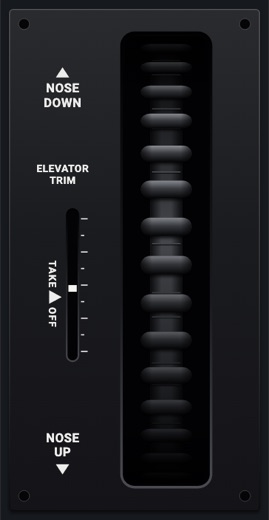
Standing 1 x 2v1.0
The wheel standing in a tall slot, larger placards
Picker: SIZE > Standing 1 × 2
Features
- The wheel drawn through its slot: a ribbed rim with round knobs that crowd and foreshorten as they curve away, shaded where it enters the pedestal
- The wheel turns as you drag it and settles at the simulator's trim (4 degrees of wheel per 1 % of trim)
- Indicator slot with nine marks and a white tab showing the simulator's elevator trim (nose up: down the slot)
- TAKE ▶ OFF mark a little nose-up of neutral
- NOSE DOWN / NOSE UP placards with arrows and the ELEVATOR TRIM label
- A tick sound and a haptic click for every 1 % of trim sent
- The indicator tab hides when the simulator sends no trim value; the wheel still works
- At night the plate takes the panel's flood light
On the iPad
- Drag the wheel down for nose up, up for nose down: every 5 design pixels of drag sends 1 % of trim
Settings
- Size: 1 × 1 or Standing 1 × 2 (picker variant)
Keys and controllers
Map any of these to a key, a game controller's button or axis, or a MIDI knob (how):
- Elevator trim (nose up +) +
- Elevator trim (nose up +) -
Simulator data
What the Hub reads from the simulator for this instrument, and what the instrument sends back. Names are the simulators' own: MSFS SimVars and events, X-Plane datarefs and commands.
Reads
| Value | MSFS | X-Plane |
|---|---|---|
| Elevator trim, -1..1, + nose up | ELEVATOR TRIM PCT (percent over 100) | sim/cockpit2/controls/elevator_trim |
Sends
| When you… | MSFS | X-Plane |
|---|---|---|
| Dragging the wheel: +1 per 1 % nose up (drag down), -1 per 1 % nose down (drag up) | ELEVATOR_TRIM_SET | sim/cockpit2/controls/elevator_trim |
Add-on aircraft with their own systems may use other variables; the Hub reads the standard ones.
Changes
The instrument's version counts what its faces share (the case, the mechanism, the data, the sounds); a face's own version counts that face alone.
- 1.0 2026-10-19
- First numbered version.