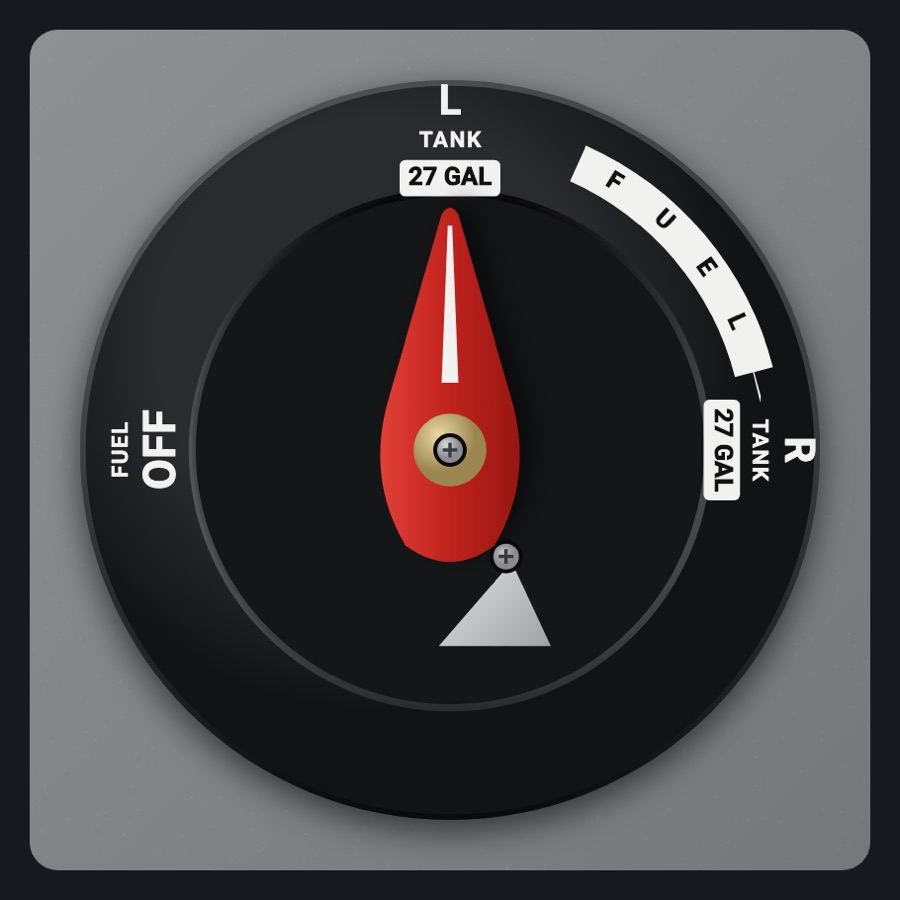
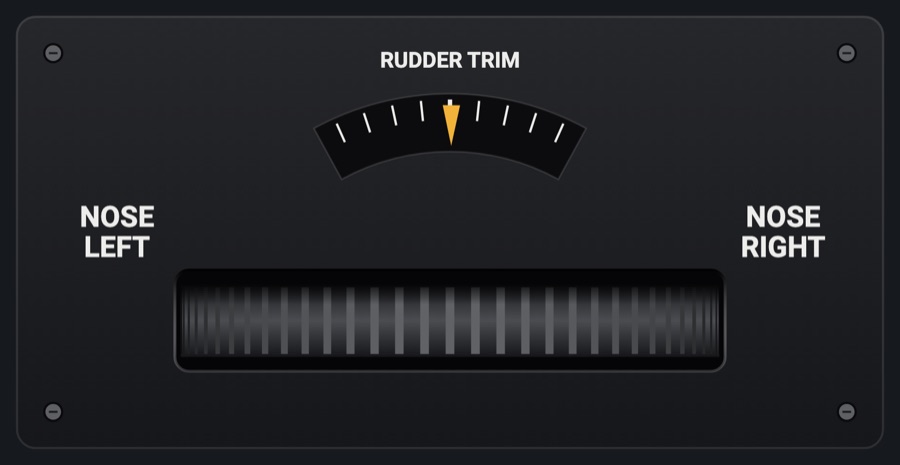
CAPS parachute handle
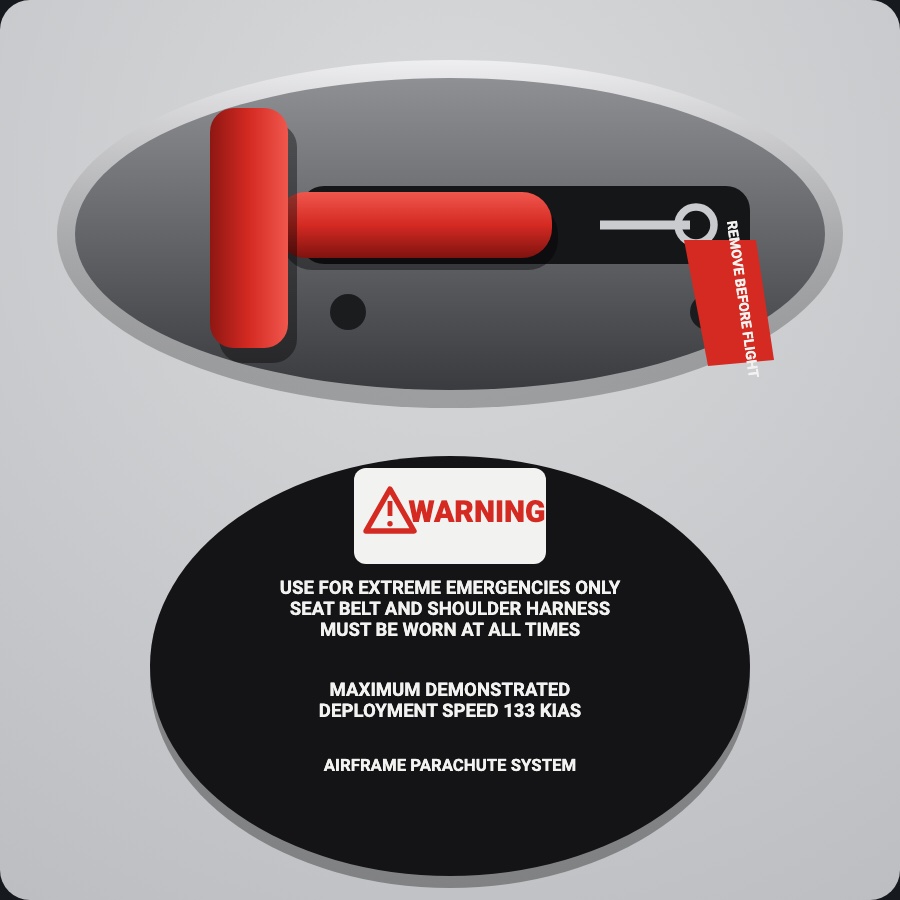
The Cirrus parachute's red T-handle in its headliner recess, with the safety pin and REMOVE BEFORE FLIGHT flag and the WARNING placard. Take the pin out and pull the handle down hard to see CAPS ACTIVATED. It only shows: the simulators have no parachute, so nothing is sent.
- Modeled on
- Cirrus SR22 CAPS (Cirrus Airframe Parachute System) handle
- Category
- Airframe
- Size
- 1 cell
- Version
- 1.0 · 2026-10-19
- Plan
- Pro
- Simulators
- MSFS 2020 · MSFS 2024 · X-Plane 11 · X-Plane 12
Features
- Headliner recess with the red handle in its black holder and the WARNING placard (extreme emergencies only, 133 KIAS max demonstrated deployment)
- Safety pin with its red REMOVE BEFORE FLIGHT flag, removable and replaceable
- With the pin in, the handle won't move (a clack if you pull)
- Pulling draws the handle out on its cable; a full pull fires with a warning sound and heavy haptic and a red CAPS ACTIVATED band
- Let go before the end and the handle returns
- At night it takes the panel's flood light
On the iPad
- Tap the pin to take it out (or put it back)
- Drag the handle down, a long pull, to fire it
- Long-press the fired handle to stow it again
Changes
The instrument's version counts what its faces share (the case, the mechanism, the data, the sounds); a face's own version counts that face alone.
- 1.0 2026-10-19
- First numbered version.