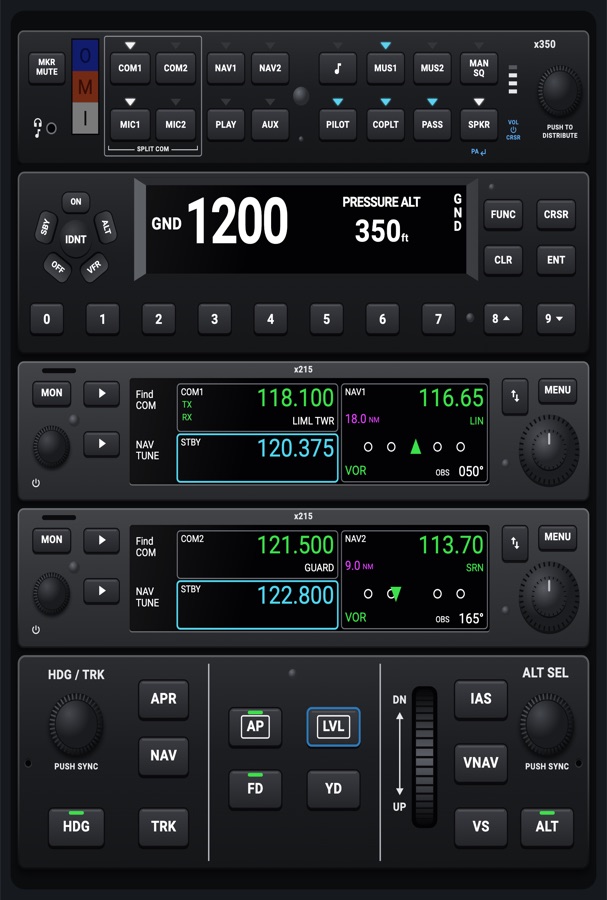
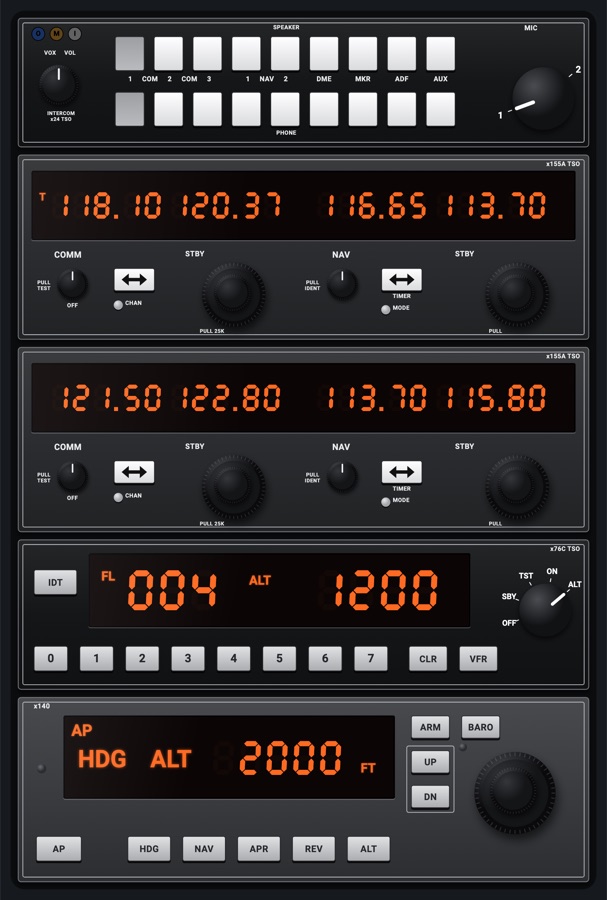
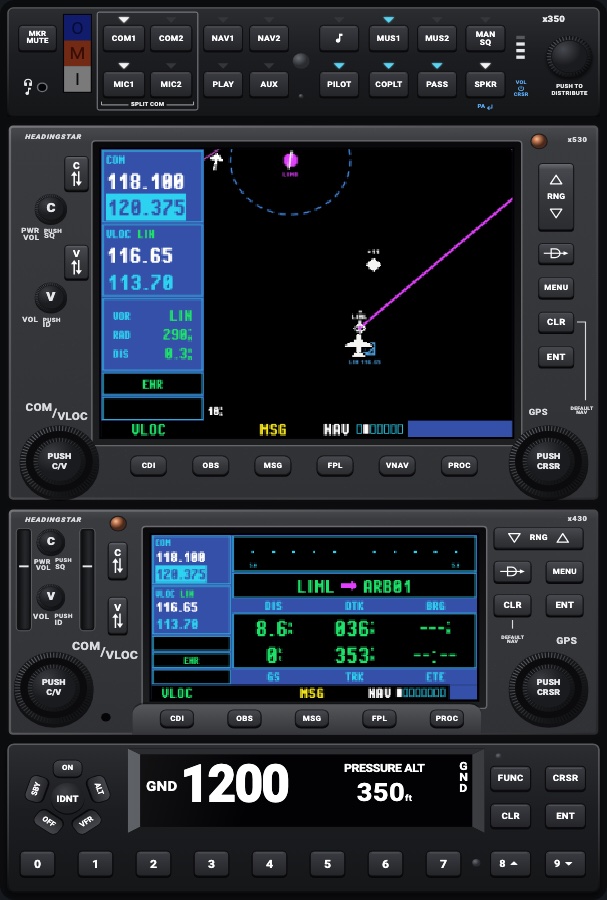
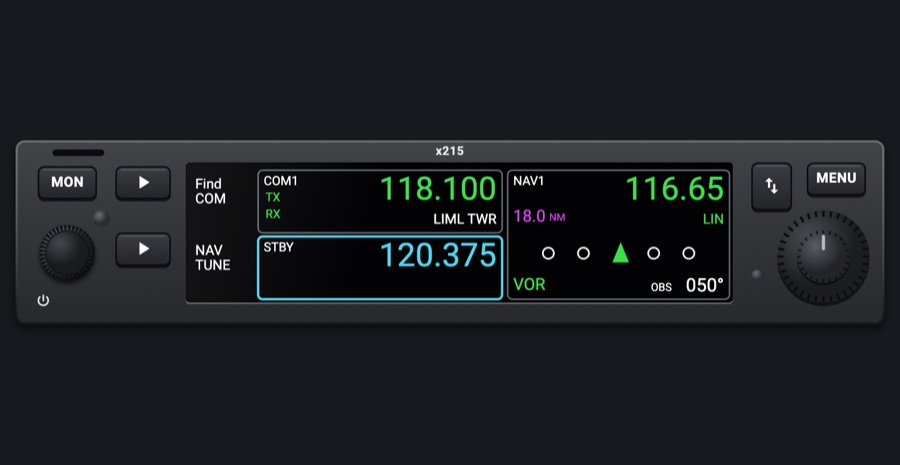
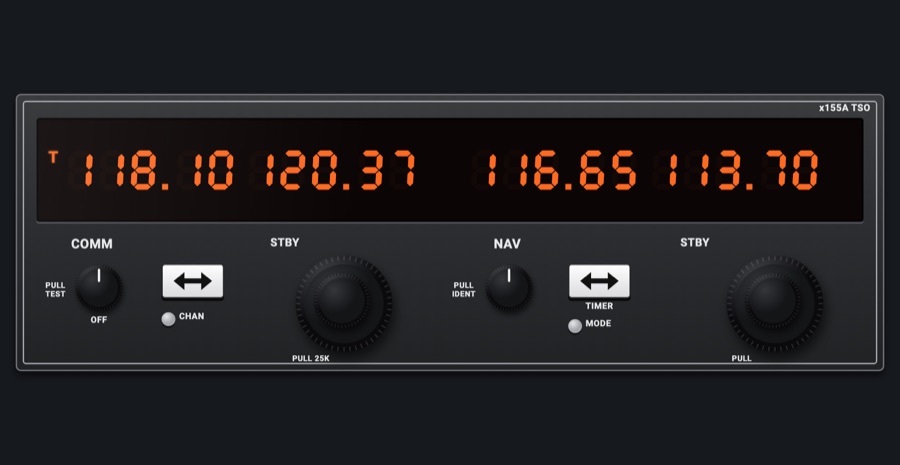
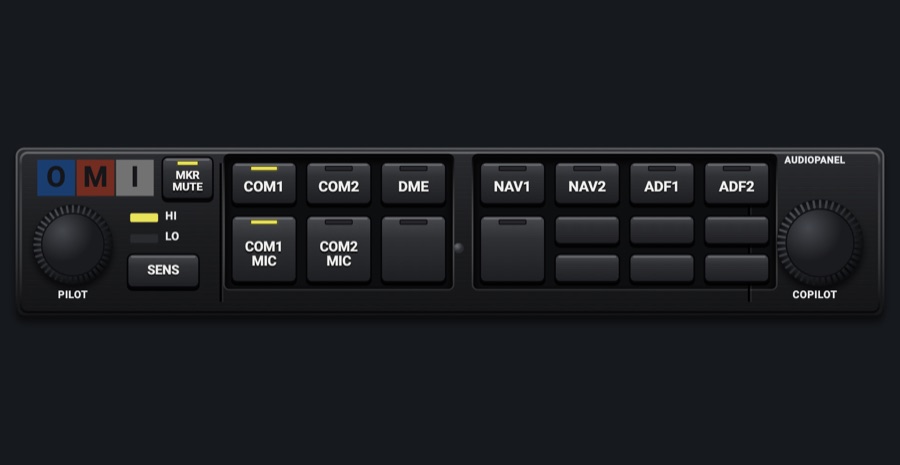
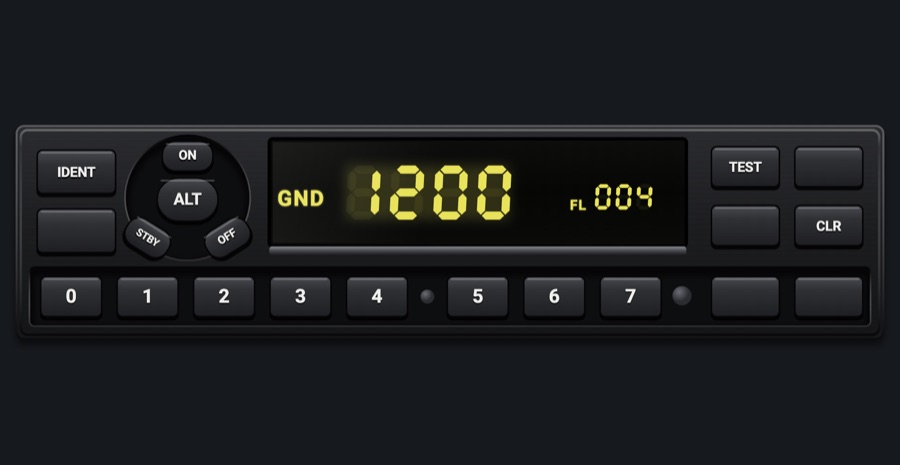
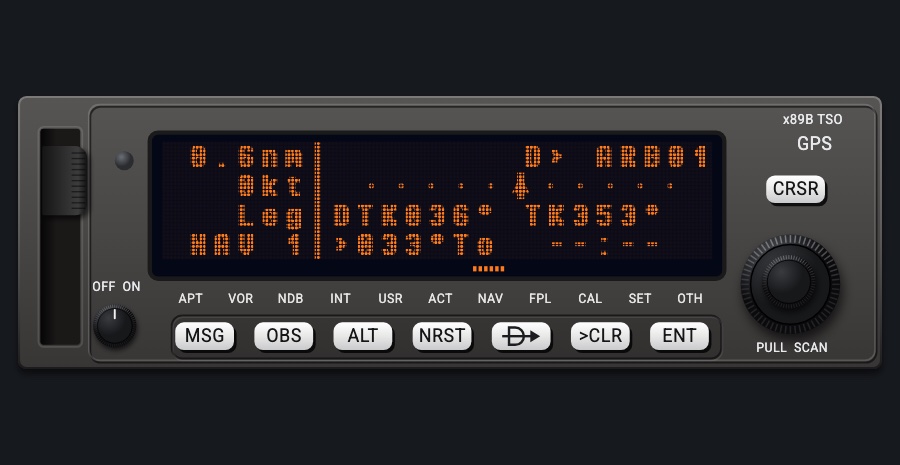
Free avionics rack
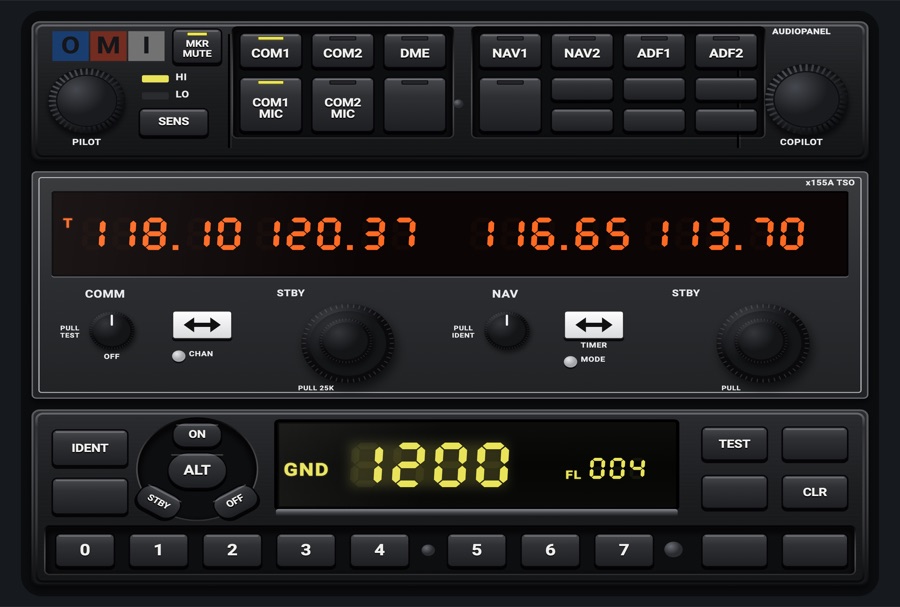
A rack you fill yourself: pick the radios, audio panels, transponders, autopilots and navigators you want and put them in your order, top first. Every unit works as it does on its own; the room left under them is closed by blank plates with screws.
- Modeled on
- A generic radio-stack rack: units one over the other, empty bays closed by blank plates
- Category
- Avionics stacks
- Size
- 3 × 2 cells
- Version
- 1.0 · 2026-10-19
- Plan
- Pro
- Simulators
- MSFS 2020 · MSFS 2024 · X-Plane 11 · X-Plane 12
Variants
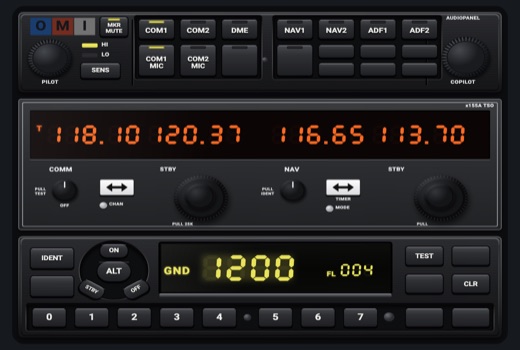
Wide 3 x 2v1.0
A 3 x 2 rack
Picker: Free avionics rack > SIZE > Wide 3 x 2
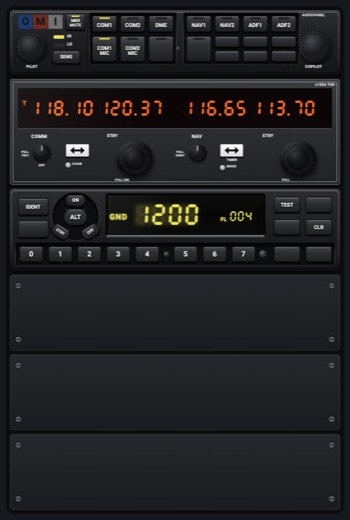
Standing 2 x 3v1.0
A tall 2 x 3 rack, like a real stack beside a display
Picker: Free avionics rack > SIZE > Standing 2 x 3
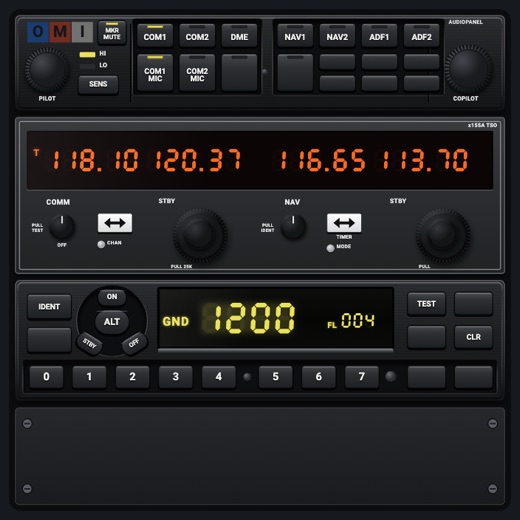
Small 2 x 2v1.0
A 2 x 2 rack
Picker: Free avionics rack > SIZE > Small 2 x 2
Features
- Up to 8 units, chosen from every radio-stack-width unit (list in settings), top first, each at its own faceplate proportions
- A new rack starts with the 172's set (GaugeKindInfo.rackDefaults): GMA 340-style audio panel, KX 155A-style NAV/COM, GTX 327-style transponder
- Units are never stretched taller than drawn; if they don't fit they are squeezed slightly (to 85%) and then narrowed
- Space under the units is filled by matte black blank plates with four screws; an empty rack's first plate says 'Long press to add units'
- Each unit is fully live: its own keys, knobs, display and night lighting
- Drag an instrument onto the rack to 'Put it in the rack' (at the bottom) or swap places
On the iPad
- Use each unit's own controls directly
- Long press the rack to open its sheet: move units up or down, take them out, or add a unit at the bottom from the list
- Drag a rackable unit from the page onto the rack: choose 'Put ... in the rack' or 'Swap places'
Settings
- Size: Wide 3 x 2, Standing 2 x 3, Small 2 x 2
- Units (top first, up to 8; move up / move down / take out / add at the bottom). Units that fit: NAV/COM (GNC 215 style), 1 or 2; GFC 500-style autopilot; GFC 600-style autopilot; GMA 350-style audio panel; GTX 345-style transponder; KX 155A-style NAV/COM, 1 or 2; KT 76C-style transponder; KAP 140-style autopilot; KR 87-style ADF; KMA 24-style audio panel; Annunciators and NAV / GPS; GNS 430-style navigator; GNS 530-style navigator; C172-style audio panel; KT 76A-style transponder; GMA 340-style audio panel; GTX 327-style transponder; S-TEC-style autopilot; GNC 255-style NAV/COM, 1 or 2; GTR 225-style COM, 1 or 2; SL30-style NAV/COM, 1 or 2; SL40-style COM, 1 or 2; KX 125-style NAV/COM, 1 or 2; KY 197-style COM, 1 or 2; GTX 330 / 330ES-style transponder; KN 62A-style DME; KAP 150 / KFC 150-style autopilot; GMC 705 / 707-style autopilot controller; KLN 89B-style GPS (the 1-or-2 variants are separate entries, e.g. NAV/COM and NAV/COM 2)
Keys and controllers
Map any of these to a key, a game controller's button or axis, or a MIDI knob (how):
- Transmit on COM 1
- Transmit on COM 2
- Audio NAV 1
- Audio NAV 2
- Audio DME
- Audio ADF
- Audio MKR
- COM 1 MHz +
- COM 1 MHz -
- COM 1 channel +
- COM 1 channel -
- COM 1 swap
- NAV 1 MHz +
- NAV 1 MHz -
- NAV 1 channel +
- NAV 1 channel -
- NAV 1 swap
- COM 2 MHz +
- COM 2 MHz -
- COM 2 channel +
- COM 2 channel -
- COM 2 swap
- NAV 2 MHz +
- NAV 2 MHz -
- NAV 2 channel +
- NAV 2 channel -
- NAV 2 swap
- Transponder IDENT
- Transponder STBY
- Transponder ALT
- Autopilot AP
- Autopilot FD
- Autopilot YD
- Autopilot HDG
- Autopilot NAV
- Autopilot APR
- Autopilot BC
- Autopilot ALT
- Autopilot VS
- Autopilot FLC
- Autopilot LVL
- Autopilot UP / DN +
- Autopilot UP / DN -
- Altitude +
- Altitude -
- Altitude sync
- CDI: next source
Changes
The instrument's version counts what its faces share (the case, the mechanism, the data, the sounds); a face's own version counts that face alone.
- 1.0 2026-10-19
- First numbered version.