Propeller control
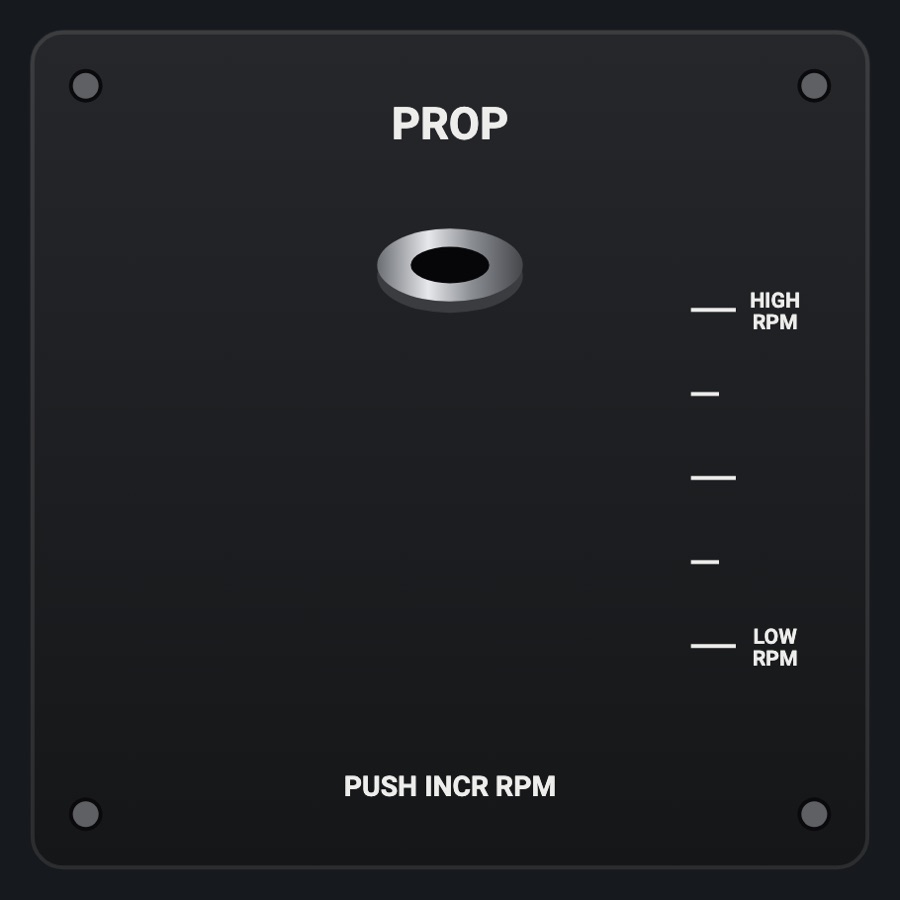
The Cessna constant-speed propeller control: the blue fluted knob on its chrome shaft, seen from the pilot's seat, sliding out as RPM comes down. Twist it for the vernier's fine 1 % steps, or press the lock button in its middle to push or pull it across its whole range.
- Modeled on
- Cessna 182 / T210 blue vernier propeller control
- Category
- Engine and systems
- Size
- 1 cell
- Version
- 1.0 · 2026-10-19
- Plan
- Pro
- Simulators
- MSFS 2020 · MSFS 2024 · X-Plane 11 · X-Plane 12
Features
- Knob position follows the simulator's propeller lever (in = high RPM, out = low RPM)
- Vernier: a notch every 20 degrees of twist, 1 % per notch, with a tick sound and haptic click
- Lock button in the middle: touch it (click sound) and the knob can be pushed or pulled for 3 seconds, then it locks again
- Fluted blue knob that visibly turns as you twist it; threaded chrome shaft from the panel bushing
- Plate legends PROP, PUSH INCR RPM, HIGH RPM / LOW RPM travel marks
- Shows what was asked until the simulator confirms it (up to 1.5 s), so it doesn't jump back
- Night lighting: the panel's red flood light
On the iPad
- Drag around the knob (twist): clockwise raises RPM, counterclockwise lowers it, 1 % per notch
- Tap the button in the knob's middle to unlock it
- While unlocked (3 s): drag up to push in (RPM up), drag down to pull out (RPM down)
Simulator data
What the Hub reads from the simulator for this instrument, and what the instrument sends back. Names are the simulators' own: MSFS SimVars and events, X-Plane datarefs and commands.
Reads
| Value | MSFS | X-Plane |
|---|---|---|
| Propeller lever, 1 = high RPM (ratio 0..1 (NaN: none)) | GENERAL ENG PROPELLER LEVER POSITION:1 (percent) | sim/cockpit2/engine/actuators/prop_ratio[0] |
Sends
| When you… | MSFS | X-Plane |
|---|---|---|
| Each vernier notch or push / pull step: delta in 1 % steps, + = higher RPM | PROP_PITCH1_SET | sim/cockpit2/engine/actuators/prop_ratio[0] |
Add-on aircraft with their own systems may use other variables; the Hub reads the standard ones.
Changes
The instrument's version counts what its faces share (the case, the mechanism, the data, the sounds); a face's own version counts that face alone.
- 1.0 2026-10-19
- First numbered version.