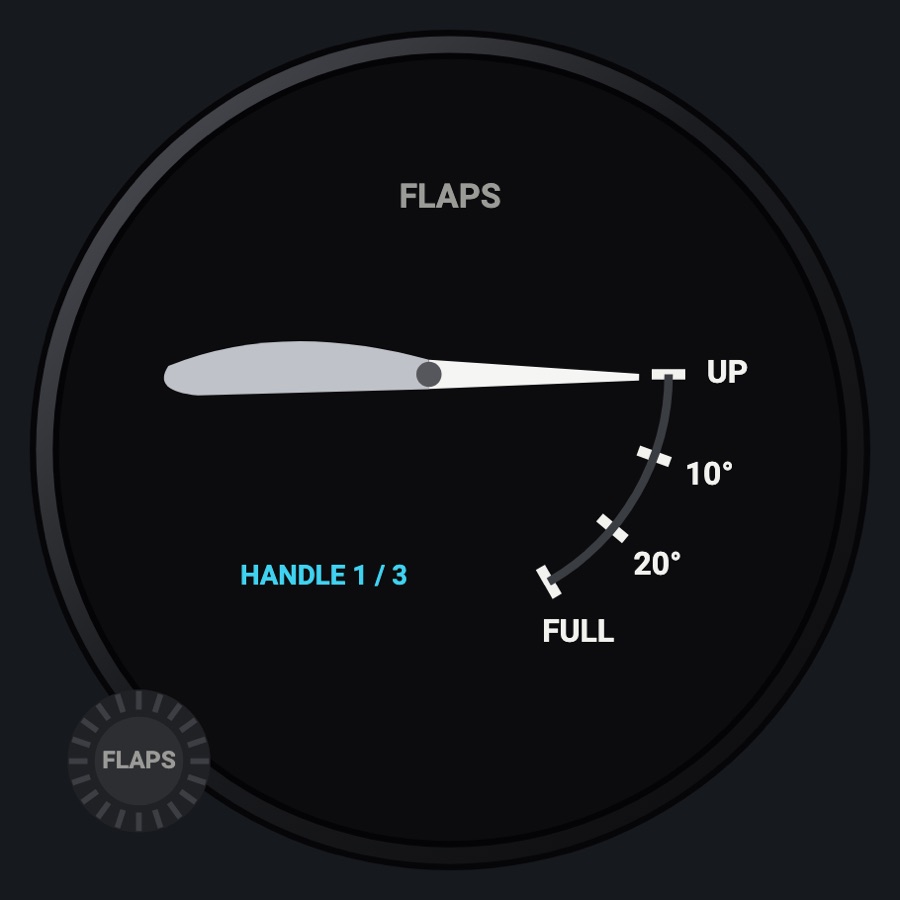
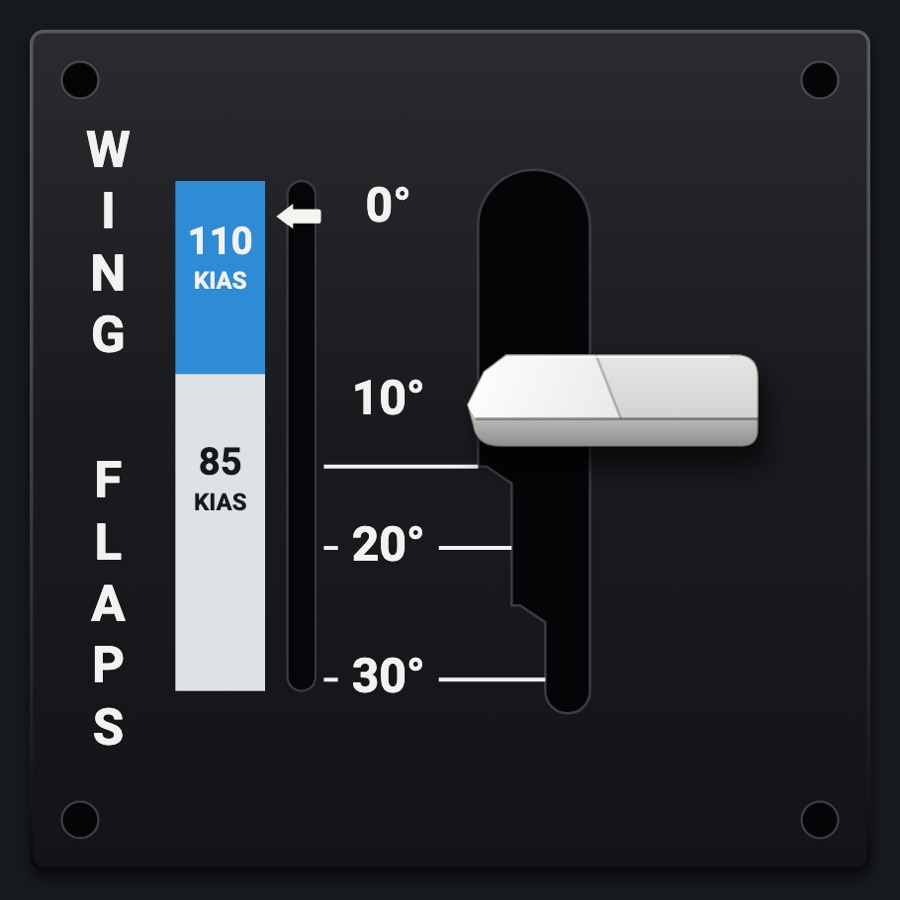
Cirrus-style flaps switch
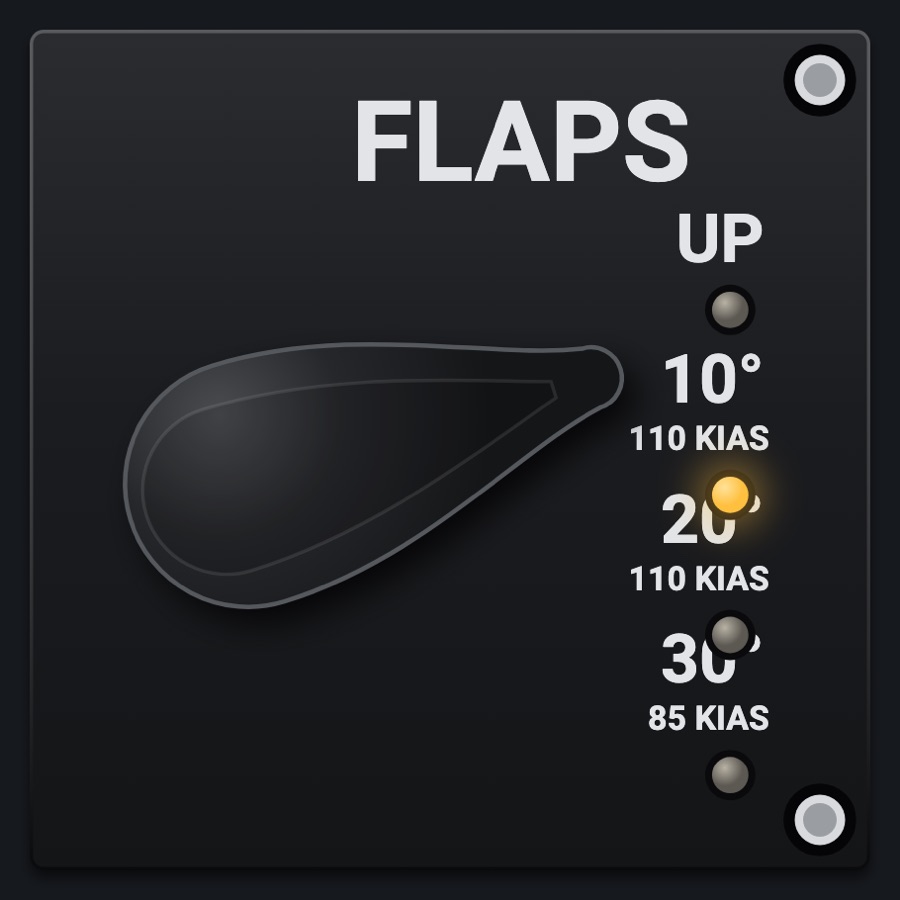
A Cirrus-style flap switch: a black teardrop knob pointing at UP, 50 % or 100 %, each with its speed limit and an amber light. Drag the knob or touch a position and the simulator's flaps go there; the light blinks while they move.
- Modeled on
- Cirrus SR-series-style flap selector switch
- Category
- Airframe
- Size
- 1 cell
- Version
- 1.0 · 2026-10-19
- Plan
- Pro
- Simulators
- MSFS 2020 · MSFS 2024 · X-Plane 11 · X-Plane 12
Features
- Positions UP, 50 %, 100 % for two-position aircraft; otherwise as many detents labeled in degrees (30 or 40 full)
- Speed limit under each position in KIAS from the profile (Vfe1 for intermediate, Vfe for full); none on a generic profile
- Amber position light lit where the flaps are, blinking while they move
- Click and haptic tap at each detent
- Lights keep their own glow at night while the plate takes the flood; the glareshield's warm light falls on the faceplate too when its dimmer is up (Settings > Dimmers > Glareshield, off by default)
Your aircraft: Number of positions from the simulator (assumes two when unknown); speed limits from the profile's Vfe1 / Vfe. A generic profile (speeds not known) shows no speed limits.
On the iPad
- Drag the knob up or down and release at a position
- Tap a position to send the flaps there
- Long press to change or move the module
Keys and controllers
Map any of these to a key, a game controller's button or axis, or a MIDI knob (how):
- Flaps +
- Flaps -
Simulator data
What the Hub reads from the simulator for this instrument, and what the instrument sends back. Names are the simulators' own: MSFS SimVars and events, X-Plane datarefs and commands.
Reads
| Value | MSFS | X-Plane |
|---|---|---|
| Flap handle position, 0 = up (index) | FLAPS HANDLE INDEX (number) | sim/cockpit2/controls/flap_handle_deploy_ratiosim/aircraft/controls/acf_flap_detents |
| Number of flap handle positions (count) | FLAPS NUM HANDLE POSITIONS (number) | sim/aircraft/controls/acf_flap_detents |
Sends
| When you… | MSFS | X-Plane |
|---|---|---|
| Releasing the knob or tapping a position (the difference in positions), or mapped 'Flaps +' / 'Flaps -' | FLAPS_SET | sim/cockpit2/controls/flap_ratio |
Add-on aircraft with their own systems may use other variables; the Hub reads the standard ones.
Changes
The instrument's version counts what its faces share (the case, the mechanism, the data, the sounds); a face's own version counts that face alone.
- 1.0 2026-10-19
- First numbered version.