MD302-style standby attitude module
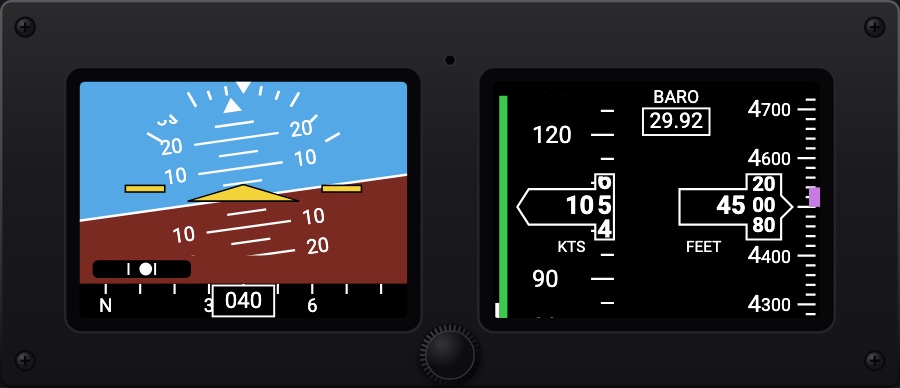
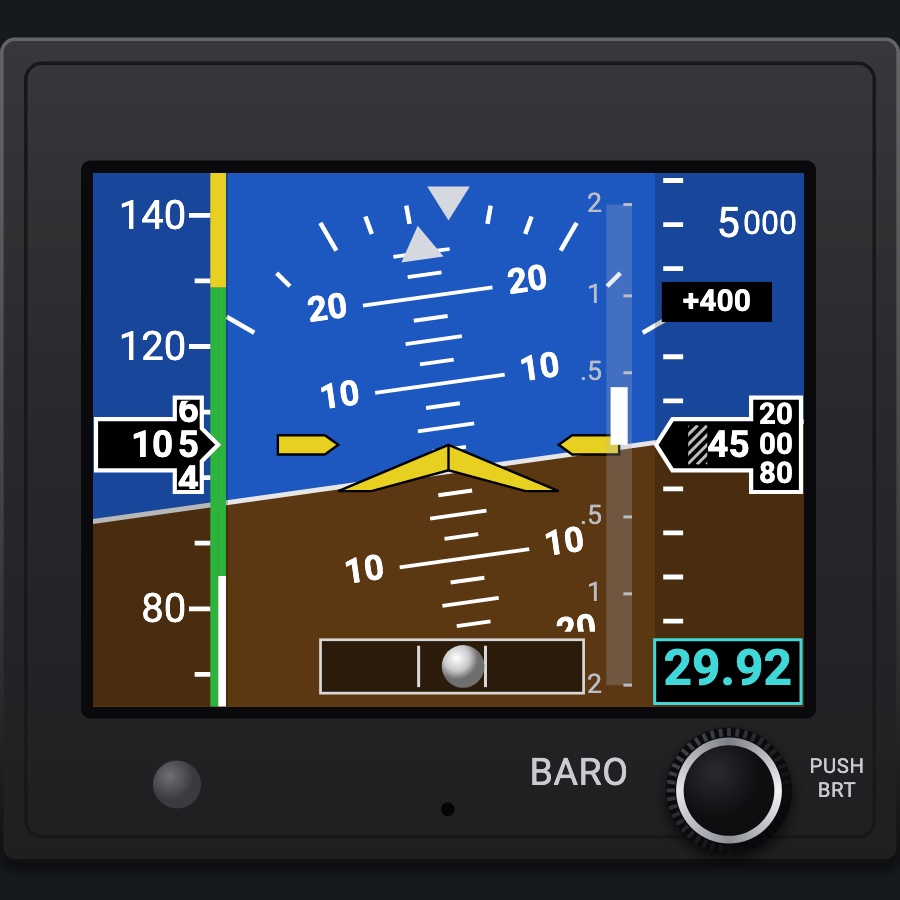
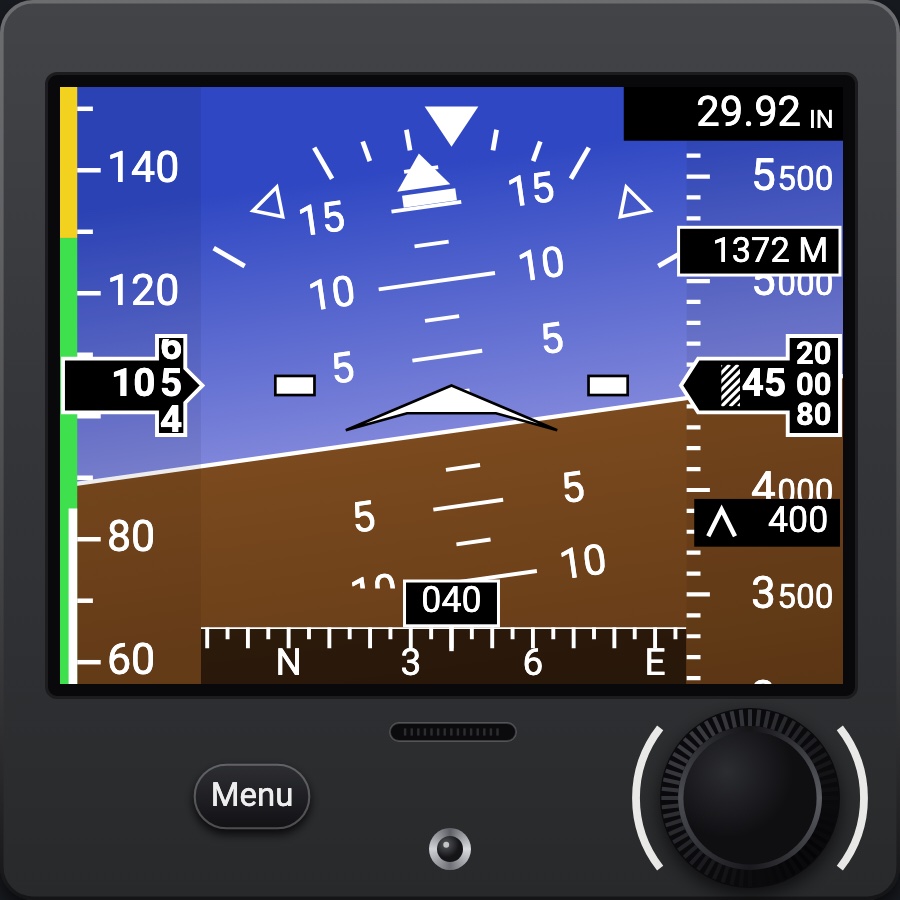
A two-window standby: attitude, slip and heading in one window; airspeed, altitude and its trend, and the baro in the other; one knob, its Options Menu and its battery. Fitted landscape (2 x 1, the knob at the bottom between the windows) or portrait (1 x 2, the knob at the right), as the real unit mounts either way.
- Modeled on
- Mid-Continent MD302-style standby attitude module, landscape (2 x 1) and portrait (1 x 2)
- Category
- Displays
- Size
- 2 × 1 cells
- Version
- 1.0 · 2026-10-19
- Plan
- Pro
- Simulators
- MSFS 2020 · MSFS 2024 · X-Plane 11 · X-Plane 12
Variants
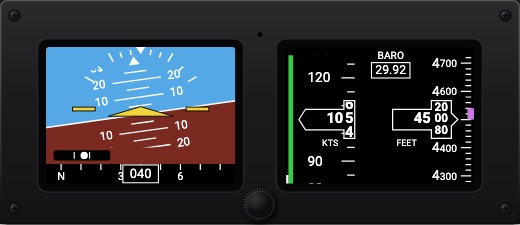
Landscapev1.0
The attitude window at the left, the airspeed / altitude window at the right, the knob between them at the bottom (2 x 1).
Picker: ORIENTATION > Landscape
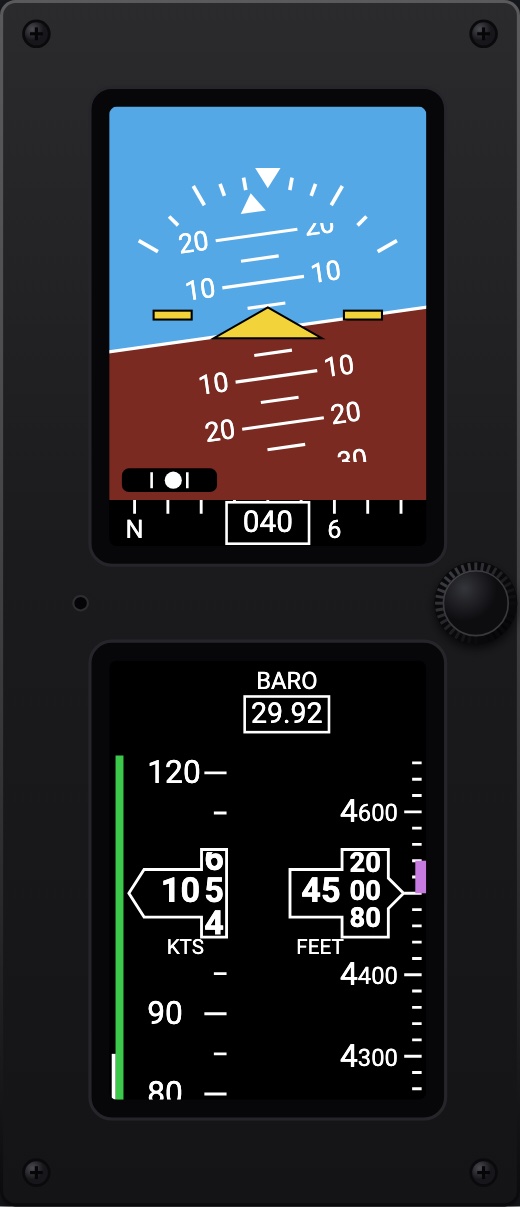
Portraitv1.0
The attitude on top, the tapes below, the knob between them at the right (1 x 2).
ORIENTATION > Portrait
Features
- Attitude window: light blue sky and dark red-brown ground, pitch marks every 5°, red chevrons past ±45°, the roll scale and pointer, the yellow delta wing (or the traditional symbol), the slip ball, the heading tape along the bottom, the attitude mask
- Airspeed / altitude window: BARO at the top (green while being set), the airspeed scale with its colored bands and drum readout in KTS, the altitude scale with its drum readout in FEET (or METERS), the magenta trend bar (six seconds ahead); lost data: a red X
- Knob turned: the baro; pushed: the brightness bar; held 2 s: the Options Menu (ALT Units, BARO Units, Symbol, ATT Mask, ALT Trend, INFO, Exit Menu, Power OFF), back after 10 s
- Power-up: the introduction screen while its built-in test runs; on its battery without the aircraft power; on the ground it counts 60 s down to POWERING DOWN (ON keeps it on); battery low under 20 %
- No simulator counterpart: the brightness, the menu options, the battery
- Black bezel with a mounting screw in each corner, two square windows, the light sensor between them; the knob top plain where the maker prints its logo
Your aircraft: The airspeed scale's colored bands come from the profile's V-speeds.
On the iPad
- Drag the knob up or down to set the baro
- Tap the knob for the brightness bar; drag to change it; tap again to close
- Hold the knob 2 s for the Options Menu: drag to move the highlight, tap to choose, drag to change, tap to set
Settings
- Orientation: Landscape (2 x 1) or Portrait (1 x 2) (picker variant)
Keys and controllers
Map any of these to a key, a game controller's button or axis, or a MIDI knob (how):
- Baro +
- Baro -
- Baro sync
Simulator data
What the Hub reads from the simulator for this instrument, and what the instrument sends back. Names are the simulators' own: MSFS SimVars and events, X-Plane datarefs and commands.
Reads
| Value | MSFS | X-Plane |
|---|---|---|
| Pitch attitude, + nose up (deg) | ATTITUDE INDICATOR PITCH DEGREES (degrees) | sim/flightmodel/position/theta |
| Bank angle, + right wing down (deg) | ATTITUDE INDICATOR BANK DEGREES (degrees) | sim/flightmodel/position/phi |
| Slip/skid ball position, -1..1 | TURN COORDINATOR BALL (position) | sim/cockpit2/gauges/indicators/slip_deg |
| Heading (glass AHRS heading, else magnetic heading) (deg magnetic) | HEADING INDICATOR (degrees) | sim/cockpit2/gauges/indicators/heading_AHARS_deg_mag_pilotsim/flightmodel/position/mag_psi |
| Indicated airspeed (kt) | AIRSPEED INDICATED (knots) | sim/cockpit2/gauges/indicators/airspeed_kts_pilot |
| Indicated altitude (ft) | INDICATED ALTITUDE (feet) | sim/cockpit2/gauges/indicators/altitude_ft_pilot |
| Vertical speed (fpm) | VERTICAL SPEED (feet per minute) | sim/cockpit2/gauges/indicators/vvi_fpm_pilot |
| Altimeter setting (inHg) | KOHLSMAN SETTING HG (inHg) | sim/cockpit2/gauges/actuators/barometer_setting_in_hg_pilot |
Sends
| When you… | MSFS | X-Plane |
|---|---|---|
| Turning the knob, or mapped 'Baro +' / 'Baro -' | KOHLSMAN_SET | sim/cockpit2/gauges/actuators/barometer_setting_in_hg_pilot |
Add-on aircraft with their own systems may use other variables; the Hub reads the standard ones.
Changes
The instrument's version counts what its faces share (the case, the mechanism, the data, the sounds); a face's own version counts that face alone.
- 1.0 2026-10-19
- First numbered version.