Manifold press.
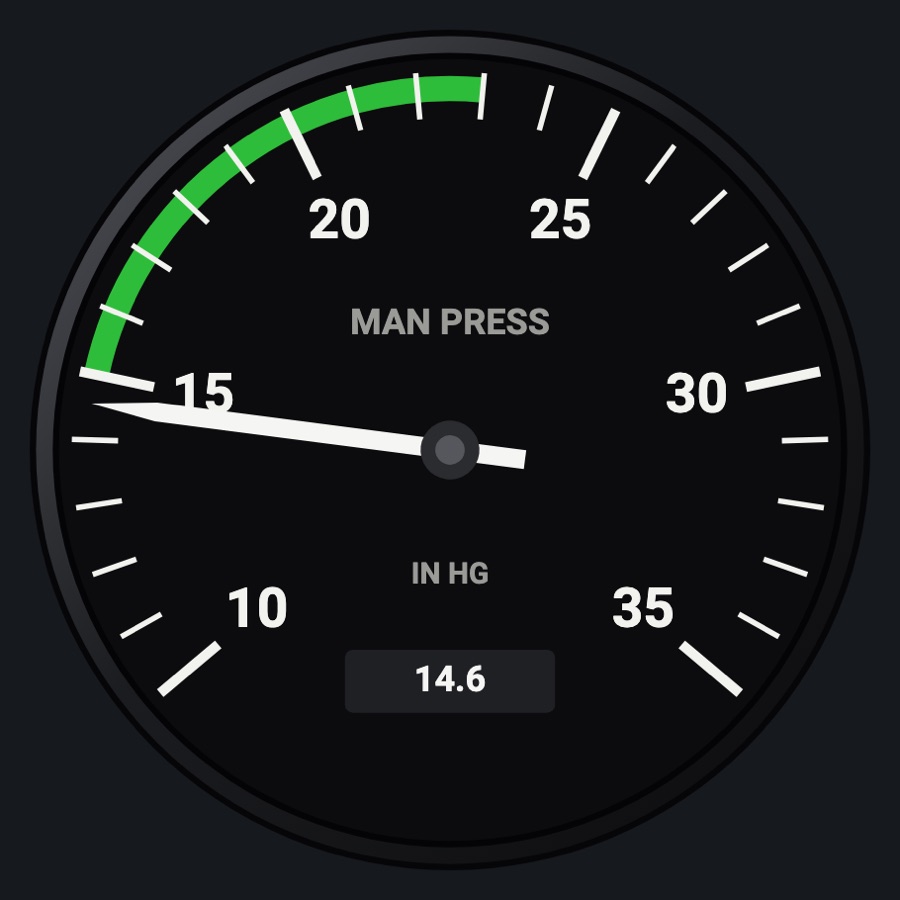
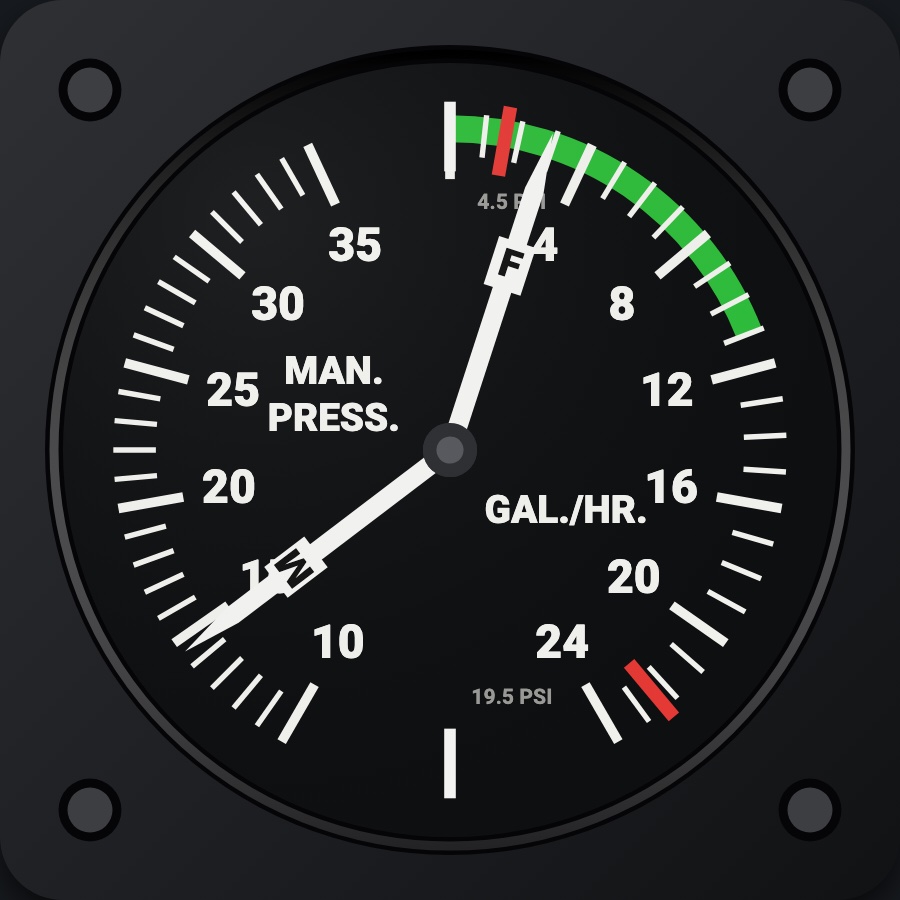
A round manifold pressure gauge in inches of mercury, with the aircraft's green and yellow arcs and red line, plus the value in a small digital window. On aircraft without a constant-speed or turbo engine it shows a red X with NOT INSTALLED; on a twin it can show either engine or both on one dial.
- Modeled on
- Classic round manifold pressure gauge (inches of mercury)
- Category
- Engine and systems
- Size
- 1 cell
- Version
- 1.0 · 2026-10-19
- Plan
- Pro
- Simulators
- MSFS 2020 · MSFS 2024 · X-Plane 11 · X-Plane 12
Variants
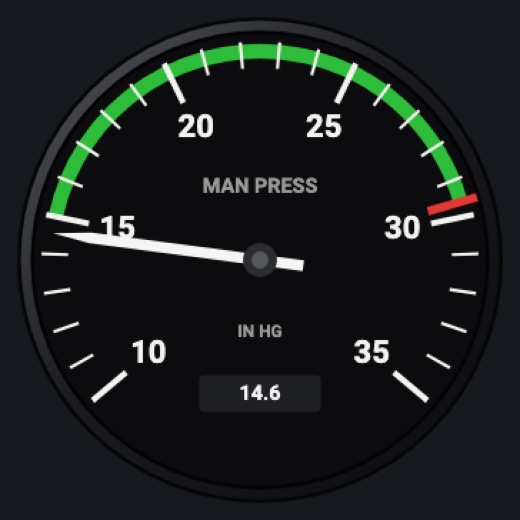
Engine 1v1.0
Twin only: the left engine
Picker, ENGINE: Engine 1
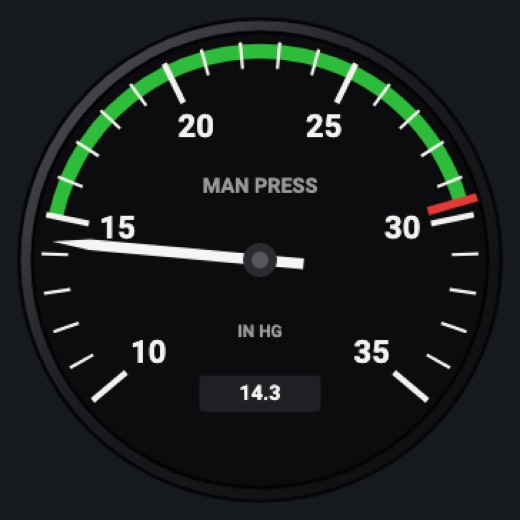
Engine 2v1.0
Twin only: the right engine (man2)
Picker, ENGINE: Engine 2
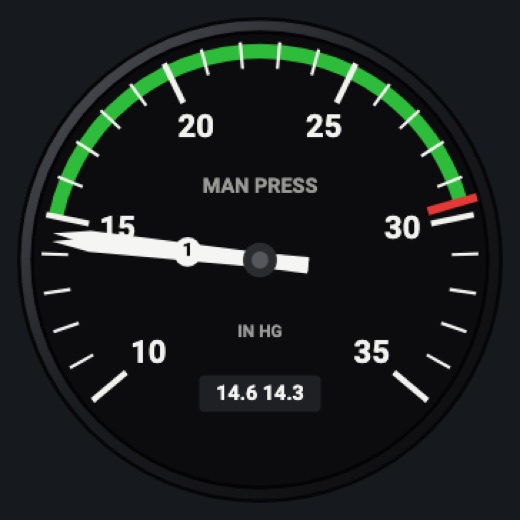
Bothv1.0
Twin only: two numbered needles on one dial; the window shows both values
Picker, ENGINE: Both
Features
- MAN PRESS dial in IN HG, major marks every 5, minor every 1
- Arcs and red line from the aircraft profile
- A digital window under the needle with the reading to a tenth (two readings on a twin's Both face)
- Twin: a dual-needle face, needles numbered 1 and 2
- NOT INSTALLED red X on aircraft whose profile has no manifold pressure gauge (e.g. C172SP, C152, PA-28, SF50)
- Red X when the value is missing or stale
- Realistic needles (Settings): spring and vibration
- Night lighting: the face takes the panel's red flood light, the glareshield's warm light from above (stronger for instruments higher on the page) and its own light, a lamp hidden at the top of the case lighting the dial downward (Settings > Dimmers: Red flood light, Glareshield, Instruments (analog))
Your aircraft: Scale, arcs and red line from the profile (e.g. TSIO-520: 10-40 in, green 15-35, yellow 35-38, red 38). Profiles with hasMan = false show NOT INSTALLED. Twins get the engine choice. A generic profile (an aircraft the Hub doesn't know) gets wide default scales with no bands or red lines (10-40 in Hg; shown as installed).
On the iPad
- No knobs: a tap on the face asks to change the instrument
Settings
- ENGINE (twin aircraft only): Engine 1, Engine 2, Both
- Global: Realistic needles
Simulator data
What the Hub reads from the simulator for this instrument, and what the instrument sends back. Names are the simulators' own: MSFS SimVars and events, X-Plane datarefs and commands.
Reads
| Value | MSFS | X-Plane |
|---|---|---|
| Manifold pressure, engine 1 (inHg) | RECIP ENG MANIFOLD PRESSURE:1 (inHg) | sim/cockpit2/engine/indicators/MPR_in_hg[0] |
| Manifold pressure, engine 2 (inHg) | RECIP ENG MANIFOLD PRESSURE:2 (inHg) | sim/cockpit2/engine/indicators/MPR_in_hg[1] |
Add-on aircraft with their own systems may use other variables; the Hub reads the standard ones.
Changes
The instrument's version counts what its faces share (the case, the mechanism, the data, the sounds); a face's own version counts that face alone.
- 1.0 2026-10-19
- First numbered version.