Clock / timer
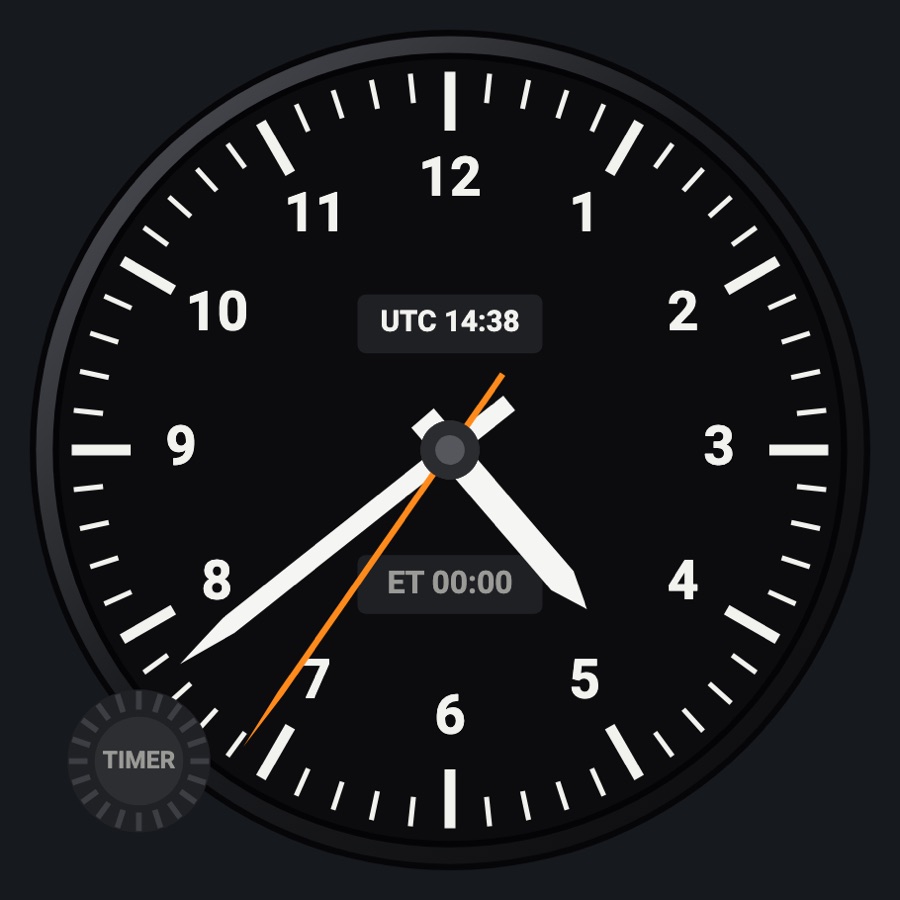
A panel clock with timers. The round face shows the time, UTC and a stopwatch; the C152 face is the 152's mechanical clock in its square case; the four digital faces add simulator UTC and local time, automatic flight time, engine (Hobbs) time, a stopwatch and a countdown with an alarm.
- Modeled on
- Round analog panel clock; the Cessna 152's clock in its square case; digital faces in the style of the Davtron M803 (also as in X-Plane 12's C172), a GT-50-style timer, and a modern color clock
- Category
- Flight instruments
- Size
- 1 cell
- Version
- 2.0 · 2026-10-19
- Plan
- Pro
- Simulators
- MSFS 2020 · MSFS 2024 · X-Plane 11 · X-Plane 12
Variants
Roundv1.0
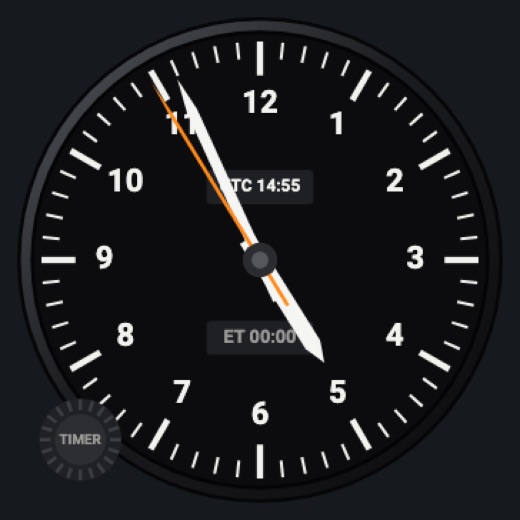
Analog hands with a sweeping orange second hand, a UTC window and an ET stopwatch window (device time).
Instrument picker > FACE > Round
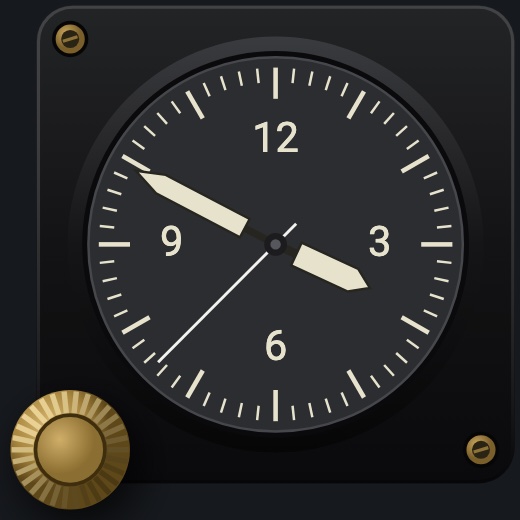
C152v1.0
The 152's clock: a square black case with two brass screw holes and the brass knurled setting knob at its lower left; a dark gray dial with a thin bar every minute, 12, 3, 6 and 9, broad luminous hands and a thin white sweep second hand (device time; the knob only shows).
FACE > C152
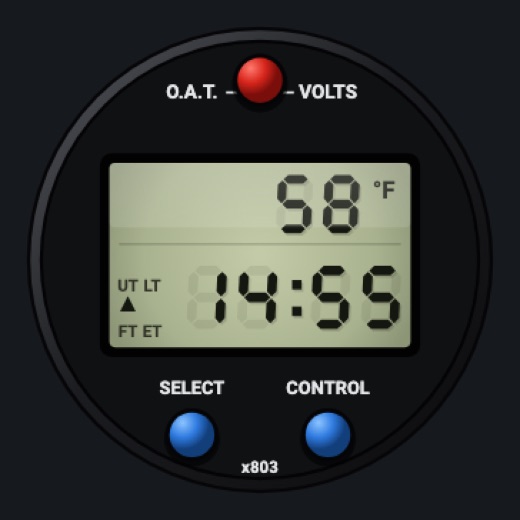
M803 stylev1.0
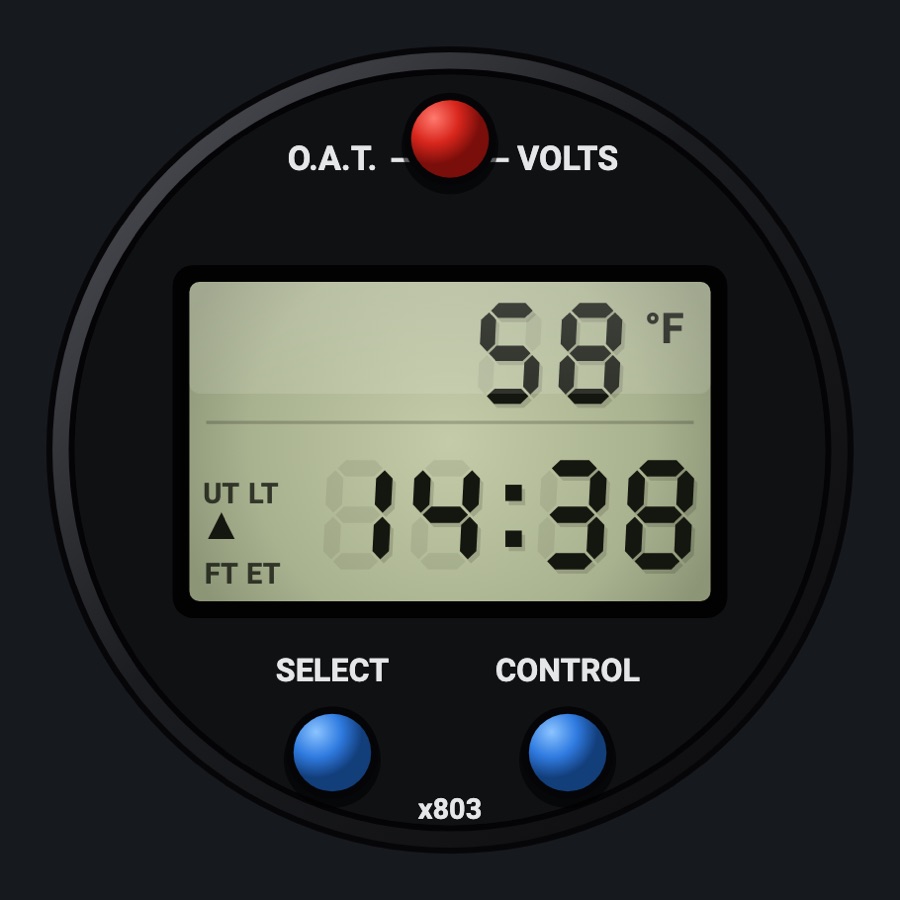
Davtron M803-style LCD: O.A.T. (F/C) or volts on top; UT / LT / FT / ET below; green backlight at night.
FACE > M803 style
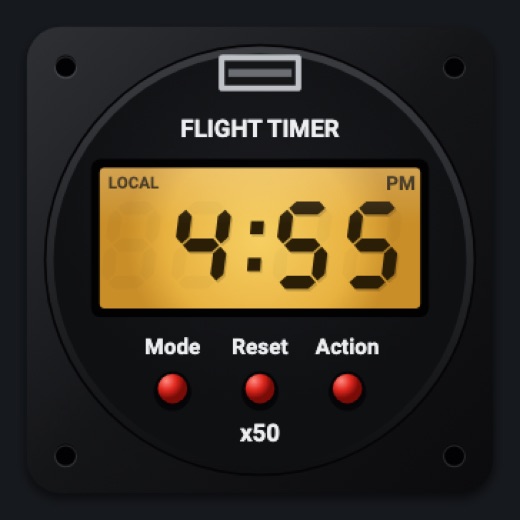
GT-50 stylev1.0
Square case, amber backlit LCD; Mode (LOCAL, UTC, FLIGHT, ENGINE, UP, DOWN), Reset and Action buttons.
FACE > GT-50 style
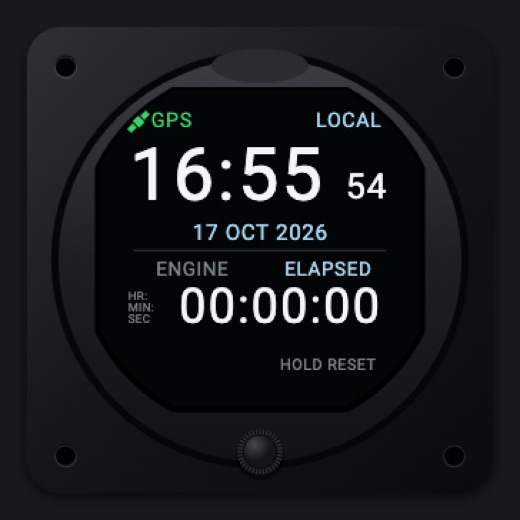
Colorv1.0
Modern round color screen: GPS/INT source, LOCAL/UTC, big time with seconds and date; ELAPSED, CHRONO, TIMER or ENGINE with START/RESET and a knob.
FACE > Color
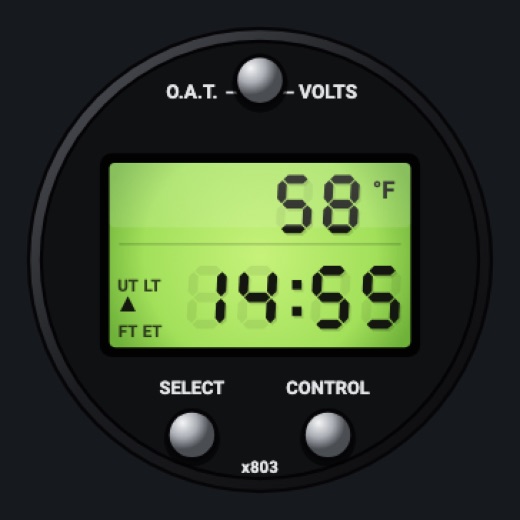
C172 (M803)v1.0
The M803 face as in X-Plane 12's 172: silver knobs instead of red and blue, the LCD backlit lime green day and night; the same buttons and functions as the M803 face.
FACE > C172 (M803)
Features
- Round: hour, minute and orange sweeping second hand; UTC window; ET stopwatch window (cyan while running)
- C152: the 152's clock as the photo shows it, in its square black case with the brass screw holes and the brass setting knob out past its lower-left corner; luminous hands with pointed tips and dark edges, a thin white second hand, no label on the dial (the maker's logo left off)
- Digital faces: simulator UTC and local time (the device's time when the sim gives none); C172 (M803): the M803 with silver knobs and an always-backlit lime-green LCD
- Flight time that starts at takeoff and stops at landing, kept between runs
- Engine time (Hobbs) counting above 500 RPM, kept between runs (GT-50 and color faces)
- Stopwatch shared across the clocks
- Countdown up to 10 h with an alarm at zero: the display flashes, clicks and buzzes every 2 s for 15 s or until a button is pressed
- M803: outside air temperature in F or C, or bus volts
- Night: the round and C152 faces get the analog lighting (red flood, glareshield, its own lamp); the digital faces' cases take the flood and the glareshield's light while their displays stay backlit (dimmed with the Displays dimmer)
On the iPad
- Round: tap the TIMER knob to start/stop the stopwatch; hold it to reset
- C152: nothing to set (the time is the device's); tap the face to change the instrument
- M803 and C172 (M803): top red button cycles F / C / volts; SELECT cycles UT / LT / FT / ET (hold in ET: count up or down); CONTROL starts/stops ET (hold: reset; in FT hold resets flight time); drag the LCD to set the countdown (a minute a step)
- GT-50: Mode button cycles modes; Reset resets the shown timer (hold: flight or engine time); Action starts/stops UP and DOWN; drag the LCD to set DOWN
- Color: turn (drag) the knob to choose the function, push to start/stop, hold to reset; tap LOCAL/UTC to switch; tap START/RESET; drag the TIMER digits to set the countdown
- Tap elsewhere on the face to change the instrument
Settings
- Face: Round / C152 / M803 style / GT-50 style / Color / C172 (M803) (instrument picker)
Simulator data
What the Hub reads from the simulator for this instrument, and what the instrument sends back. Names are the simulators' own: MSFS SimVars and events, X-Plane datarefs and commands.
Reads
| Value | MSFS | X-Plane |
|---|---|---|
| Sim UTC time, seconds since midnight (s) | ZULU TIME (seconds) | sim/time/zulu_time_sec |
| Sim local time, seconds since midnight (s) | LOCAL TIME (seconds) | sim/time/local_time_sec |
| Outside air temperature (degC) | AMBIENT TEMPERATURE (celsius) | sim/cockpit2/temperature/outside_air_temp_degc |
| Main bus voltage (V) | ELECTRICAL MAIN BUS VOLTAGE (volts) | sim/cockpit2/electrical/bus_volts[0] |
| On the ground (1/0) (bool) | SIM ON GROUND (bool) | sim/flightmodel/failures/onground_any |
| Engine RPM, engine 1 (rpm) | GENERAL ENG RPM:1 (rpm) | sim/cockpit2/engine/indicators/engine_speed_rpm[0] |
Add-on aircraft with their own systems may use other variables; the Hub reads the standard ones.
Changes
The instrument's version counts what its faces share (the case, the mechanism, the data, the sounds); a face's own version counts that face alone.
- 2.0 2026-10-19
- The 152's clock joins as the C152 face: its square black case with the brass screw holes and setting knob, the dark gray dial with thin bars and light numerals, the broad luminous hands and the thin white sweep second hand.
- The C172 face is named C172 (M803), as the picker names it.
- 1.0 2026-10-19
- First numbered version.