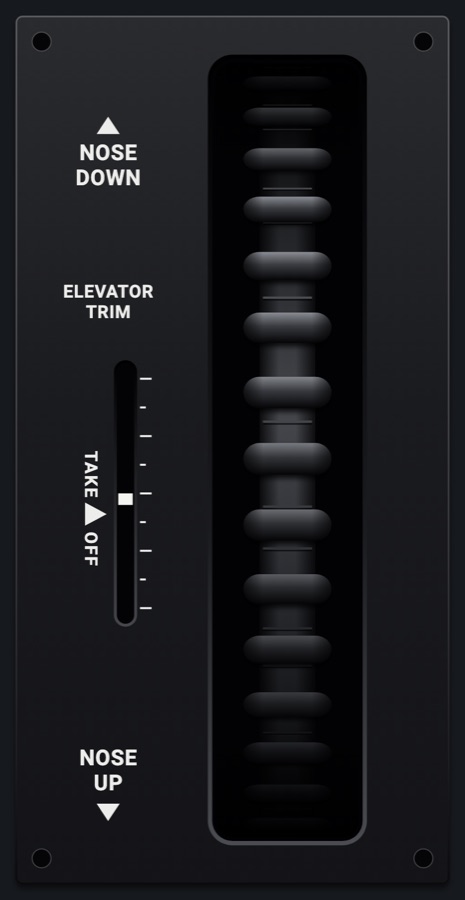
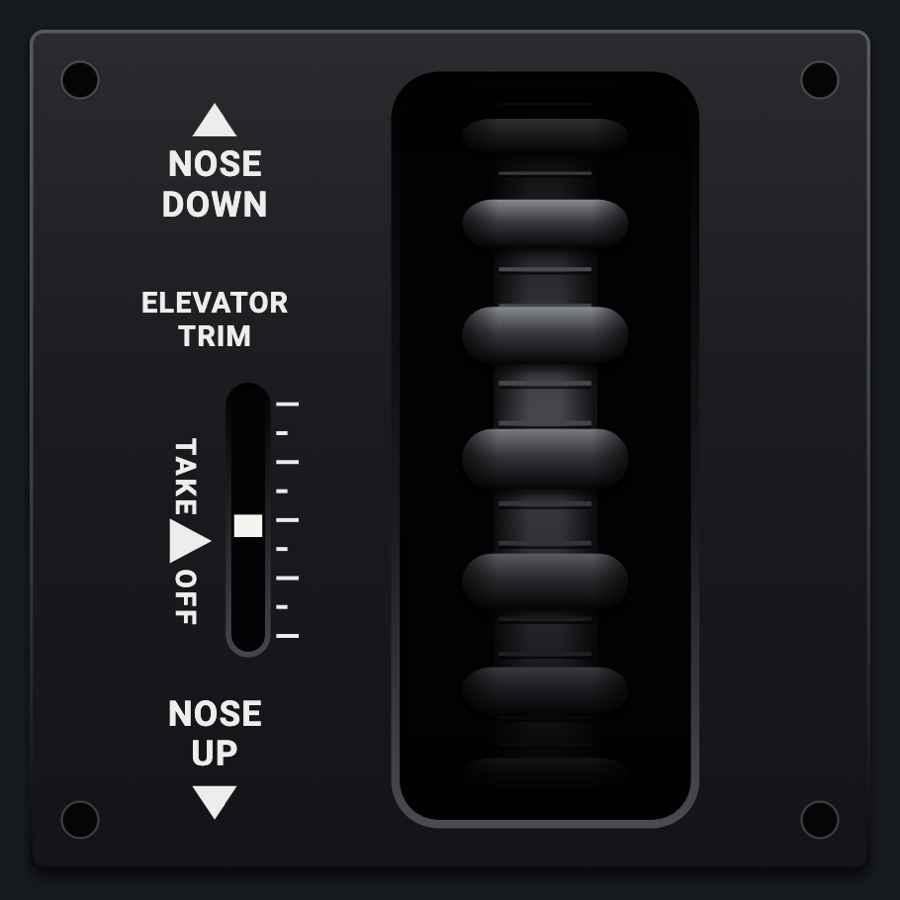
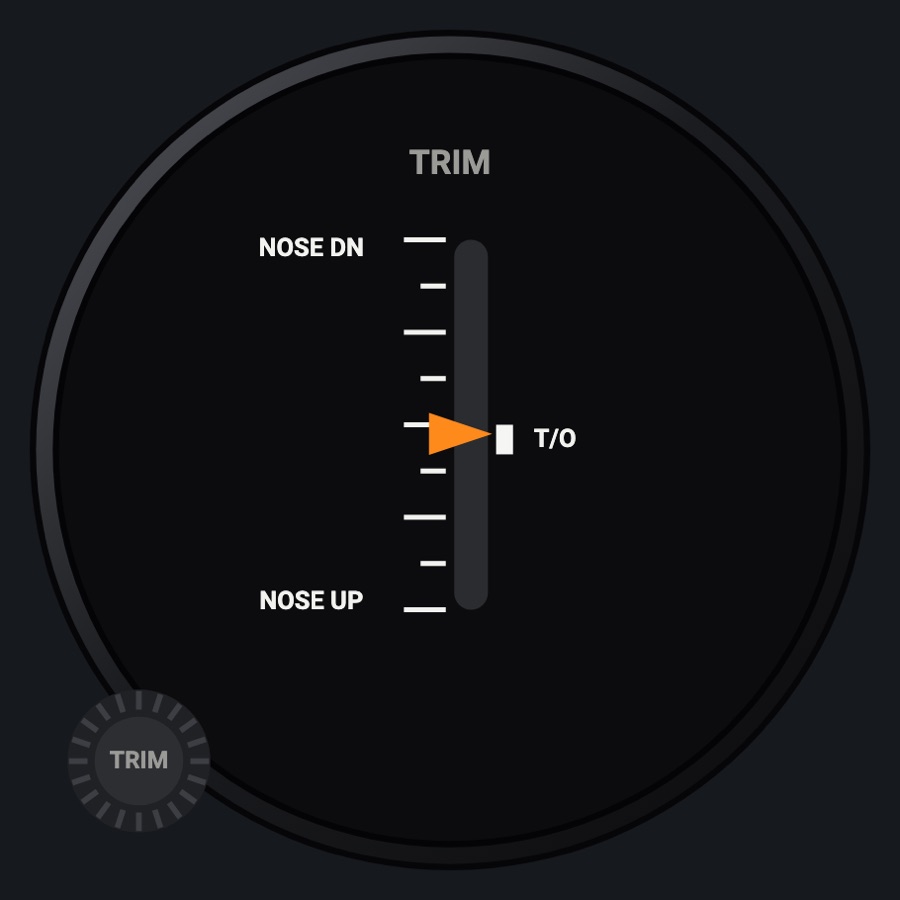
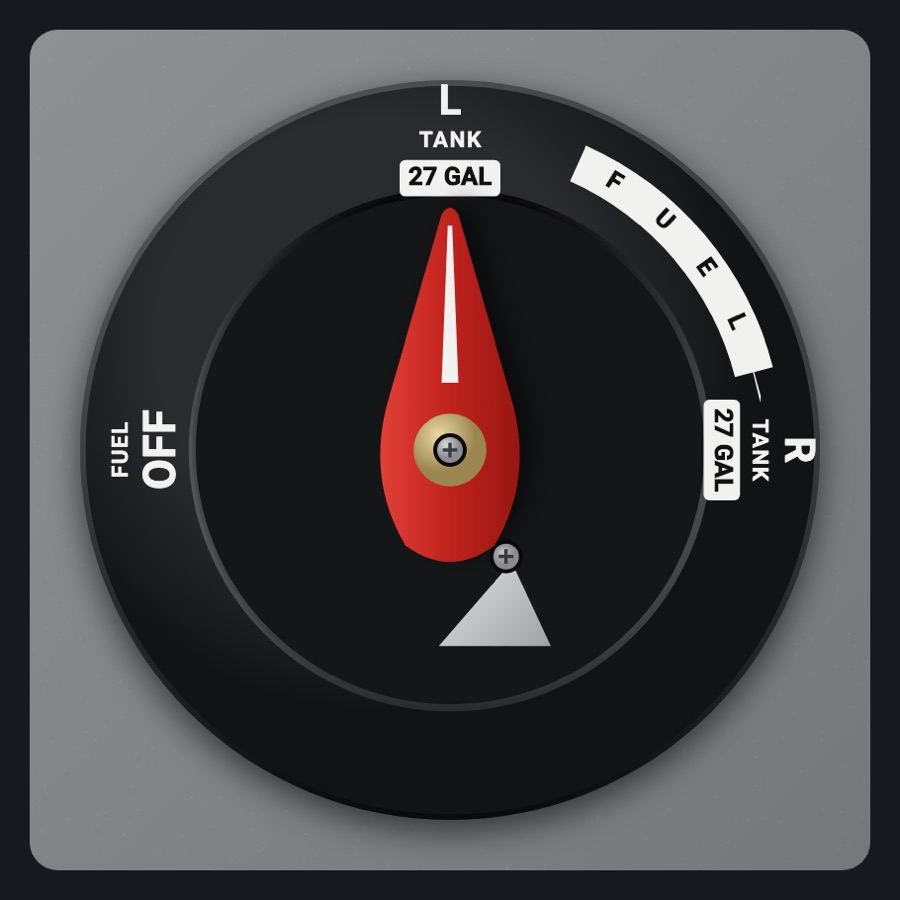
C182-style rudder trim wheel
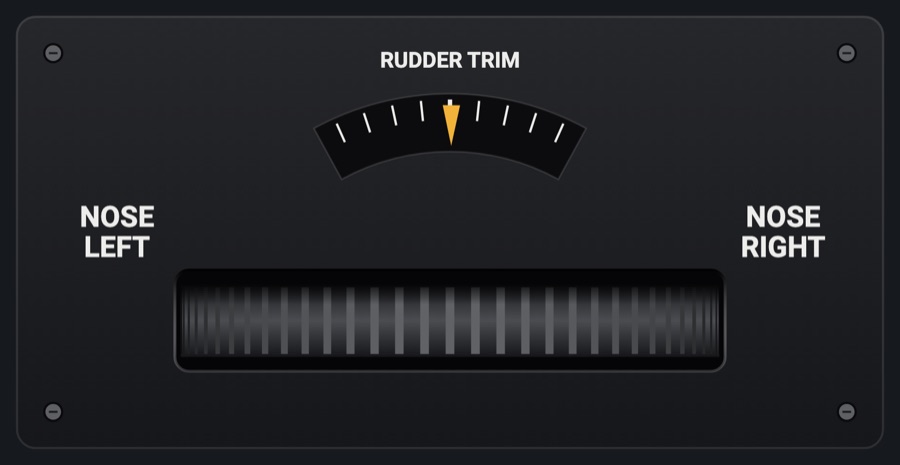
The 182's horizontal rudder trim wheel in the pedestal, its ribbed edge showing through a slot, NOSE LEFT and NOSE RIGHT either side and a pointer on an arc above. Roll the edge sideways to trim the simulator's rudder.
- Modeled on
- Cessna 182 pedestal rudder trim wheel
- Category
- Airframe
- Size
- 2 × 1 cells
- Version
- 1.0 · 2026-10-19
- Plan
- Pro
- Simulators
- MSFS 2020 · MSFS 2024 · X-Plane 11 · X-Plane 12
Features
- The wheel's ribbed edge rolls with your finger, ribs crowding toward the sides as the wheel curves
- Arc indicator with nine marks (a heavier center mark) and an amber pointer at the simulator's rudder trim
- NOSE LEFT / NOSE RIGHT and RUDDER TRIM placards on a black matte plate
- 1 % of trim per rib; a tick sound and haptic click per step
- The pointer moves at once to what you set and then follows the simulator (held up to 1.5 s)
- At night it takes the panel's flood light
On the iPad
- Drag the wheel's edge sideways: right for nose right, left for nose left (1 % per rib)
- Tap the left or right half of the wheel for a single 1 % step that way
Simulator data
What the Hub reads from the simulator for this instrument, and what the instrument sends back. Names are the simulators' own: MSFS SimVars and events, X-Plane datarefs and commands.
Reads
| Value | MSFS | X-Plane |
|---|---|---|
| Rudder trim, -1..1, + right | RUDDER TRIM PCT (percent over 100) | sim/cockpit2/controls/rudder_trim |
Sends
| When you… | MSFS | X-Plane |
|---|---|---|
| Rolling or tapping the wheel: +1 per 1 % nose right, -1 per 1 % nose left | RUDDER_TRIM_SET | sim/cockpit2/controls/rudder_trim |
Add-on aircraft with their own systems may use other variables; the Hub reads the standard ones.
Changes
The instrument's version counts what its faces share (the case, the mechanism, the data, the sounds); a face's own version counts that face alone.
- 1.0 2026-10-19
- First numbered version.