C172-style trim wheel
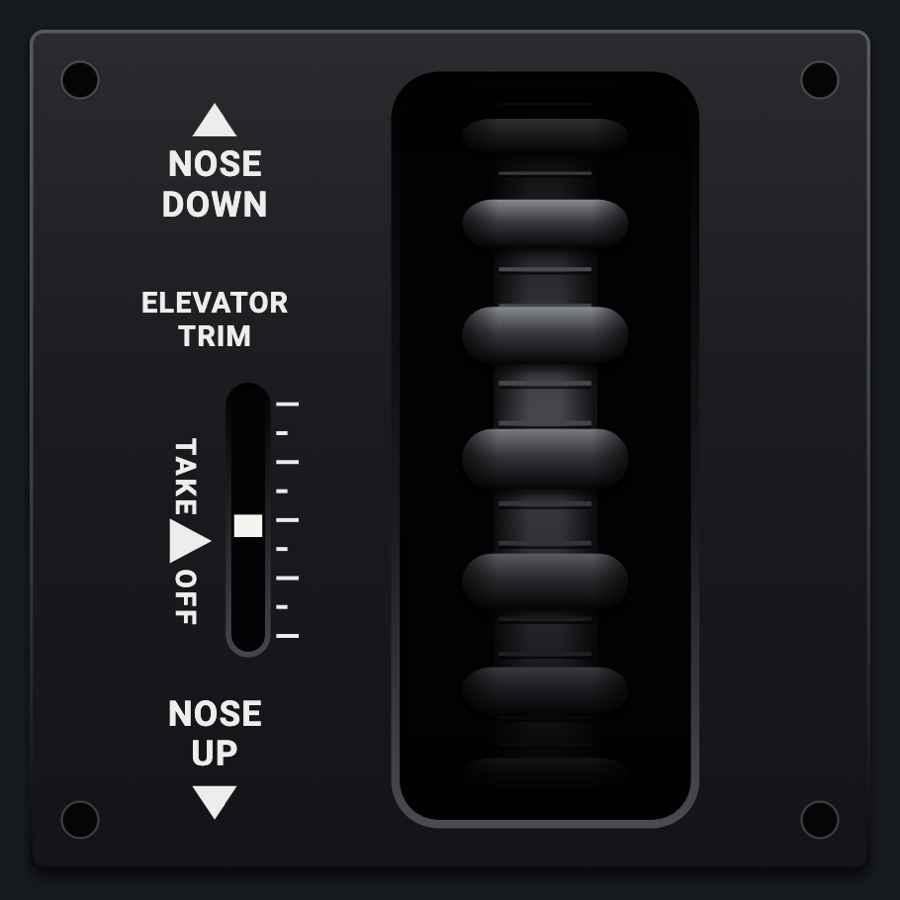
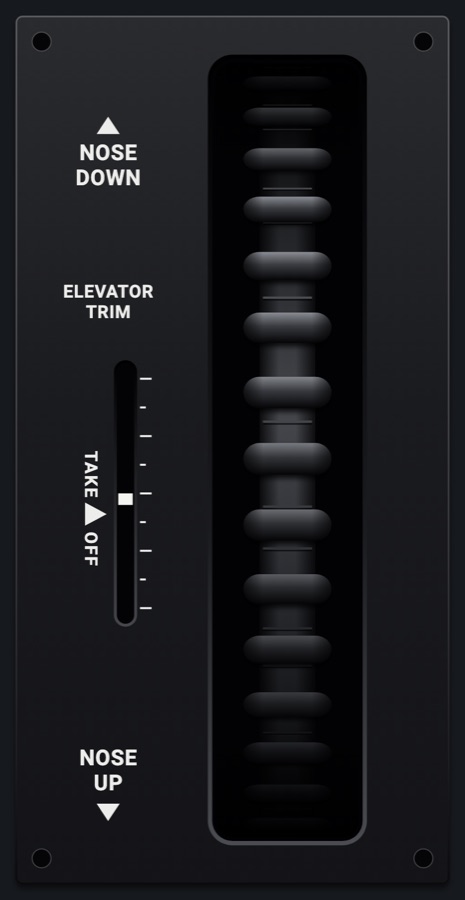
The 172's elevator trim wheel seen from the front through its slot in the flaps lever's dark plate, with its trim indicator and the TAKE OFF mark. Roll it with your finger: down for nose up, up for nose down; it ticks as it turns. 1 x 1, or standing 1 x 2.
- Modeled on
- Cessna 172-style elevator trim wheel and indicator on the pedestal (seen from the front)
- Category
- Airframe
- Size
- 1 cell
- Version
- 1.0 · 2026-10-19
- Plan
- Pro
- Simulators
- MSFS 2020 · MSFS 2024 · X-Plane 11 · X-Plane 12
Variants
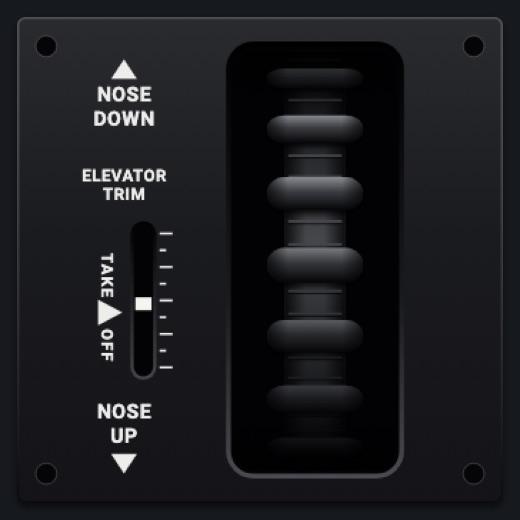
1 × 1v1.0
The wheel and indicator in one cell.
Instrument picker > SIZE > 1 × 1
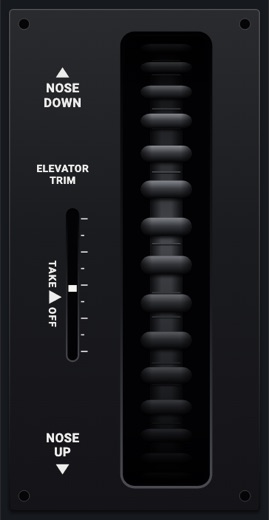
Standing 1 × 2v1.0
The same, a cell wide and two tall: a longer slot, larger placards.
SIZE > Standing 1 × 2
Features
- The wheel edge-on through its slot: a thin black rim with fine ribs and round knobs all round it, crowding and foreshortened as it curves away, the slot's ends shading it
- Turns with the simulator's trim and follows your finger as you roll it (4 degrees of wheel per 1 % of trim)
- Tick sound and haptic click for each 1 % step
- Trim indicator: a white tab in its slot with marks beside it (nose up: down the slot), TAKE ▶ OFF a little nose up of neutral
- NOSE DOWN and NOSE UP placards with arrows, ELEVATOR TRIM, mounting holes, on the flaps lever's plate
- Plate lit by the red flood at night; the glareshield's warm light falls on the faceplate too when its dimmer is up (Settings > Dimmers > Glareshield, off by default)
On the iPad
- Drag up or down on the wheel: down for nose up, up for nose down (1 % per 5 units of the 300-unit-wide plate, so the same feel at any size)
- Long press to change or move the module
Settings
- Size: 1 × 1 / Standing 1 × 2 (instrument picker)
Keys and controllers
Map any of these to a key, a game controller's button or axis, or a MIDI knob (how):
- Elevator trim (nose up +) +
- Elevator trim (nose up +) -
Simulator data
What the Hub reads from the simulator for this instrument, and what the instrument sends back. Names are the simulators' own: MSFS SimVars and events, X-Plane datarefs and commands.
Reads
| Value | MSFS | X-Plane |
|---|---|---|
| Elevator trim, -1..1, + nose up | ELEVATOR TRIM PCT (percent over 100) | sim/cockpit2/controls/elevator_trim |
Sends
| When you… | MSFS | X-Plane |
|---|---|---|
| Rolling the wheel (1 % steps, + = nose up), or mapped 'Elevator trim (nose up +) +' / '-' | ELEVATOR_TRIM_SET | sim/cockpit2/controls/elevator_trim |
Add-on aircraft with their own systems may use other variables; the Hub reads the standard ones.
Changes
The instrument's version counts what its faces share (the case, the mechanism, the data, the sounds); a face's own version counts that face alone.
- 1.0 2026-10-19
- First numbered version.