EGT / fuel flow
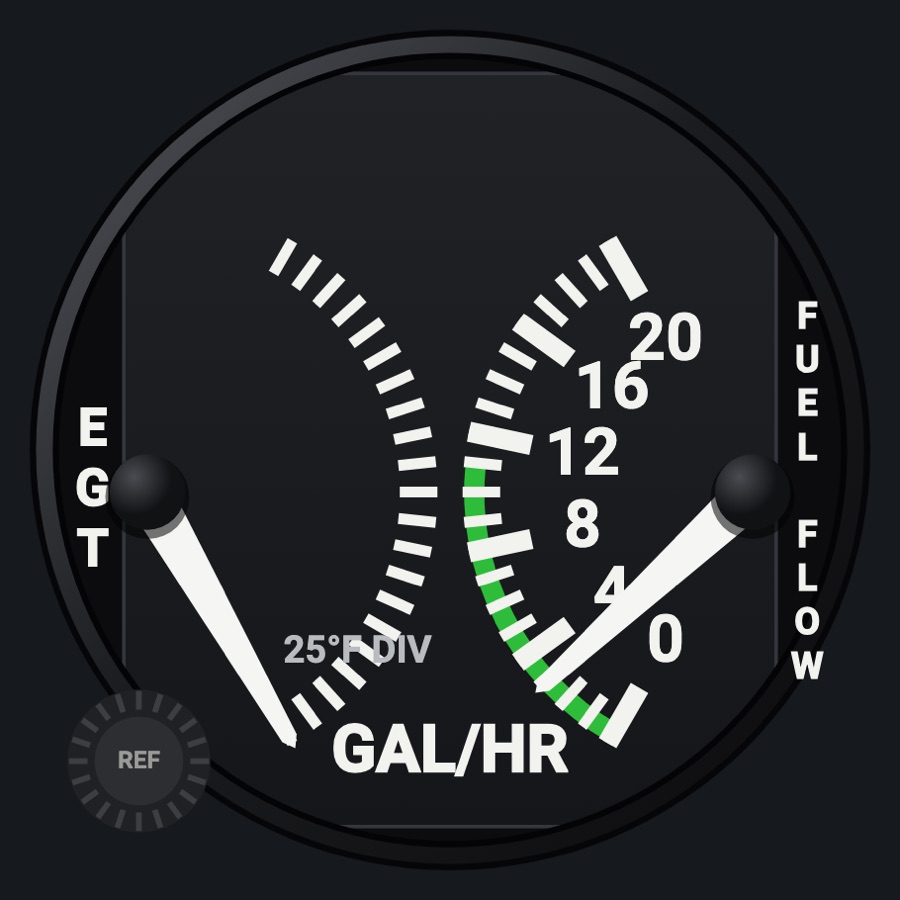
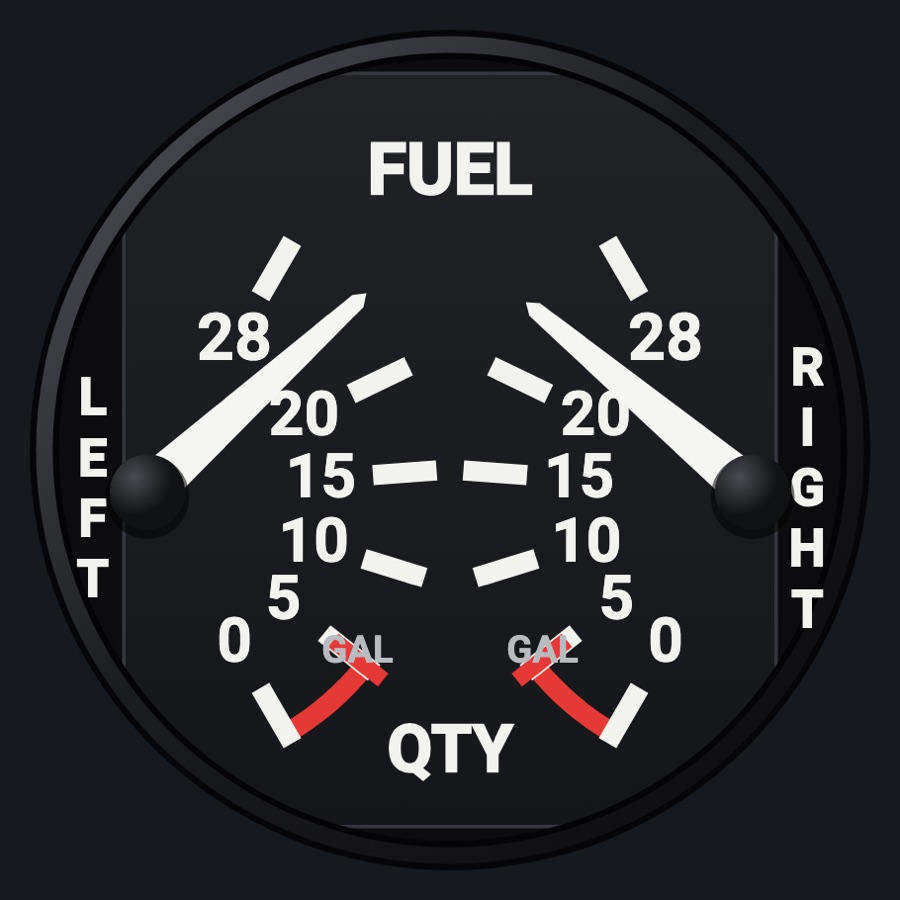
A cluster gauge with two half-scales in one round case: exhaust gas temperature on the left and fuel flow in gallons per hour on the right. The EGT side has a yellow reference needle you set with the REF knob, for leaning by reference to peak.
- Modeled on
- Classic light-aircraft dual cluster gauge (EGT and fuel flow in one round case, as in a Cessna)
- Category
- Engine and systems
- Size
- 1 cell
- Version
- 1.0 · 2026-10-19
- Plan
- Pro
- Simulators
- MSFS 2020 · MSFS 2024 · X-Plane 11 · X-Plane 12
Variants
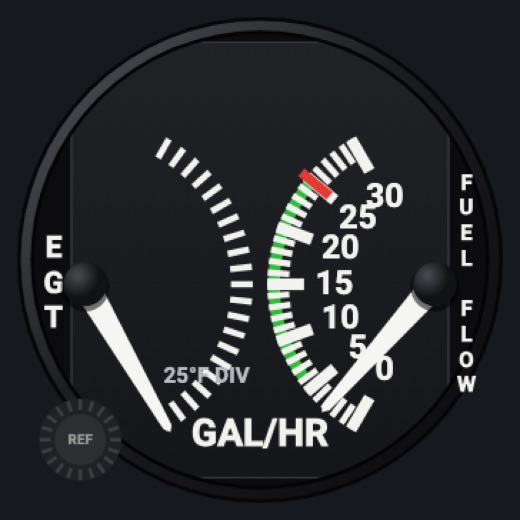
Engine 1v1.0
Twin only: the left engine
Picker, ENGINE: Engine 1
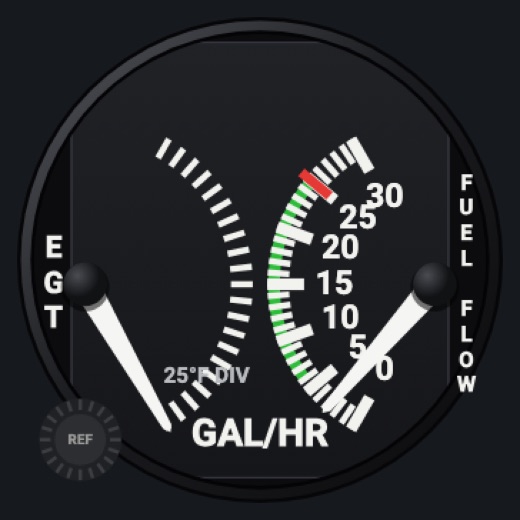
Engine 2v1.0
Twin only: the right engine (egtAll2, fuelF2)
Picker, ENGINE: Engine 2
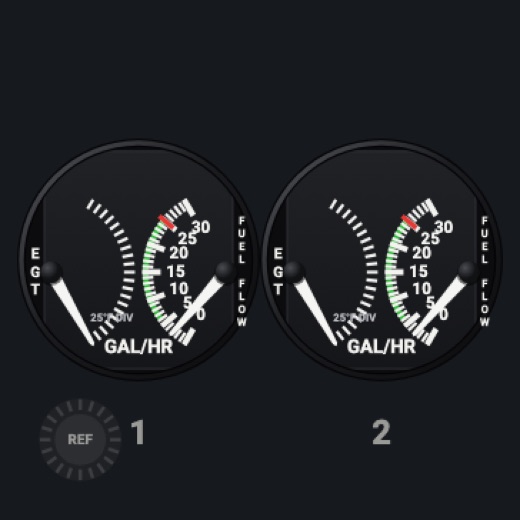
Bothv1.0
Twin only: two half-size gauges side by side, numbered 1 and 2
Picker, ENGINE: Both
Features
- EGT half-scale without numbers, 25 °F a division, covering the top 500 °F of the profile's EGT scale
- Yellow EGT reference needle, set with the REF knob
- Fuel flow half-scale in GAL/HR, with the profile's green band and numbered marks
- Each needle pivots at its own side of the case, on a dark gray face plate
- Twin: engine 1, engine 2, or both side by side
- Red X when fuel flow is missing or stale
- Realistic needles (Settings): spring and vibration
- Night lighting: the face takes the panel's red flood light, the glareshield's warm light from above (stronger for instruments higher on the page) and its own light, a lamp hidden at the top of the case lighting the dial downward (Settings > Dimmers: Red flood light, Glareshield, Instruments (analog))
Your aircraft: The EGT span follows the profile's EGT maximum; the fuel flow scale, label step and green band come from the profile's fuel flow limits. Twins get the engine choice. A generic profile (an aircraft the Hub doesn't know) gets wide default scales with no bands or red lines (fuel flow 0-60 gal/h, EGT 800-1,800 °F).
On the iPad
- Drag the REF knob (lower left) up or down to move the yellow EGT reference needle, 5 °F a step (starting from the current EGT)
- Double tap the REF knob to put the reference needle on the current EGT
- A tap elsewhere on the face asks to change the instrument
Settings
- ENGINE (twin aircraft only): Engine 1, Engine 2, Both
- Global: Realistic needles
Simulator data
What the Hub reads from the simulator for this instrument, and what the instrument sends back. Names are the simulators' own: MSFS SimVars and events, X-Plane datarefs and commands.
Reads
| Value | MSFS | X-Plane |
|---|---|---|
| Exhaust gas temperature, engine 1 (degF) | GENERAL ENG EXHAUST GAS TEMPERATURE:1 (fahrenheit) | sim/cockpit2/engine/indicators/EGT_deg_C[0]sim/aircraft/engine/acf_max_EGT |
| Fuel flow, engine 1 (gal/h) | ENG FUEL FLOW GPH:1 (gallons per hour) | sim/cockpit2/engine/indicators/fuel_flow_kg_sec[0] |
| EGT, engine 2 (degF) | GENERAL ENG EXHAUST GAS TEMPERATURE:2 (fahrenheit) | sim/cockpit2/engine/indicators/EGT_deg_C[1]sim/aircraft/engine/acf_max_EGT |
| Fuel flow, engine 2 (gal/h) | ENG FUEL FLOW GPH:2 (gallons per hour) | sim/cockpit2/engine/indicators/fuel_flow_kg_sec[1] |
Add-on aircraft with their own systems may use other variables; the Hub reads the standard ones.
Changes
The instrument's version counts what its faces share (the case, the mechanism, the data, the sounds); a face's own version counts that face alone.
- 1.0 2026-10-19
- First numbered version.