S-TEC-style autopilot
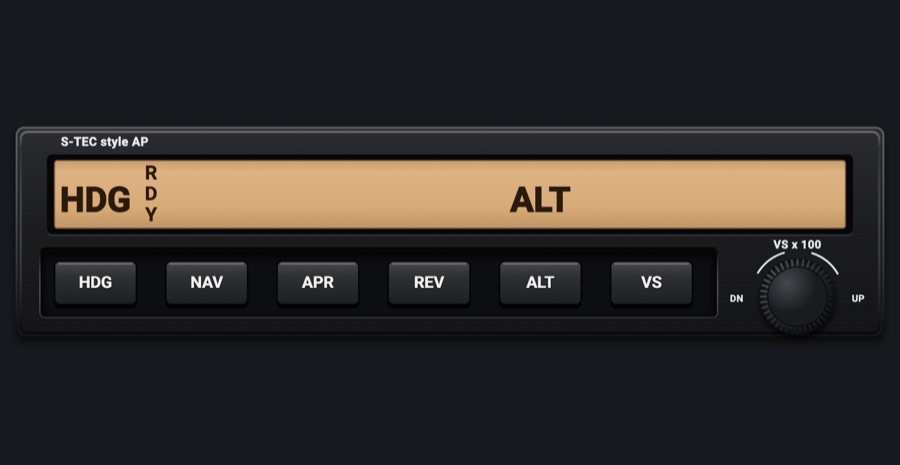
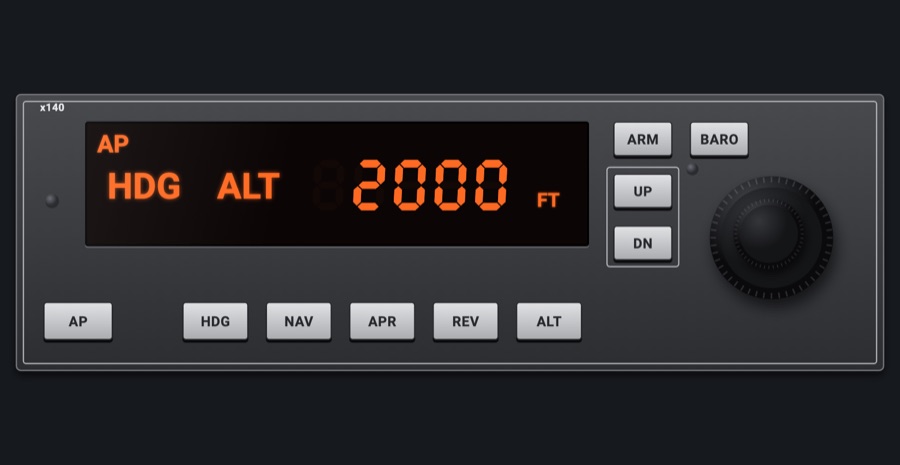
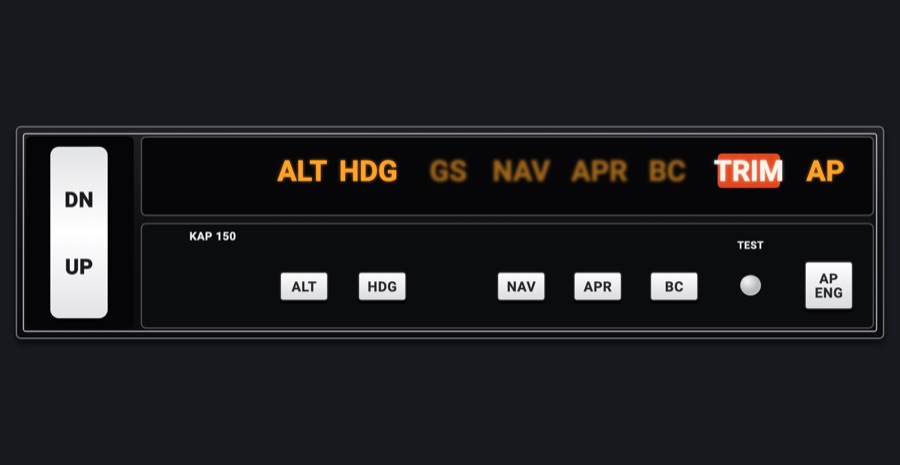
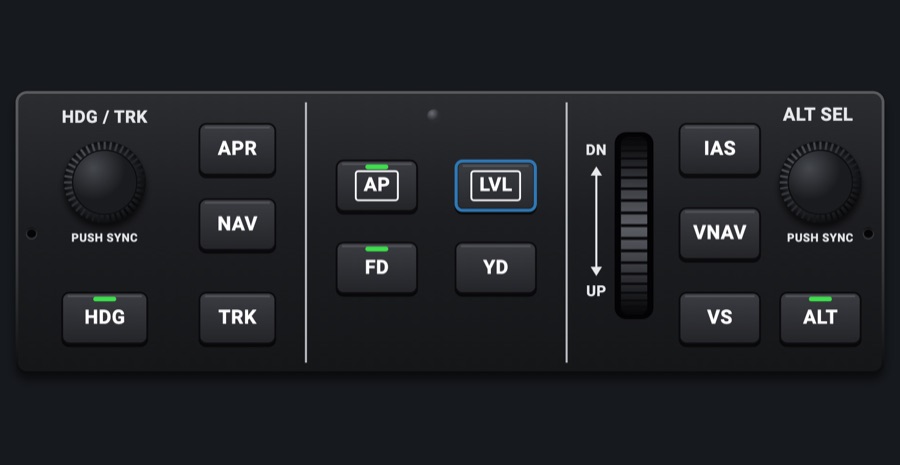
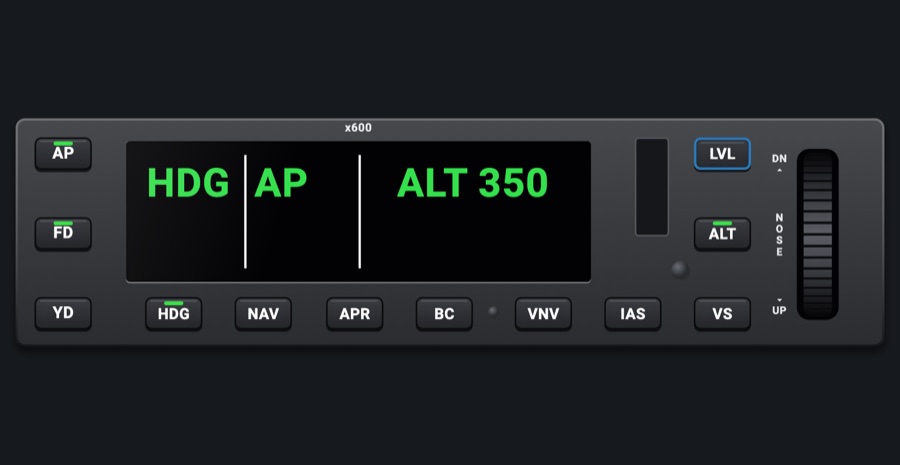
A panel-mount autopilot like the S-TEC unit in X-Plane 12's 172: six mode keys under a tan LCD that shows RDY, the engaged modes and the selected vertical speed, plus a VS knob. You can fly the simulator's autopilot from the iPad the way you would the real unit.
- Modeled on
- S-TEC-style autopilot (the one in X-Plane 12's Cessna 172), tan LCD mode display
- Category
- Autopilots
- Size
- 2 × 1 cells
- Version
- 1.0 · 2026-10-19
- Plan
- Pro
- Simulators
- MSFS 2020 · MSFS 2024 · X-Plane 11 · X-Plane 12
Features
- Tan LCD with RDY standing at the left, and the legend of each engaged mode (HDG, NAV, APR, REV, ALT, VS) shown above its key
- GS appears next to APR once the glideslope is captured
- In VS mode, the selected vertical speed in hundreds of feet a minute, with a + or - sign and seven-segment digits
- TRIM cue with an up or down arrow when the vertical speed is more than 300 fpm off what the autopilot is trying to hold (the selected VS, or zero in ALT)
- No separate AP key: the first mode key you press engages the autopilot in that mode, and pressing the engaged lateral mode key again disengages it
- VS x 100 knob with DN / UP arrows printed around it
- Legends show only while the autopilot is engaged
- At night the faceplate, keys and knob take the red flood light, while the LCD keeps its own color, dimmed
- Thin 2 x 1 unit: you can stack it with another thin module in one 2 x 1 slot or put it in a rack
On the iPad
- Tap HDG, NAV, APR or REV: with the autopilot off, it engages the autopilot in that mode; with it on, it selects that mode; tap the engaged lateral mode again to disengage the autopilot
- Tap ALT or VS to select altitude hold or vertical speed mode (engages the autopilot first if it's off)
- Turn the VS knob by dragging around it: one detent per step (100 fpm), ten steps at a time when you turn it fast; left is down, right is up
Keys and controllers
Map any of these to a key, a game controller's button or axis, or a MIDI knob (how):
- Autopilot AP
- Autopilot FD
- Autopilot YD
- Autopilot HDG
- Autopilot NAV
- Autopilot APR
- Autopilot BC
- Autopilot ALT
- Autopilot VS
- Autopilot FLC
- Autopilot LVL
- Autopilot UP / DN +
- Autopilot UP / DN -
- Altitude +
- Altitude -
- Altitude sync
Simulator data
What the Hub reads from the simulator for this instrument, and what the instrument sends back. Names are the simulators' own: MSFS SimVars and events, X-Plane datarefs and commands.
Reads
| Value | MSFS | X-Plane |
|---|---|---|
| Autopilot modes, one bit each (ApBit: ap, fd, yd, hdg, nav, apr, bc, alt, vs, flc, lvl, gs, vnv) (bitfield) | AUTOPILOT MASTER (bool)AUTOPILOT FLIGHT DIRECTOR ACTIVE (bool)AUTOPILOT YAW DAMPER (bool)AUTOPILOT HEADING LOCK (bool)AUTOPILOT NAV1 LOCK (bool)AUTOPILOT APPROACH HOLD (bool)AUTOPILOT BACKCOURSE HOLD (bool)AUTOPILOT ALTITUDE LOCK (bool)AUTOPILOT VERTICAL HOLD (bool)AUTOPILOT FLIGHT LEVEL CHANGE (bool)AUTOPILOT WING LEVELER (bool)AUTOPILOT GLIDESLOPE HOLD (bool) | sim/cockpit2/autopilot/servos_onsim/cockpit2/autopilot/flight_director_modesim/cockpit2/switches/yaw_damper_onsim/cockpit2/autopilot/heading_statussim/cockpit2/autopilot/nav_statussim/cockpit2/autopilot/approach_statussim/cockpit2/autopilot/backcourse_statussim/cockpit2/autopilot/altitude_hold_statussim/cockpit2/autopilot/vvi_statussim/cockpit2/autopilot/speed_statussim/cockpit2/autopilot/roll_statussim/cockpit2/autopilot/glideslope_status |
| Autopilot vertical speed target (fpm) | AUTOPILOT VERTICAL HOLD VAR (feet per minute) | sim/cockpit2/autopilot/vvi_dial_fpm |
| Vertical speed (fpm) | VERTICAL SPEED (feet per minute) | sim/cockpit2/gauges/indicators/vvi_fpm_pilot |
Sends
| When you… | MSFS | X-Plane |
|---|---|---|
| Mode keys, with the ApBit of the mode (REV sends bc). With the autopilot off, it first sends apKey for ap and then the mode; tapping the engaged lateral mode sends apKey for ap (disengage) | AP_MASTERTOGGLE_FLIGHT_DIRECTORYAW_DAMPER_TOGGLEAP_PANEL_HEADING_HOLDAP_NAV1_HOLDAP_APR_HOLDAP_BC_HOLDAP_ALT_HOLDAP_PANEL_VS_HOLDFLIGHT_LEVEL_CHANGEAP_WING_LEVELER | sim/autopilot/servos_togglesim/autopilot/fdir_togglesim/systems/yaw_damper_togglesim/autopilot/headingsim/autopilot/NAVsim/autopilot/approachsim/autopilot/back_coursesim/autopilot/altitude_holdsim/autopilot/vertical_speedsim/autopilot/level_changesim/autopilot/wing_leveler |
| Turning the VS knob (steps, x10 when turned fast) | AP_VS_VAR_SET_ENGLISHAP_SPD_VAR_SETAP_PITCH_REF_INC_UPAP_PITCH_REF_INC_DN | sim/cockpit2/autopilot/vvi_dial_fpmsim/cockpit2/autopilot/airspeed_dial_kts_machsim/autopilot/nose_upsim/autopilot/nose_down |
Add-on aircraft with their own systems may use other variables; the Hub reads the standard ones.
Changes
The instrument's version counts what its faces share (the case, the mechanism, the data, the sounds); a face's own version counts that face alone.
- 1.0 2026-10-19
- First numbered version.