Fuel selector L / R / OFF
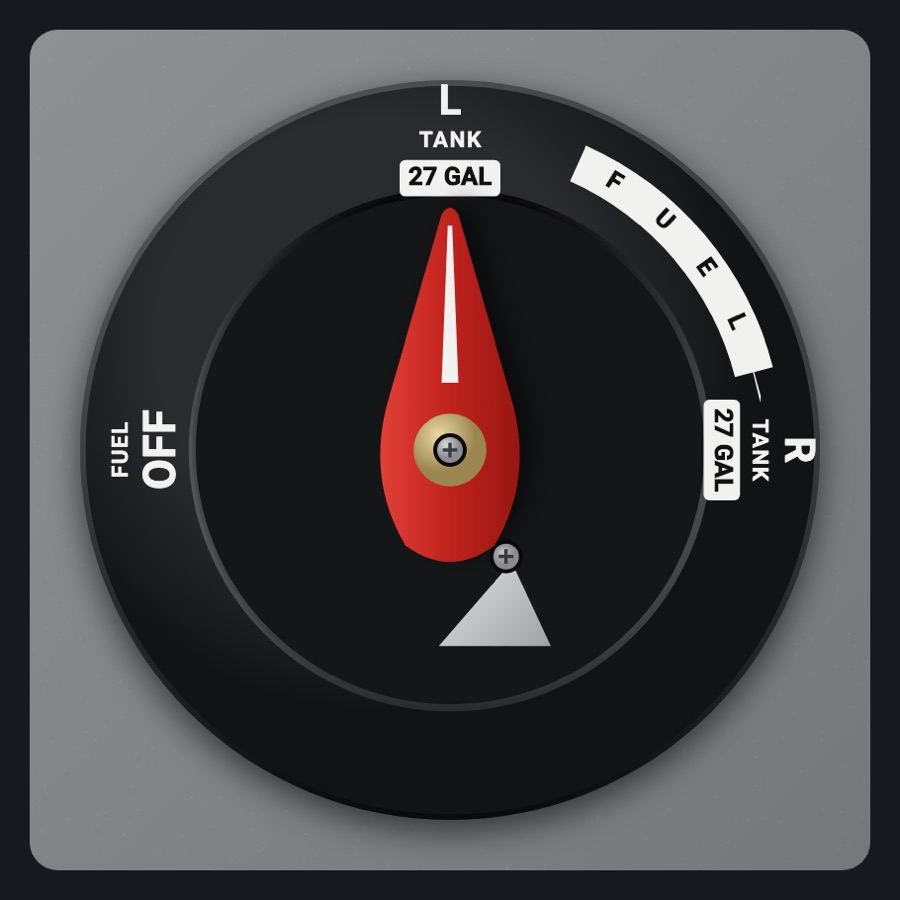
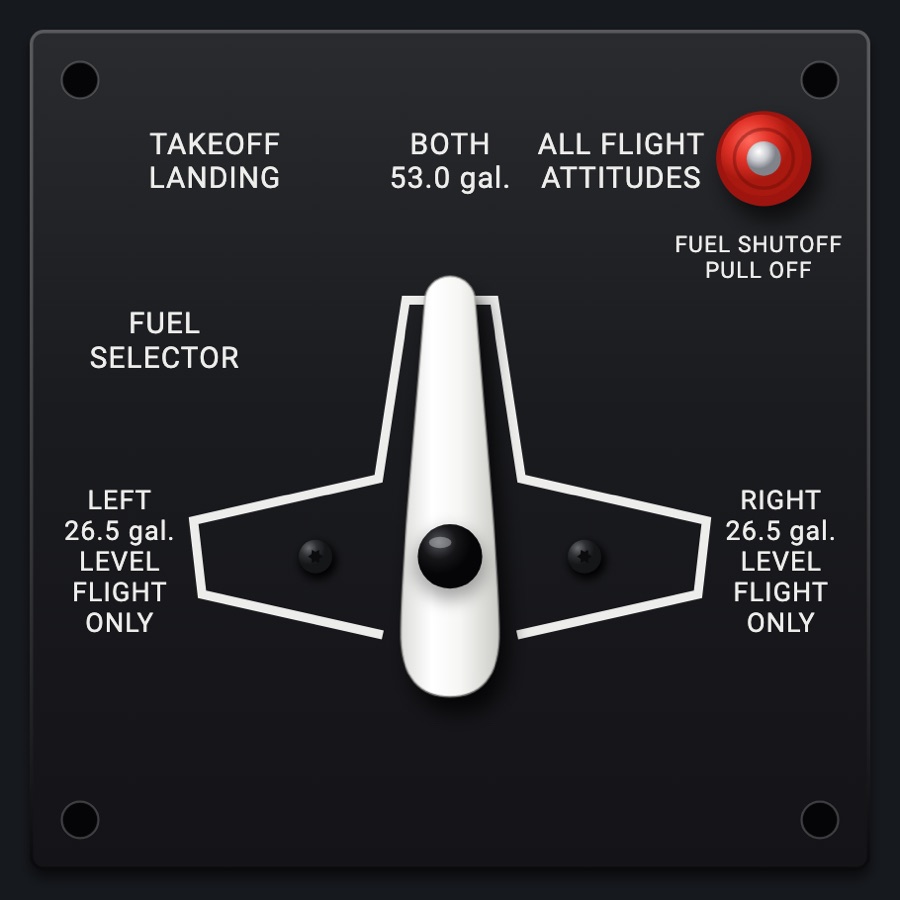
A LEFT / RIGHT / OFF fuel selector with two faces: a Piper PA-28's on the gray sidewall or a Bonanza's on the floor. Turn the lever or touch a tank; to reach OFF you press the latch (the Bonanza's stop) first, as on the real ones. The tank placards show the current aircraft's gallons.
- Modeled on
- Piper PA-28 sidewall fuel selector, or Beechcraft Bonanza floor fuel tank selector
- Category
- Airframe
- Size
- 1 cell
- Version
- 1.0 · 2026-10-19
- Plan
- Pro
- Simulators
- MSFS 2020 · MSFS 2024 · X-Plane 11 · X-Plane 12
Variants
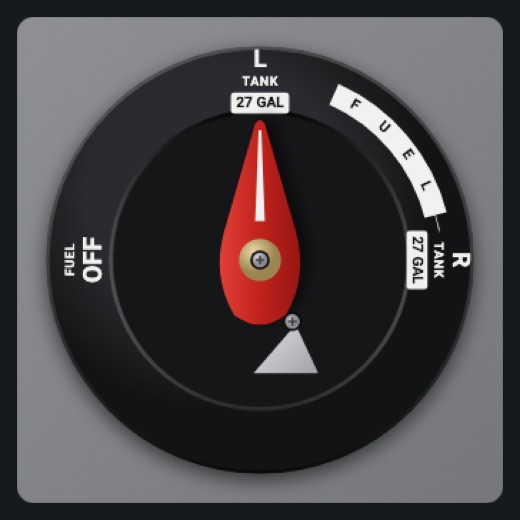
Piper PA-28v1.0
Black molded plate on the gray sidewall: L TANK top, R TANK right, FUEL OFF left, the FUEL arrow, a red lever with a white stripe, the silver latch under it
Picker: FACE > Piper PA-28
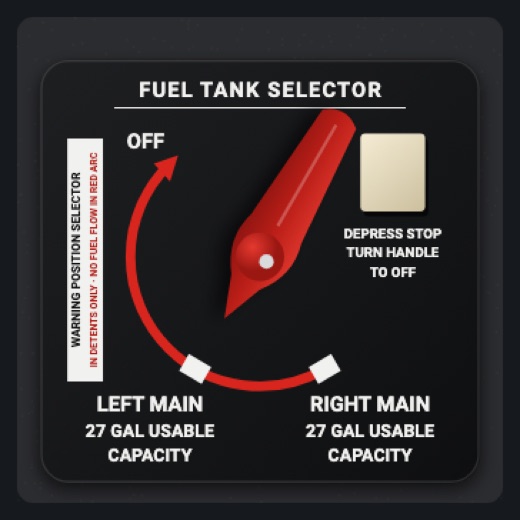
Beechcraft Bonanzav1.0
Black FUEL TANK SELECTOR placard on carpet: LEFT MAIN / RIGHT MAIN at the bottom, OFF at the top left, the red no-flow arc, the WARNING placard, a red handle, the cream DEPRESS STOP block
Picker: FACE > Beechcraft Bonanza
Features
- Each tank placard shows half the aircraft profile's usable fuel (24 gal when unknown)
- OFF guarded by a latch/stop: without it the lever stops at LEFT (a clack sound if you try)
- Press the latch and it stays down for 4 seconds, drawn pressed in; reaching OFF releases it
- Detents click (sound and haptic) as the lever passes LEFT, RIGHT and OFF
- Shows the simulator's selector; a BOTH position (in simulators that have one) is shown as the last tank
- What you select is shown at once and held until the simulator agrees (or 2.5 s pass)
- At night it takes the panel's flood light
Your aircraft: Tank placards show half the aircraft's usable gallons (Aircraft.usableGal / 2, rounded); 24 gal if the profile has none.
On the iPad
- Drag the lever round its pivot; release to select the nearest tank (OFF only while the latch is pressed)
- Tap toward LEFT, RIGHT or OFF to put the lever there
- Tap the latch (Piper: silver triangle under the lever; Bonanza: the cream stop) before turning to OFF
Settings
- Face: Piper PA-28 or Beechcraft Bonanza (picker variant)
Simulator data
What the Hub reads from the simulator for this instrument, and what the instrument sends back. Names are the simulators' own: MSFS SimVars and events, X-Plane datarefs and commands.
Reads
| Value | MSFS | X-Plane |
|---|---|---|
| Fuel selector: 0 off, 1 left, 2 both, 3 right (enum (NaN: another kind)) | FUEL TANK SELECTOR:1 (enum) | sim/cockpit2/fuel/fuel_tank_selector |
Sends
| When you… | MSFS | X-Plane |
|---|---|---|
| Selecting a position: 0 OFF, 1 LEFT, 3 RIGHT | FUEL_SELECTOR_OFFFUEL_SELECTOR_LEFTFUEL_SELECTOR_ALLFUEL_SELECTOR_RIGHT | sim/cockpit2/fuel/fuel_tank_selector |
Add-on aircraft with their own systems may use other variables; the Hub reads the standard ones.
Changes
The instrument's version counts what its faces share (the case, the mechanism, the data, the sounds); a face's own version counts that face alone.
- 1.0 2026-10-19
- First numbered version.