Trim
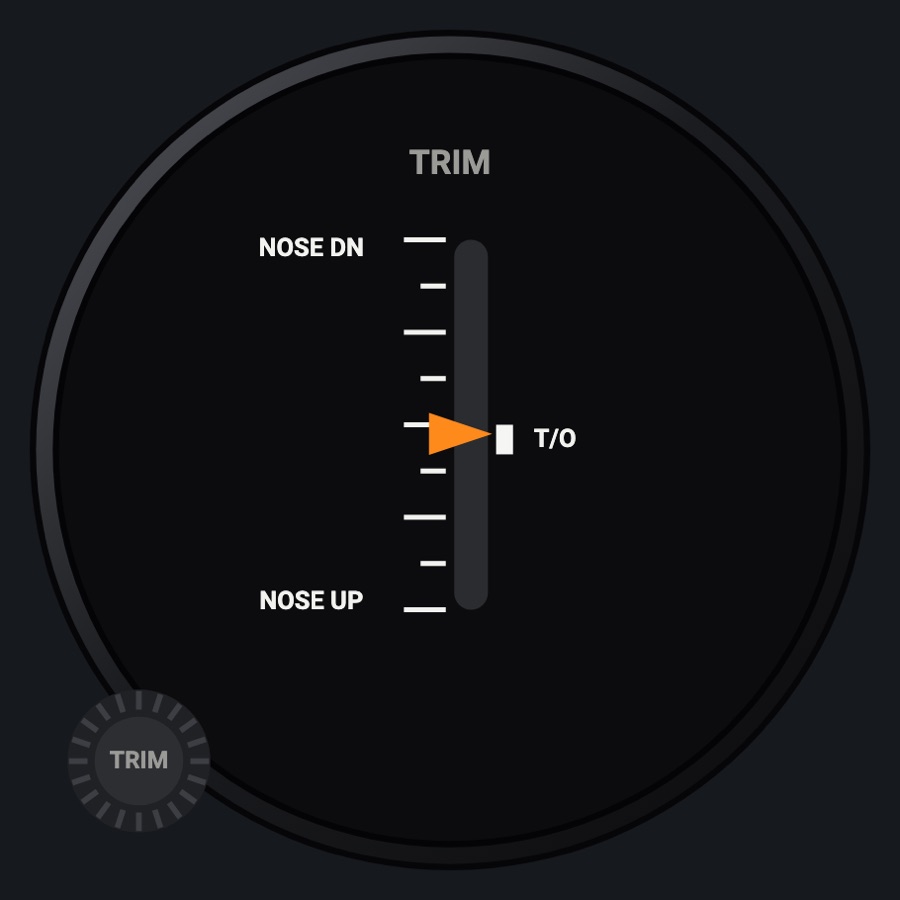
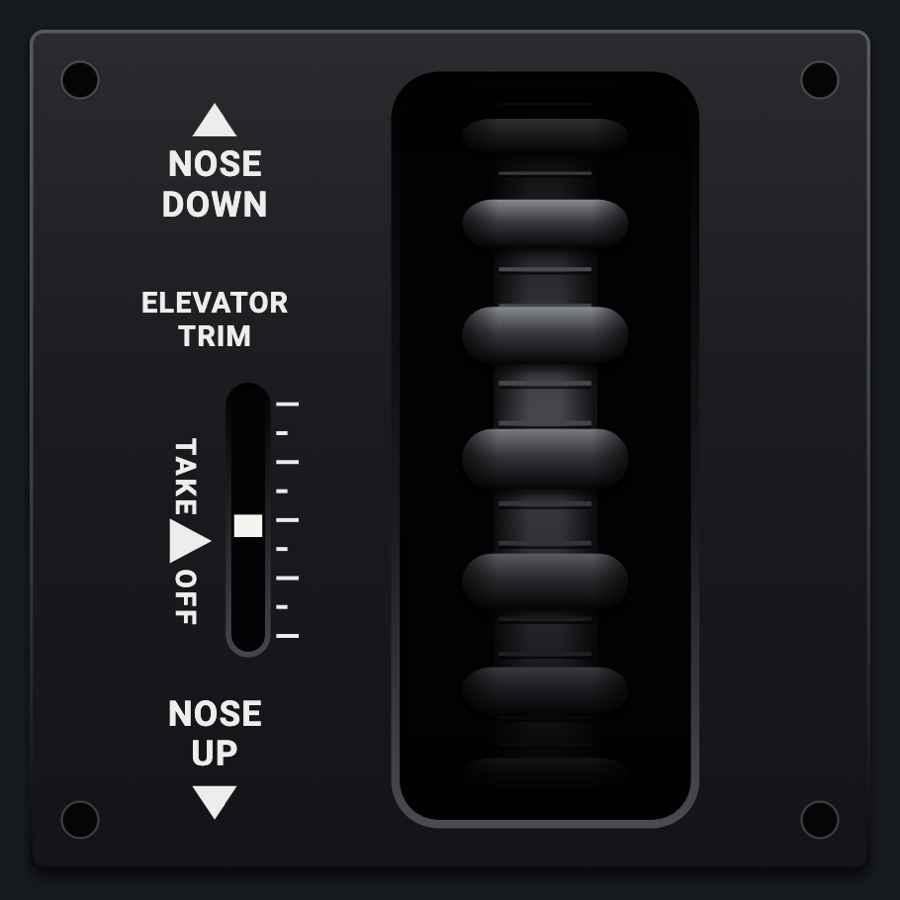
An elevator trim indicator with a vertical scale from NOSE DN to NOSE UP and a takeoff band, plus rudder and aileron trim bars when the aircraft uses them. The TRIM knob trims the simulator's elevator.
- Modeled on
- Cessna 172-style elevator trim indicator (generic round dial)
- Category
- Airframe
- Size
- 1 cell
- Version
- 1.0 · 2026-10-19
- Plan
- Pro
- Simulators
- MSFS 2020 · MSFS 2024 · X-Plane 11 · X-Plane 12
Features
- Orange pointer on a vertical scale, NOSE DN at the top, NOSE UP at the bottom
- T/O band slightly nose up of neutral
- Rudder (RUD) and aileron (AIL) trim bars appear only when those trims are deflected
- Red X when elevator trim is missing
- Night lighting: the face takes the panel's red flood light, the glareshield's warm light from above (stronger for instruments higher on the page) and its own light, a lamp hidden at the top of the case lighting the dial downward (Settings > Dimmers: Red flood light, Glareshield, Instruments (analog))
On the iPad
- Drag the TRIM knob down for nose up, up for nose down (1 % per 6 px)
- Tap elsewhere on the face to change the instrument
Keys and controllers
Map any of these to a key, a game controller's button or axis, or a MIDI knob (how):
- Elevator trim (nose up +) +
- Elevator trim (nose up +) -
Simulator data
What the Hub reads from the simulator for this instrument, and what the instrument sends back. Names are the simulators' own: MSFS SimVars and events, X-Plane datarefs and commands.
Reads
| Value | MSFS | X-Plane |
|---|---|---|
| Elevator trim, -1..1, + nose up | ELEVATOR TRIM PCT (percent over 100) | sim/cockpit2/controls/elevator_trim |
| Rudder trim, -1..1, + right | RUDDER TRIM PCT (percent over 100) | sim/cockpit2/controls/rudder_trim |
| Aileron trim, -1..1, + right | AILERON TRIM PCT (percent over 100) | sim/cockpit2/controls/aileron_trim |
Sends
| When you… | MSFS | X-Plane |
|---|---|---|
| Dragging the TRIM knob (1 % steps), or mapped 'Elevator trim (nose up +) +' / '-' | ELEVATOR_TRIM_SET | sim/cockpit2/controls/elevator_trim |
Add-on aircraft with their own systems may use other variables; the Hub reads the standard ones.
Changes
The instrument's version counts what its faces share (the case, the mechanism, the data, the sounds); a face's own version counts that face alone.
- 1.0 2026-10-19
- First numbered version.