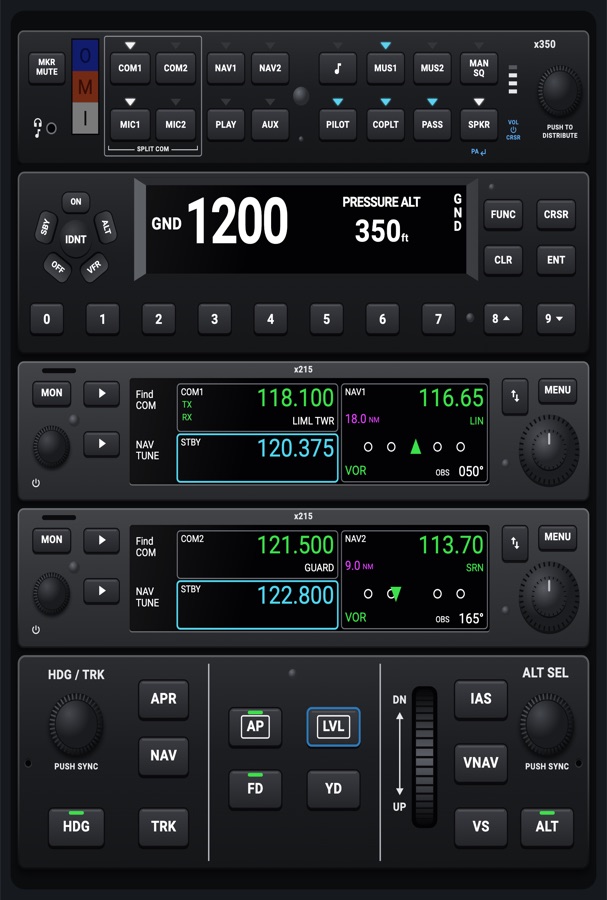
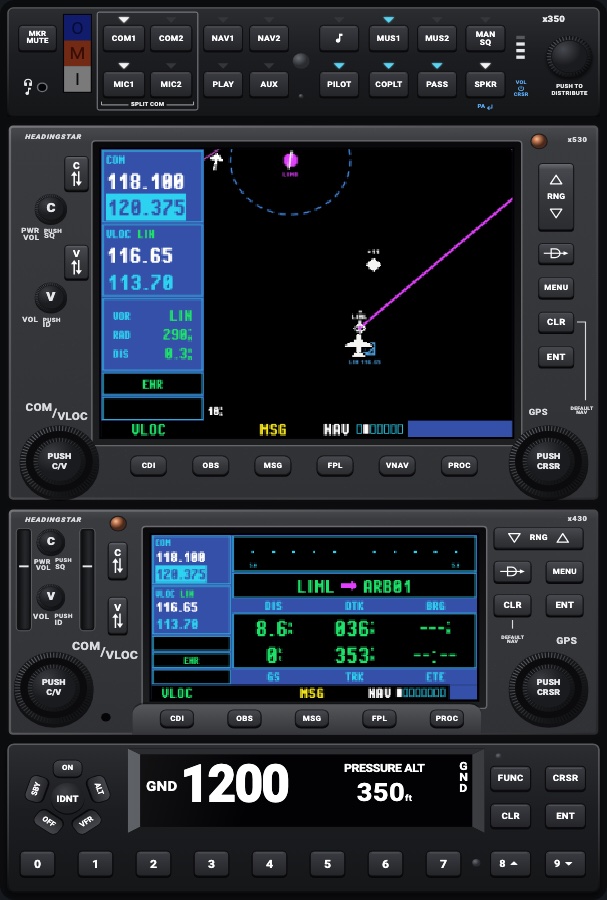
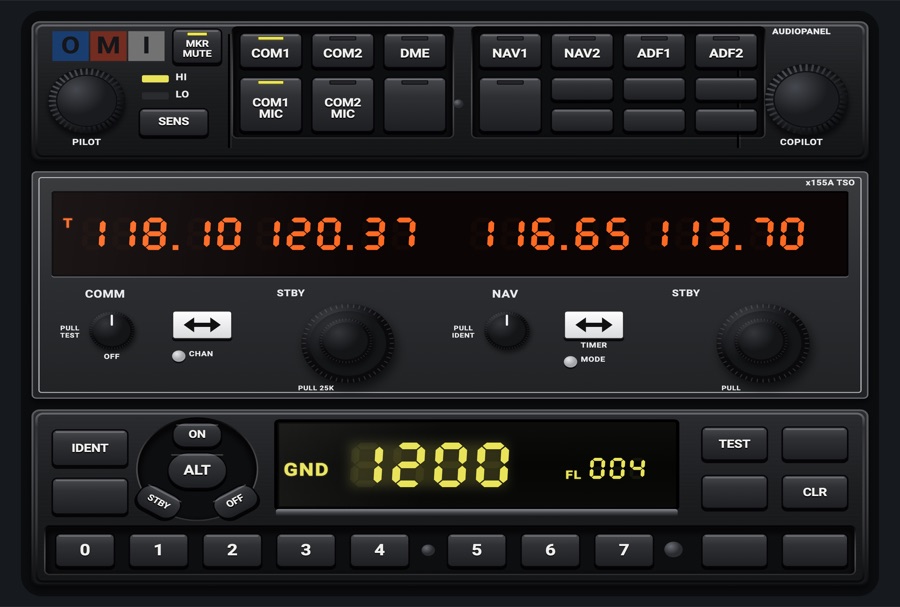
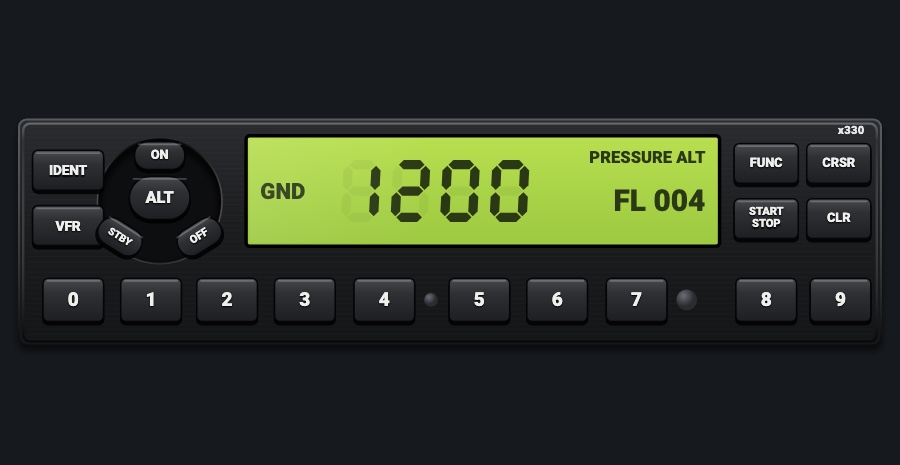
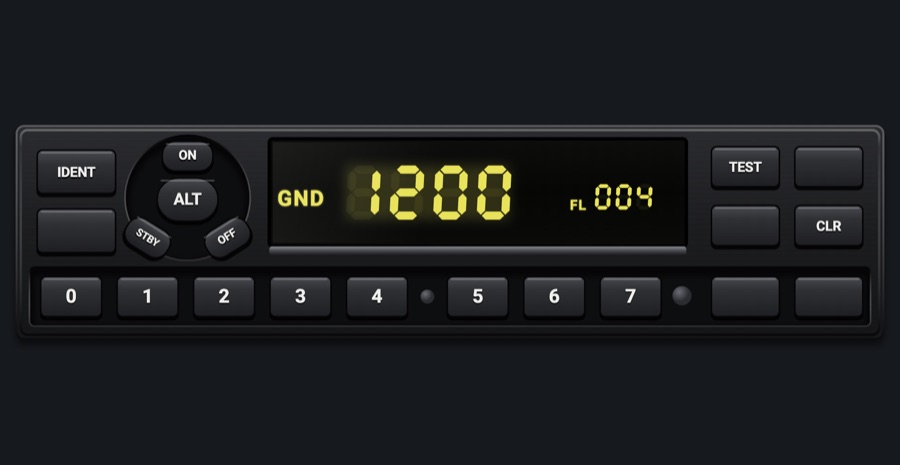
GTX 345-style transponder
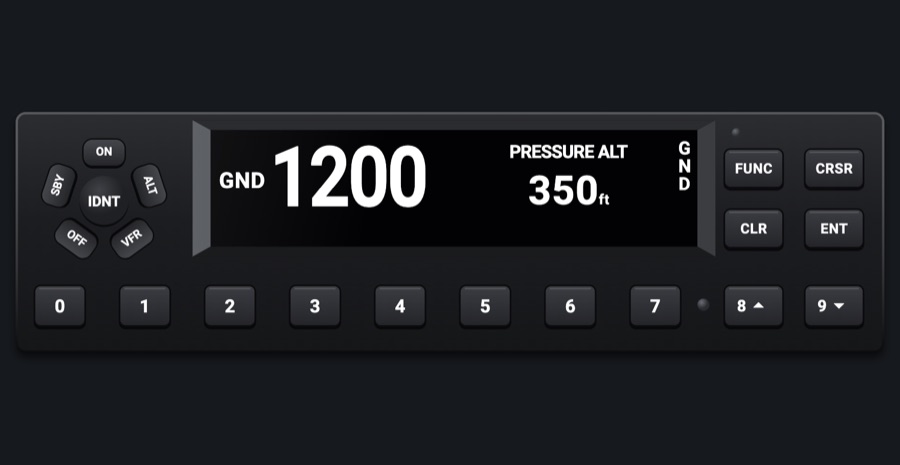
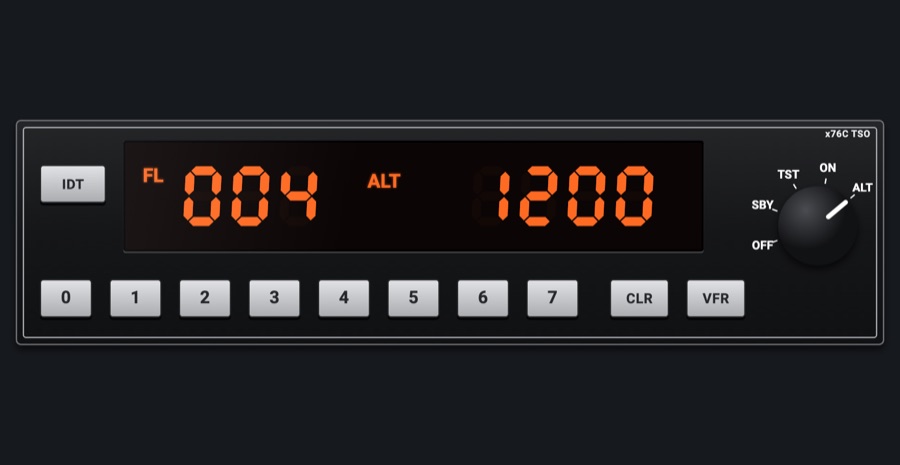
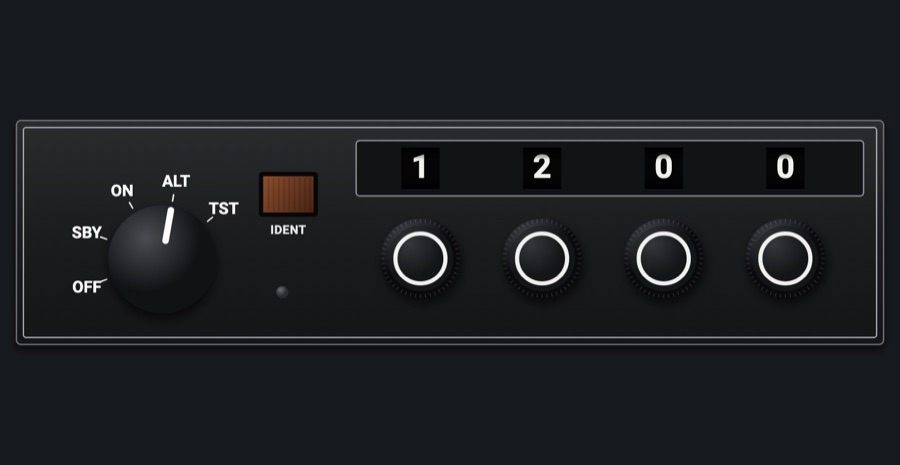
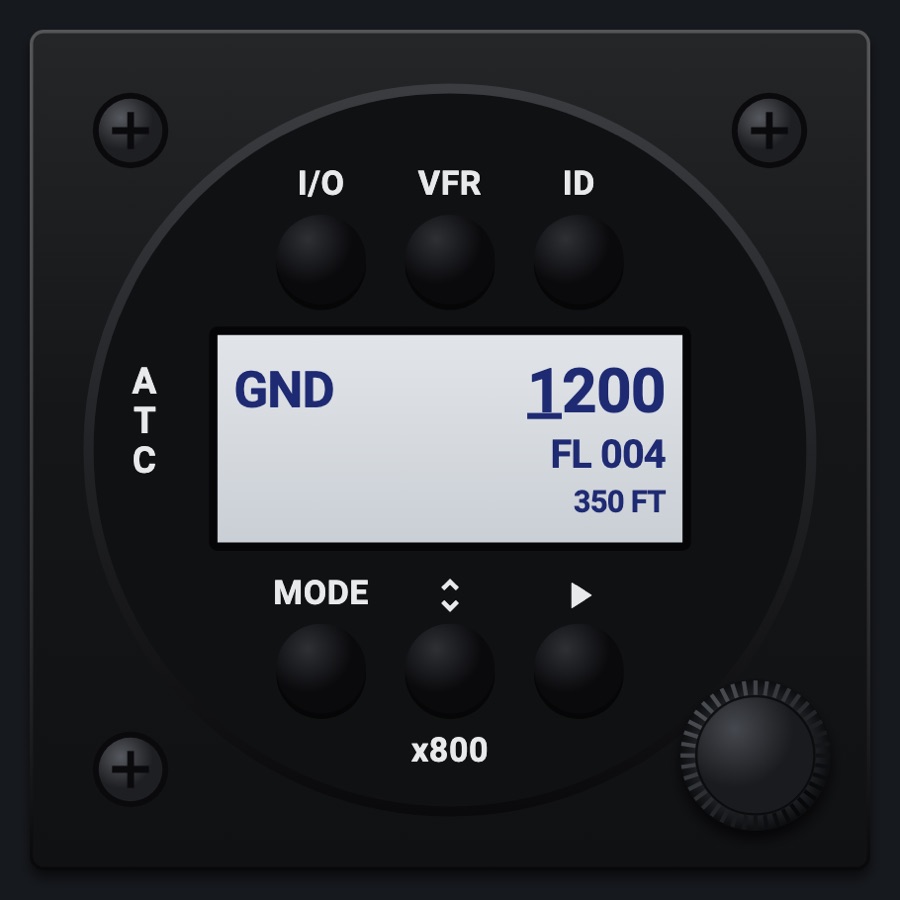
A transponder laid out as a GTX 345: the round mode cluster around IDNT, the code keys, and a display with the mode, the code and a function page. Code, mode and IDENT go to the simulator.
- Modeled on
- Garmin GTX 345-style transponder
- Category
- Radios and panels
- Size
- 2 × 1 cells
- Version
- 1.0 · 2026-10-19
- Plan
- Pro
- Simulators
- MSFS 2020 · MSFS 2024 · X-Plane 11 · X-Plane 12
Features
- Mode cluster: ON, ALT, VFR, OFF, SBY around a round IDNT key
- Code entry on the 0-7 keys: digits blink in cyan until the fourth is typed, then it's sent; CLR deletes one; entry times out after 6 s
- CRSR cursor editing: pick a digit, change it with 8 / 9, ENT sends the code
- FUNC pages: PRESSURE ALT, FLIGHT TIME, ALT MONITOR, COUNT UP, COUNT DOWN, DENSITY ALT, OAT
- Altitude monitor: ENT captures the altitude; ALTITUDE ALERT and a caution tone 200 ft off it
- Count-up and countdown timers (ENT start/stop, CLR reset, 8/9 set the countdown minutes; tone at zero)
- R reply indicator flashing as simulated radars sweep past; IDNT shown for 18 s after IDENT
- GND automatic ground mode; emergency codes flagged on red (HIJACK, NO RADIO, EMERGENCY); 7500 asks for confirmation
- TEST lights every segment (8888)
- VFR key sets the VFR code; pressed again brings back the previous code
On the iPad
- Tap a key of the round cluster for ON / ALT / VFR / OFF / SBY; tap the middle for IDNT
- Tap 0-7 to type a code (four digits send it)
- Tap FUNC to page through the function pages; ENT / CLR act on the page
- Tap CRSR to edit one digit at a time, 8 / 9 to change it, ENT to send
Settings
- App Settings > Transponder: 'Transponder VFR code' 1200 (US) or 7000 (Europe), shared by every transponder's VFR key
- App Settings > Transponder: 'Transponder ground mode' on/off (on: in ON/ALT on the ground it shows GND and doesn't reply)
Keys and controllers
Map any of these to a key, a game controller's button or axis, or a MIDI knob (how):
- Transponder IDENT
- Transponder STBY
- Transponder ALT
Simulator data
What the Hub reads from the simulator for this instrument, and what the instrument sends back. Names are the simulators' own: MSFS SimVars and events, X-Plane datarefs and commands.
Reads
| Value | MSFS | X-Plane |
|---|---|---|
| Transponder code as its four digits (e.g. 1200) (code) | TRANSPONDER CODE:1 (number) | sim/cockpit2/radios/actuators/transponder_code |
| Transponder mode: 0 off, 1 standby, 2 test, 3 on, 4 altitude (enum) | TRANSPONDER STATE:1 (number) | sim/cockpit2/radios/actuators/transponder_mode |
| Transponder identing (1/0) (bool) | TRANSPONDER IDENT:1 (bool) | sim/cockpit2/radios/indicators/transponder_id |
| On the ground (1/0) (bool) | SIM ON GROUND (bool) | sim/flightmodel/failures/onground_any |
| Pressure altitude (ft) | PRESSURE ALTITUDE (feet) | sim/flightmodel2/position/pressure_altitude |
| Indicated altitude (ft) | INDICATED ALTITUDE (feet) | sim/cockpit2/gauges/indicators/altitude_ft_pilot |
| Outside air temperature (degC) | AMBIENT TEMPERATURE (celsius) | sim/cockpit2/temperature/outside_air_temp_degc |
Sends
| When you… | MSFS | X-Plane |
|---|---|---|
| Fourth digit typed, ENT after CRSR editing, or VFR key | XPNDR_SET | sim/cockpit2/radios/actuators/transponder_code |
| ON (3), ALT (4), OFF (0), SBY (1) keys | SimVar write: TRANSPONDER STATE:1 | sim/cockpit2/radios/actuators/transponder_mode |
| IDNT key | XPNDR_IDENT_ON | sim/transponder/transponder_ident |
Add-on aircraft with their own systems may use other variables; the Hub reads the standard ones.
Changes
The instrument's version counts what its faces share (the case, the mechanism, the data, the sounds); a face's own version counts that face alone.
- 1.0 2026-10-19
- First numbered version.