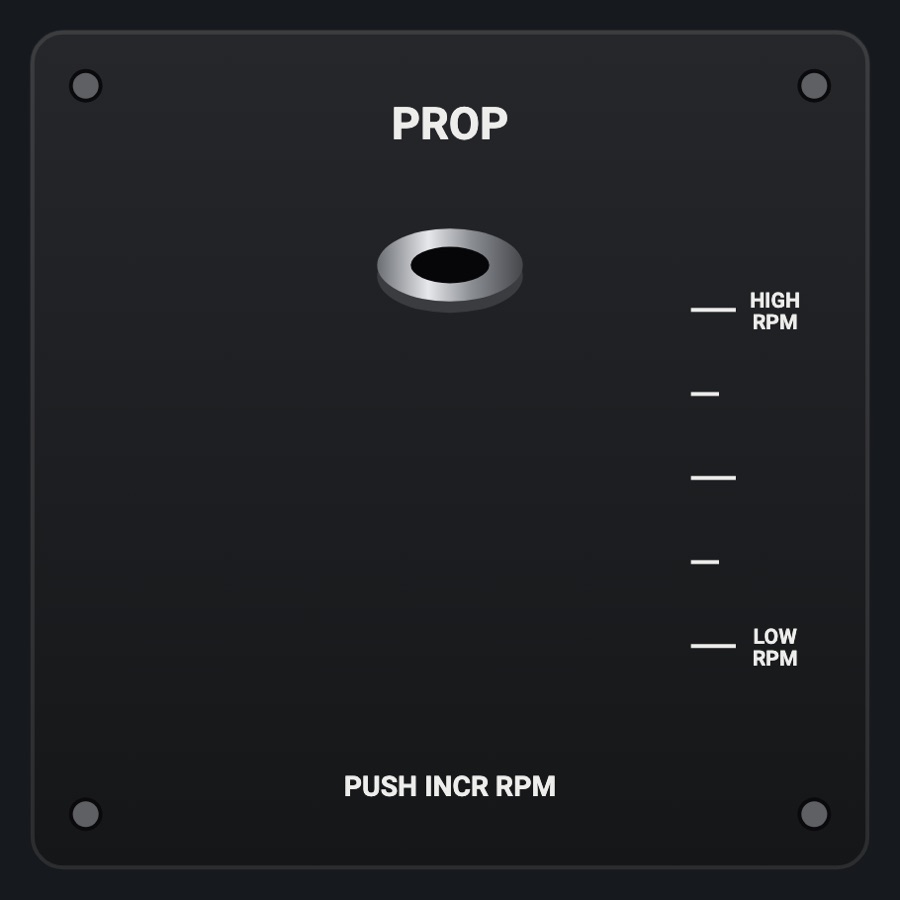
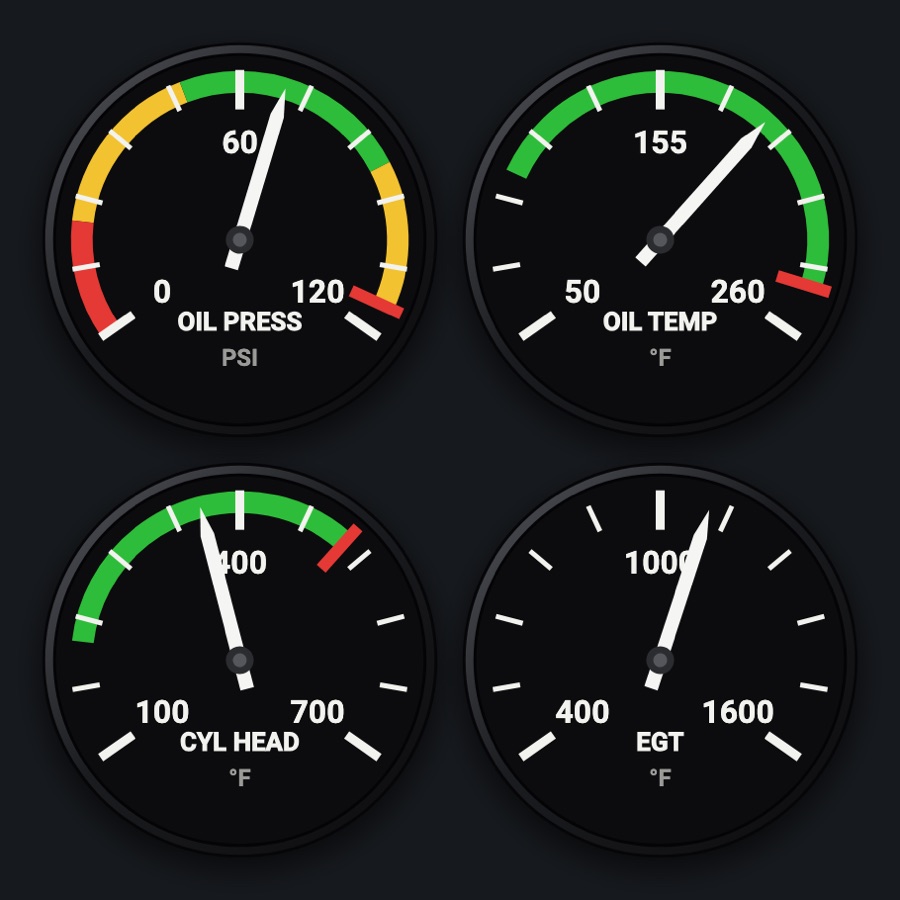
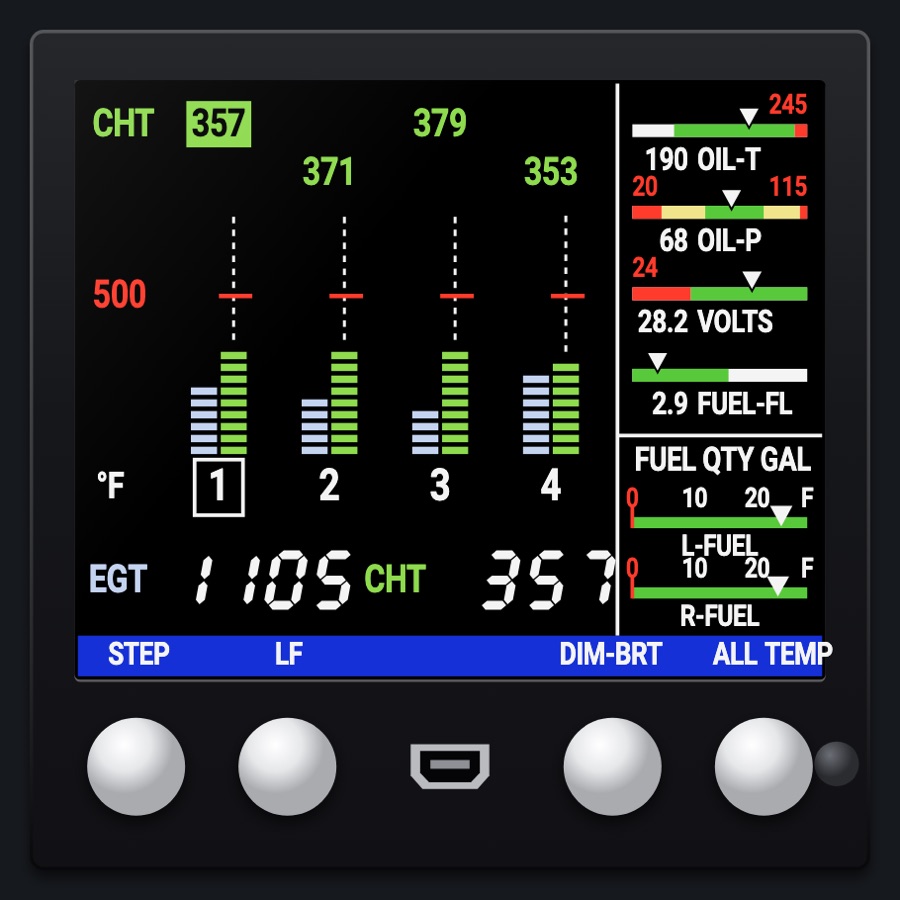
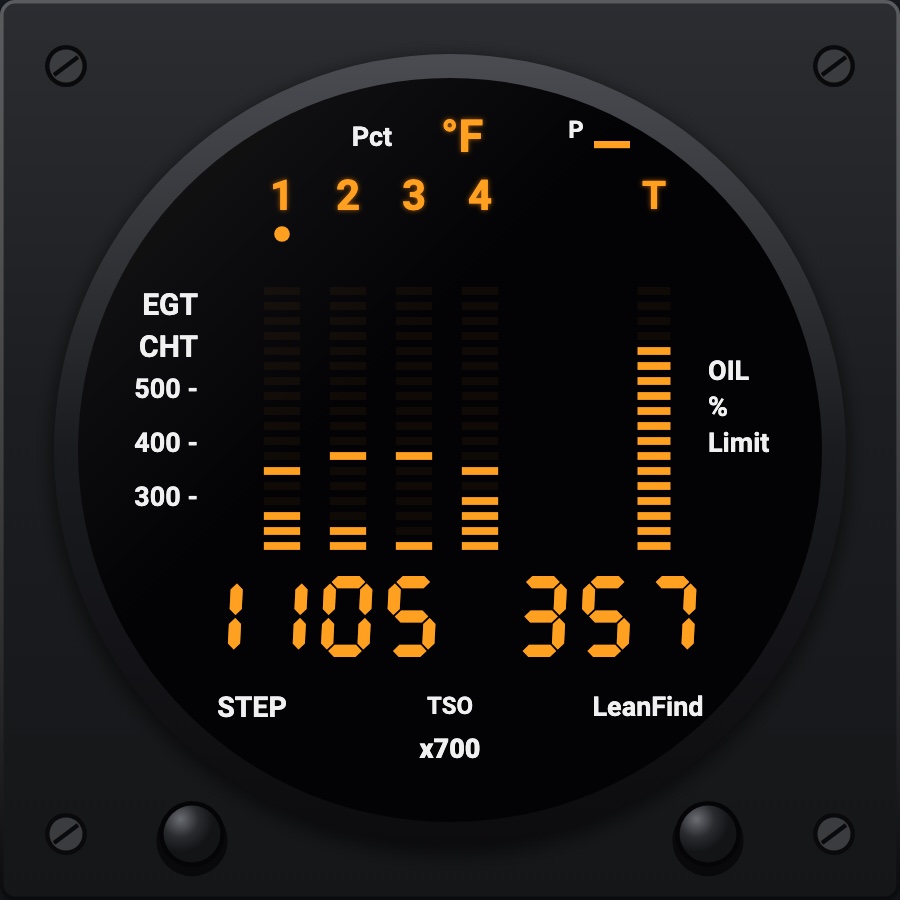
Cowl flaps lever
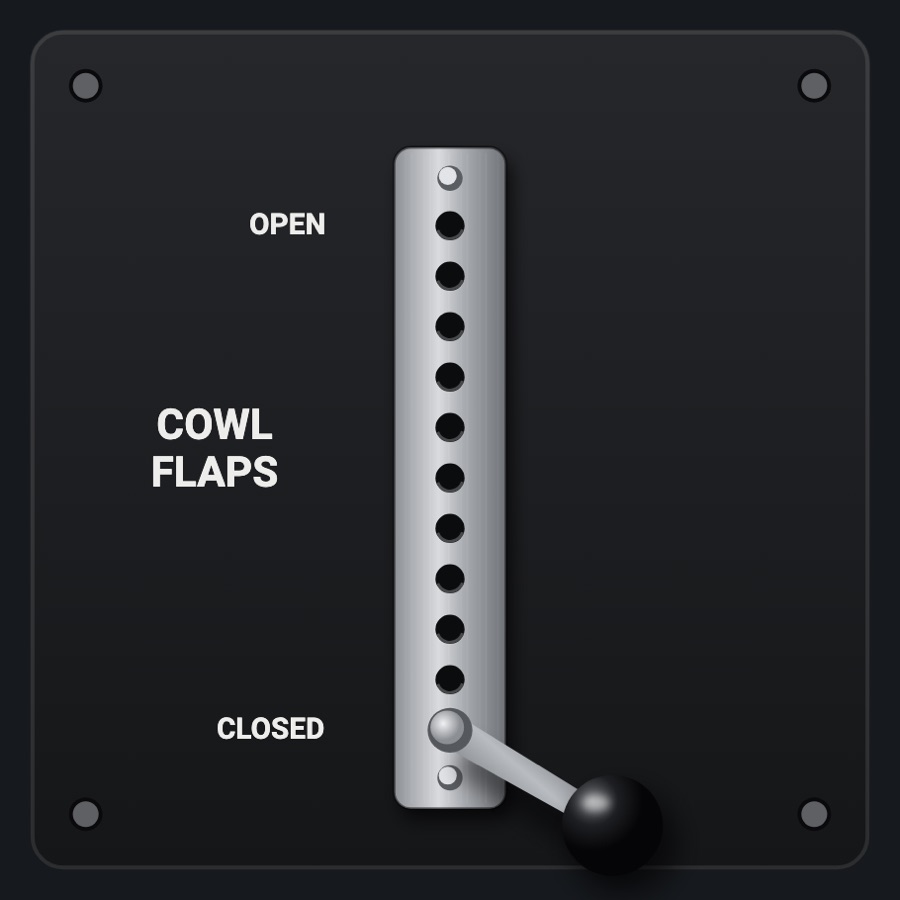
The cowl flaps lever in its stainless bracket: eleven detent holes from OPEN at the top to CLOSED at the bottom, the lever's black ball knob in one of them. Drag the lever or touch a hole and it drops into the nearest, setting the simulator's cowl flaps.
- Modeled on
- Cessna 182 / 210 cowl flaps lever and bracket
- Category
- Engine and systems
- Size
- 1 cell
- Version
- 1.0 · 2026-10-19
- Plan
- Pro
- Simulators
- MSFS 2020 · MSFS 2024 · X-Plane 11 · X-Plane 12
Features
- Eleven detent positions, OPEN to CLOSED (0 to 100 % in 10 % steps)
- Lever position follows the simulator's cowl flaps
- Tick sound as the lever passes each hole while dragged; a clack and haptic bump when it drops in
- Brushed stainless bracket, rivets, steel lever with a glossy black phenolic ball
- Shows what was asked until the simulator confirms it, so it doesn't jump back
- Night lighting: the panel's red flood light
On the iPad
- Drag the lever up (open) or down (closed); it snaps to the nearest hole on release
- Tap anywhere along the bracket to drop the lever into that hole
Simulator data
What the Hub reads from the simulator for this instrument, and what the instrument sends back. Names are the simulators' own: MSFS SimVars and events, X-Plane datarefs and commands.
Reads
| Value | MSFS | X-Plane |
|---|---|---|
| Cowl flaps, 1 = open (ratio 0..1 (NaN: none)) | RECIP ENG COWL FLAP POSITION:1 (percent) | sim/cockpit2/engine/actuators/cowl_flap_ratio[0] |
Sends
| When you… | MSFS | X-Plane |
|---|---|---|
| When the lever drops into a new hole: delta in 1 % steps to that position, + = open | COWLFLAP1_SET | sim/cockpit2/engine/actuators/cowl_flap_ratio[0] |
Add-on aircraft with their own systems may use other variables; the Hub reads the standard ones.
Changes
The instrument's version counts what its faces share (the case, the mechanism, the data, the sounds); a face's own version counts that face alone.
- 1.0 2026-10-19
- First numbered version.