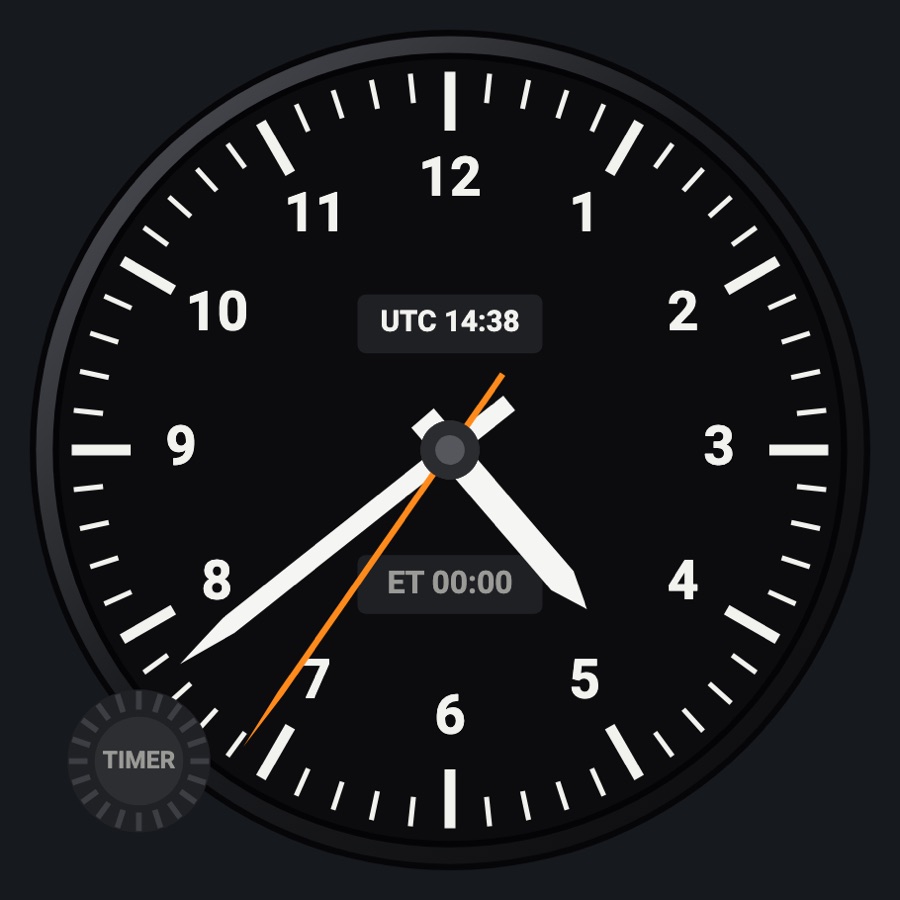
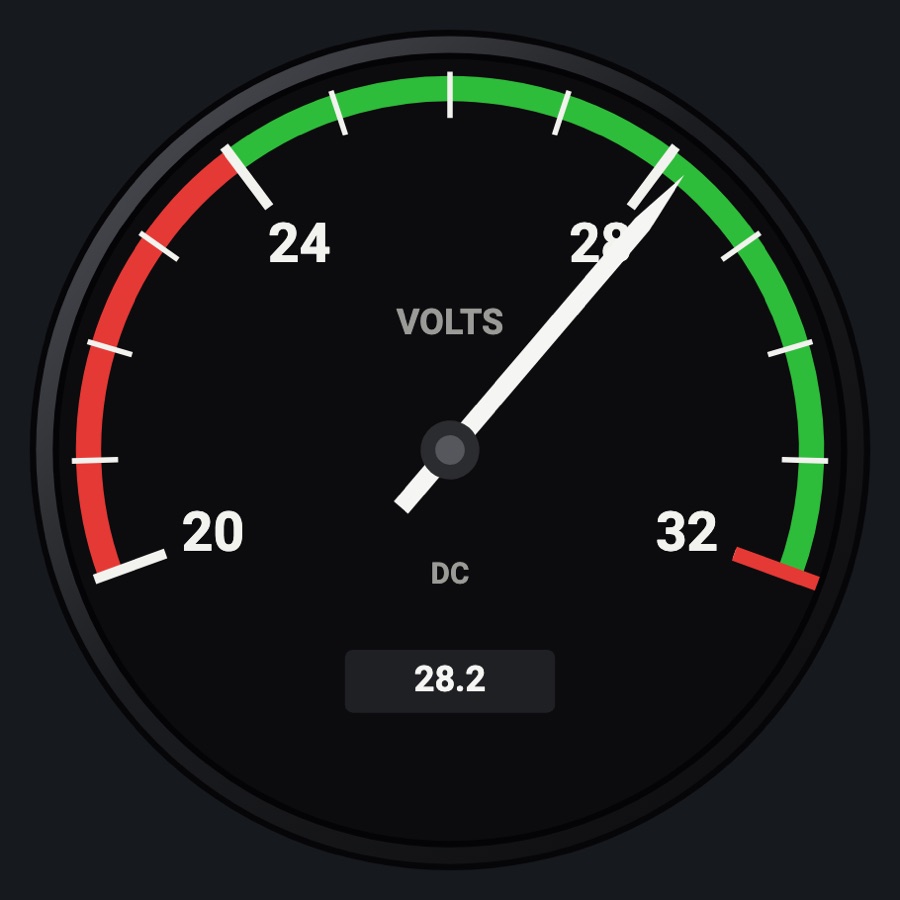
Digital clock (M803 style)
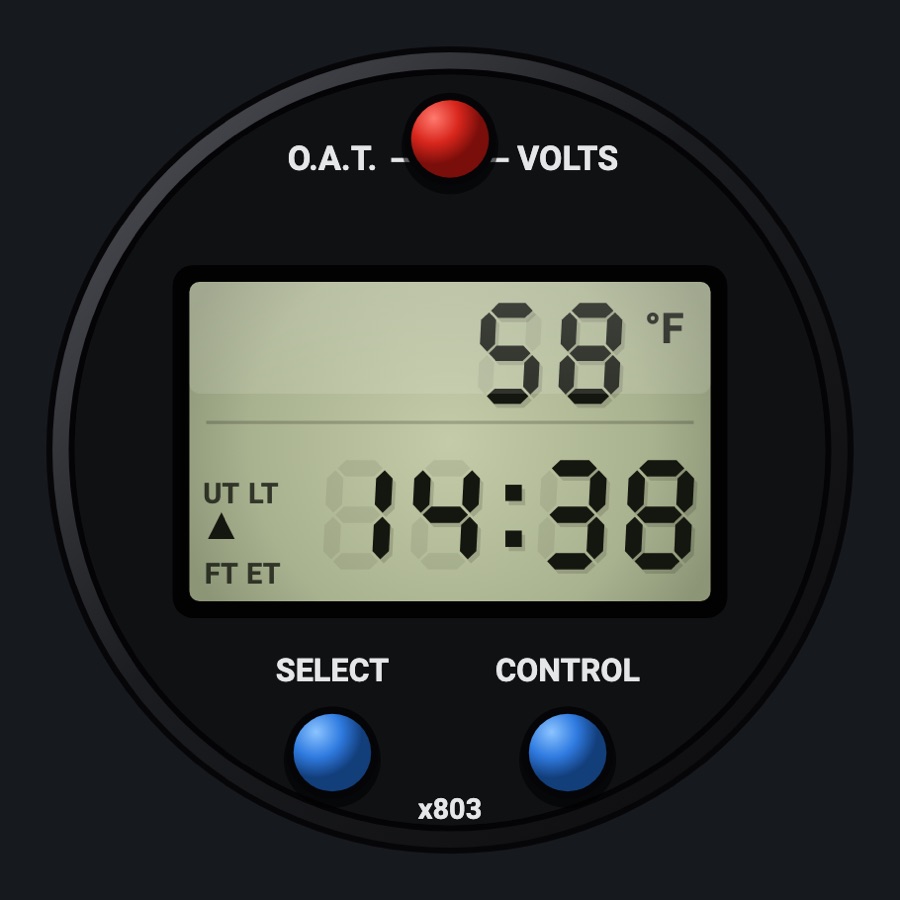
The M803-style round digital clock: an LCD with outside air temperature or bus volts on top and UTC, local, flight time or an elapsed timer below. Its three buttons work like the real ones, including a countdown with an alarm.
- Modeled on
- Davtron M803-style digital clock / OAT / voltmeter
- Category
- Flight instruments
- Size
- 1 cell
- Version
- 1.0 · 2026-10-19
- Plan
- Pro
- Simulators
- MSFS 2020 · MSFS 2024 · X-Plane 11 · X-Plane 12
Variants
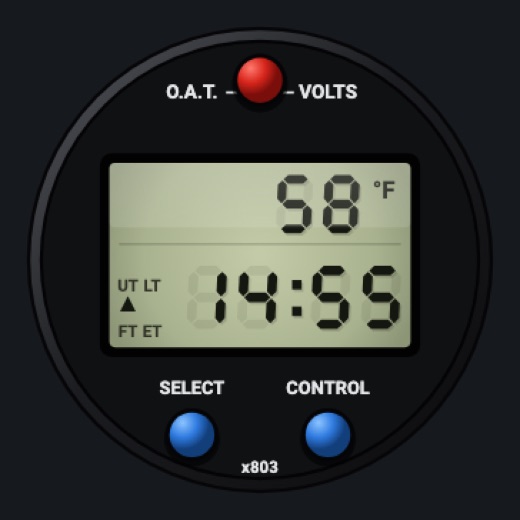
M803 stylev1.0
This face (the clock instrument's default digital face).
Instrument picker > Clock / timer > FACE > M803 style
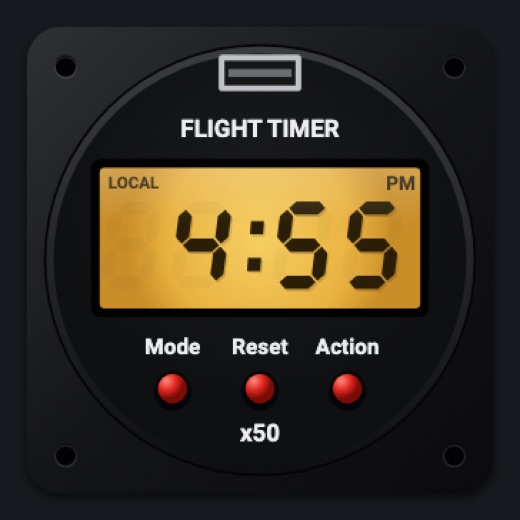
GT-50 stylev1.0
Amber LCD timer with Mode / Reset / Action buttons, engine time.
FACE > GT-50 style
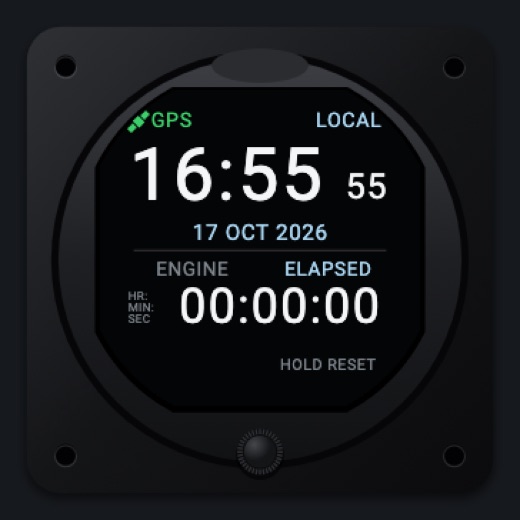
Colorv1.0
Modern color clock with date, chrono, timer and engine time.
FACE > Color
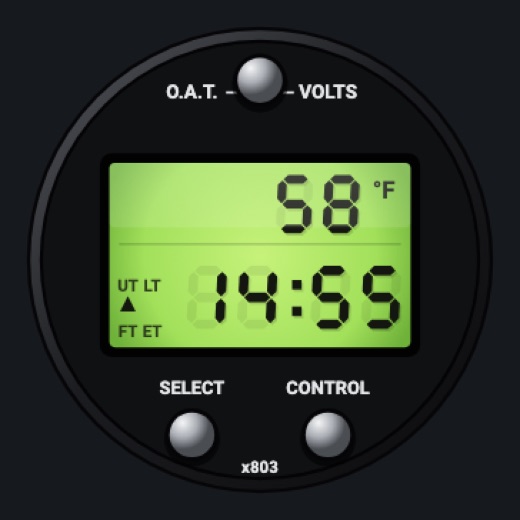
C172 (M803)v1.0
This M803 face as in X-Plane 12's 172: silver knobs, lime-green LCD backlit day and night.
FACE > C172 (M803)
Features
- Top line: O.A.T. in F or C, or bus volts (E)
- Bottom line: UT (simulator UTC), LT (simulator local), FT (flight time) or ET
- Flight time starts at takeoff and stops at landing, kept between runs
- ET counts up (stopwatch) or down (countdown) with an arrow; the mode arrow shows UT / LT / FT / ET
- Countdown alarm: 00:00 flashes, clicks and buzzes until a button is pressed (up to 15 s)
- Seven-segment LCD with faint unlit segments; green backlight at night (always on the C172 (M803) face) while the case takes the flood and the glareshield's light
- Falls back to the device's time when the simulator gives none
On the iPad
- Top red button (O.A.T. / VOLTS): F, C, volts
- SELECT: UT, LT, FT, ET; hold in ET to switch counting up / down
- CONTROL: in ET start/stop, hold to reset; in FT hold to reset the flight time
- Drag on the LCD in ET down (stopped) to set the countdown, a minute a step
- Tap elsewhere on the face to change the instrument
Settings
- Face: Round / C152 / M803 style / GT-50 style / Color / C172 (M803) (instrument picker, under Clock / timer)
Simulator data
What the Hub reads from the simulator for this instrument, and what the instrument sends back. Names are the simulators' own: MSFS SimVars and events, X-Plane datarefs and commands.
Reads
| Value | MSFS | X-Plane |
|---|---|---|
| Outside air temperature (degC) | AMBIENT TEMPERATURE (celsius) | sim/cockpit2/temperature/outside_air_temp_degc |
| Main bus voltage (V) | ELECTRICAL MAIN BUS VOLTAGE (volts) | sim/cockpit2/electrical/bus_volts[0] |
| Sim UTC time, seconds since midnight (s) | ZULU TIME (seconds) | sim/time/zulu_time_sec |
| Sim local time, seconds since midnight (s) | LOCAL TIME (seconds) | sim/time/local_time_sec |
| On the ground (1/0) (bool) | SIM ON GROUND (bool) | sim/flightmodel/failures/onground_any |
Add-on aircraft with their own systems may use other variables; the Hub reads the standard ones.
Changes
The instrument's version counts what its faces share (the case, the mechanism, the data, the sounds); a face's own version counts that face alone.
- 1.0 2026-10-19
- First numbered version.