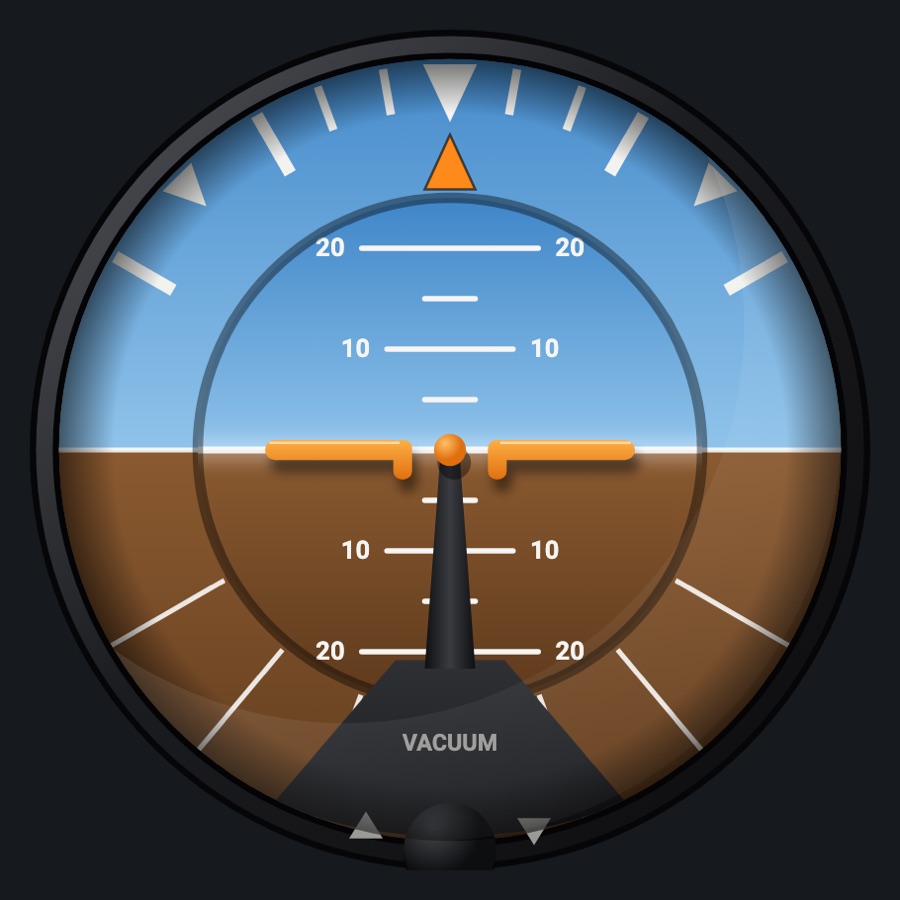
KFC 200-style autopilot controller
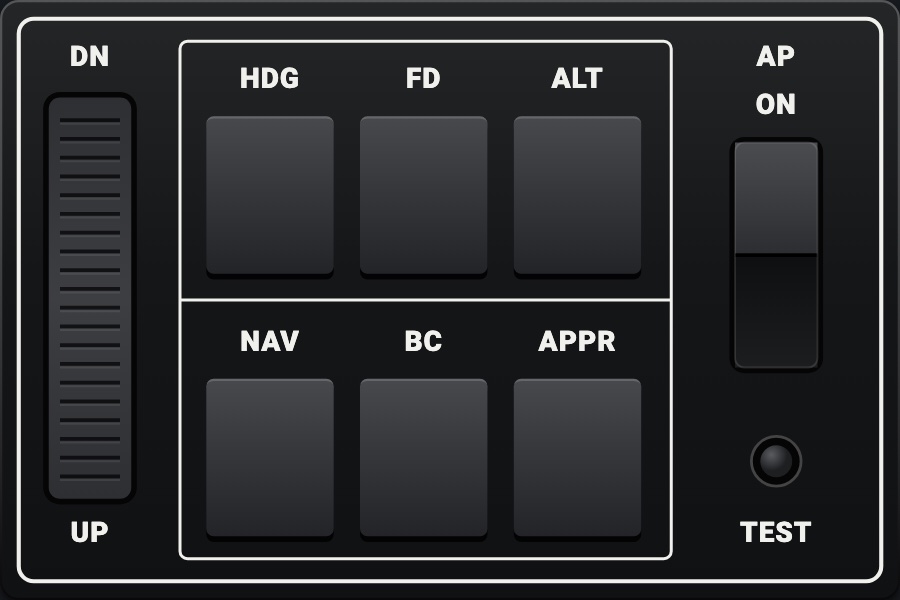
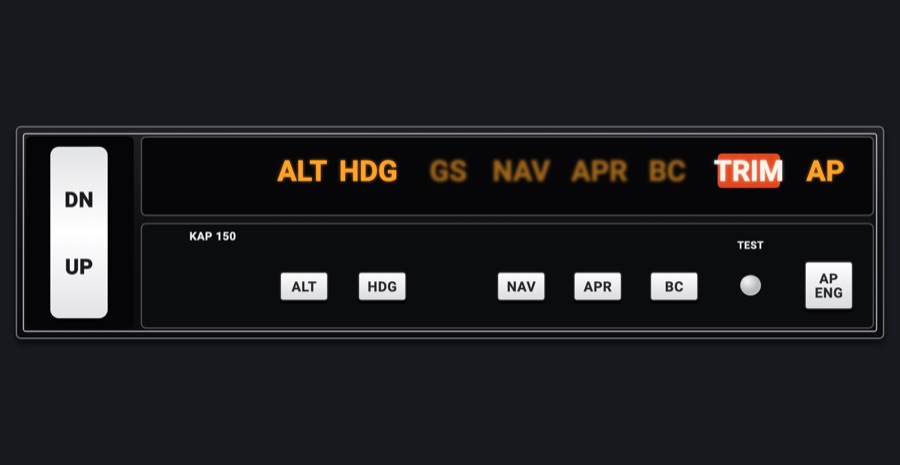
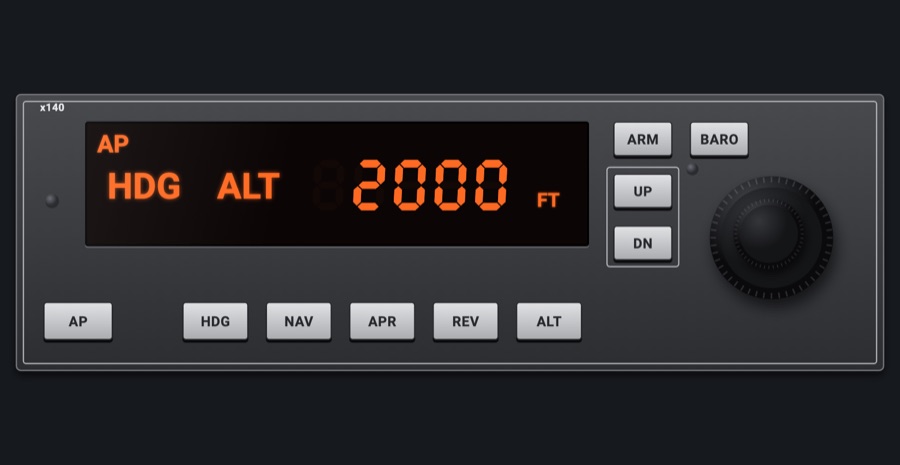
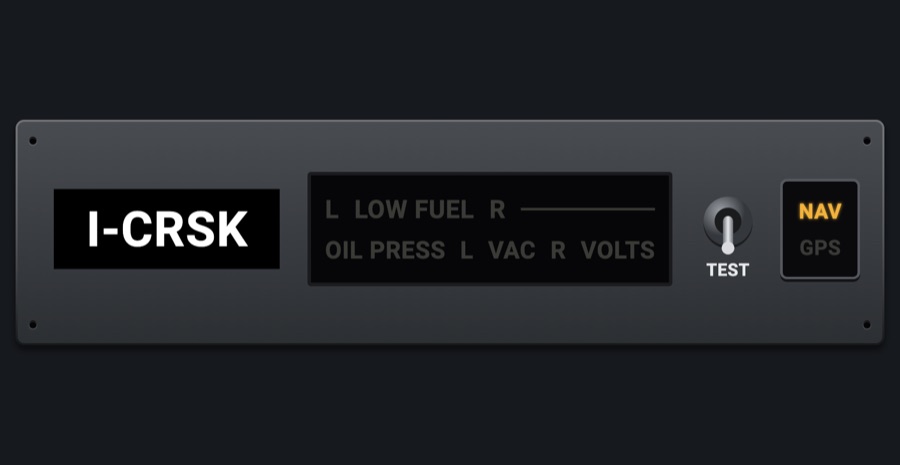
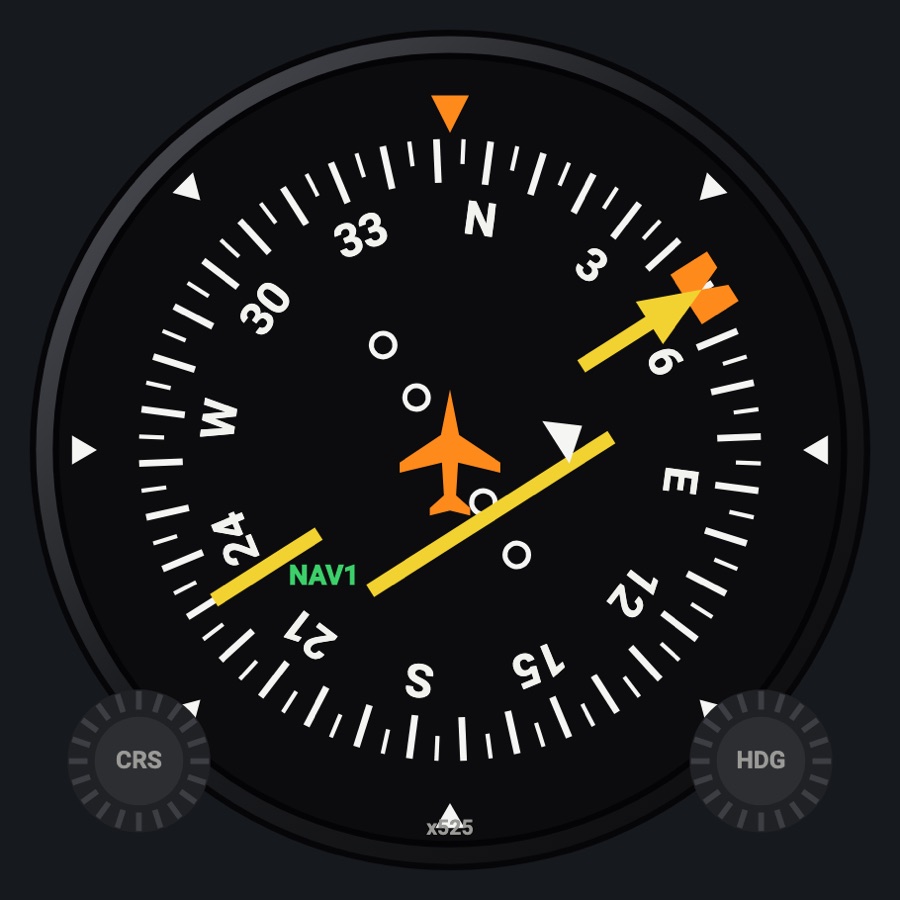
The KFC 200's two panel units, each 2 x 1: the mode controller with its six keys (HDG, FD, ALT, NAV, BC, APPR), the DN / UP rocker, AP ON and TEST; and the annunciator panel with its amber legends, the BC lamp, the marker lamps and the red TRIM. The controller drives the simulator's autopilot modes; the annunciators show them.
- Modeled on
- Bendix/King KFC 200-style flight control system: the KC 295 mode controller and the KA 285 annunciator panel (T210, A36)
- Category
- Autopilots
- Size
- 2 × 1 cells
- Version
- 1.0 · 2026-10-19
- Plan
- Pro
- Simulators
- MSFS 2020 · MSFS 2024 · X-Plane 11 · X-Plane 12
Variants
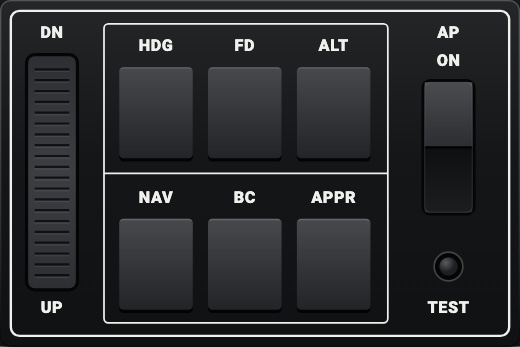
Mode controllerv1.0
The KC 295: the DN / UP rocker, HDG FD ALT / NAV BC APPR in their white frame, AP ON and TEST.
Picker: UNIT > Mode controller
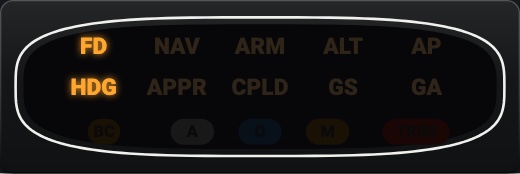
Annunciatorsv1.0
The KA 285: FD NAV ARM ALT AP / HDG APPR CPLD GS GA in amber, the BC lamp, the markers (A, O, M) and TRIM.
UNIT > Annunciators
Features
- Mode controller: black box with a thin white line round its face; HDG, FD, ALT, NAV, BC and APPR keys in their white-framed block, each toggling its mode
- AP ON rocker, its top pressed in while the autopilot is engaged; TEST, a small round button
- DN / UP rocker: the vertical trim (the pitch, or the altitude held), stepping while held
- Annunciators: FD, NAV, ARM, ALT, AP / HDG, APPR, CPLD, GS, GA in amber; NAV and APPR show ARM while the needle is beyond two dots and CPLD once captured; GS with the glideslope
- BC lamp, the marker lamps (A white, O blue, M amber) from the simulator, the red TRIM
- TEST (on the controller, seen by the annunciators): everything lit, TRIM flashing, then AP flashing; AP flashes a while when the autopilot lets go
- GA has no simulator counterpart: it lights only in TEST
- Keys sink and click; at night both take the red flood light, the legends keep their amber
On the iPad
- Tap HDG, FD, ALT, NAV, BC or APPR to toggle that mode
- Tap AP ON to engage or disengage the autopilot
- Press the top (DN) or bottom (UP) half of the rocker; hold it to keep stepping
- Tap TEST to run the annunciators' test
Settings
- Unit: Mode controller or Annunciators (picker variant)
Keys and controllers
Map any of these to a key, a game controller's button or axis, or a MIDI knob (how):
- Autopilot AP
- Autopilot FD
- Autopilot YD
- Autopilot HDG
- Autopilot NAV
- Autopilot APR
- Autopilot BC
- Autopilot ALT
- Autopilot VS
- Autopilot FLC
- Autopilot LVL
- Autopilot UP / DN +
- Autopilot UP / DN -
- Altitude +
- Altitude -
- Altitude sync
Simulator data
What the Hub reads from the simulator for this instrument, and what the instrument sends back. Names are the simulators' own: MSFS SimVars and events, X-Plane datarefs and commands.
Reads
| Value | MSFS | X-Plane |
|---|---|---|
| Autopilot modes, one bit each (ApBit: ap, fd, yd, hdg, nav, apr, bc, alt, vs, flc, lvl, gs, vnv) (bitfield) | AUTOPILOT MASTER (bool)AUTOPILOT FLIGHT DIRECTOR ACTIVE (bool)AUTOPILOT YAW DAMPER (bool)AUTOPILOT HEADING LOCK (bool)AUTOPILOT NAV1 LOCK (bool)AUTOPILOT APPROACH HOLD (bool)AUTOPILOT BACKCOURSE HOLD (bool)AUTOPILOT ALTITUDE LOCK (bool)AUTOPILOT VERTICAL HOLD (bool)AUTOPILOT FLIGHT LEVEL CHANGE (bool)AUTOPILOT WING LEVELER (bool)AUTOPILOT GLIDESLOPE HOLD (bool) | sim/cockpit2/autopilot/servos_onsim/cockpit2/autopilot/flight_director_modesim/cockpit2/switches/yaw_damper_onsim/cockpit2/autopilot/heading_statussim/cockpit2/autopilot/nav_statussim/cockpit2/autopilot/approach_statussim/cockpit2/autopilot/backcourse_statussim/cockpit2/autopilot/altitude_hold_statussim/cockpit2/autopilot/vvi_statussim/cockpit2/autopilot/speed_statussim/cockpit2/autopilot/roll_statussim/cockpit2/autopilot/glideslope_status |
| Course deviation, + = course to the right (dots (-2.5..2.5)) | HSI CDI NEEDLE (number) | sim/cockpit2/radios/indicators/hsi_hdef_dots_pilot |
| Marker beacon: 0 none, 1 outer, 2 middle, 3 inner (enum) | MARKER BEACON STATE (number) | sim/cockpit2/radios/indicators/outer_marker_litsim/cockpit2/radios/indicators/middle_marker_litsim/cockpit2/radios/indicators/inner_marker_lit |
Sends
| When you… | MSFS | X-Plane |
|---|---|---|
| Each key with its ApBit (hdg, fd, alt, nav, bc, apr) and AP ON (ap) | AP_MASTERTOGGLE_FLIGHT_DIRECTORYAW_DAMPER_TOGGLEAP_PANEL_HEADING_HOLDAP_NAV1_HOLDAP_APR_HOLDAP_BC_HOLDAP_ALT_HOLDAP_PANEL_VS_HOLDFLIGHT_LEVEL_CHANGEAP_WING_LEVELER | sim/autopilot/servos_togglesim/autopilot/fdir_togglesim/systems/yaw_damper_togglesim/autopilot/headingsim/autopilot/NAVsim/autopilot/approachsim/autopilot/back_coursesim/autopilot/altitude_holdsim/autopilot/vertical_speedsim/autopilot/level_changesim/autopilot/wing_leveler |
| The DN / UP rocker: DN negative, UP positive, a step each press, repeated while held | AP_VS_VAR_SET_ENGLISHAP_SPD_VAR_SETAP_PITCH_REF_INC_UPAP_PITCH_REF_INC_DN | sim/cockpit2/autopilot/vvi_dial_fpmsim/cockpit2/autopilot/airspeed_dial_kts_machsim/autopilot/nose_upsim/autopilot/nose_down |
Add-on aircraft with their own systems may use other variables; the Hub reads the standard ones.
Changes
The instrument's version counts what its faces share (the case, the mechanism, the data, the sounds); a face's own version counts that face alone.
- 1.0 2026-10-19
- First numbered version.