Six-pack
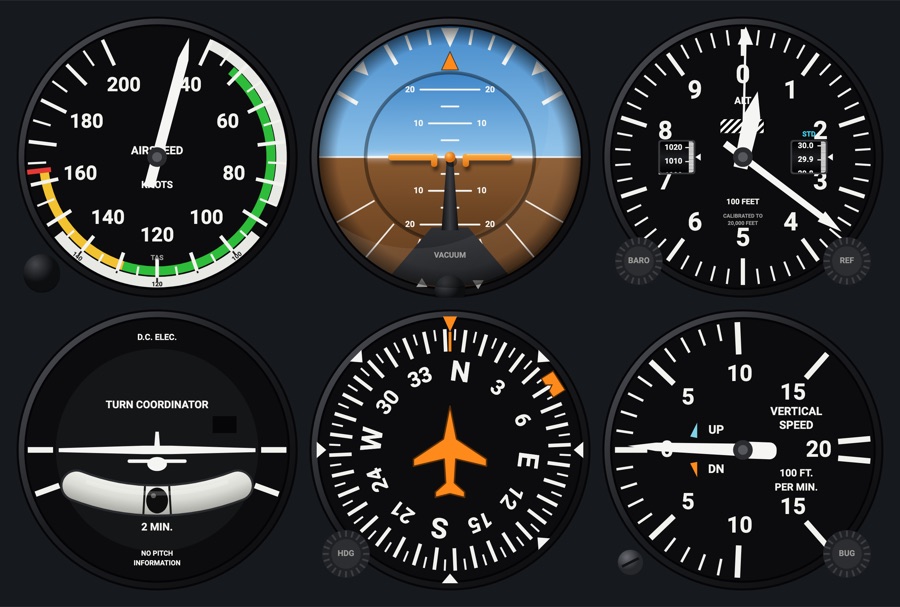
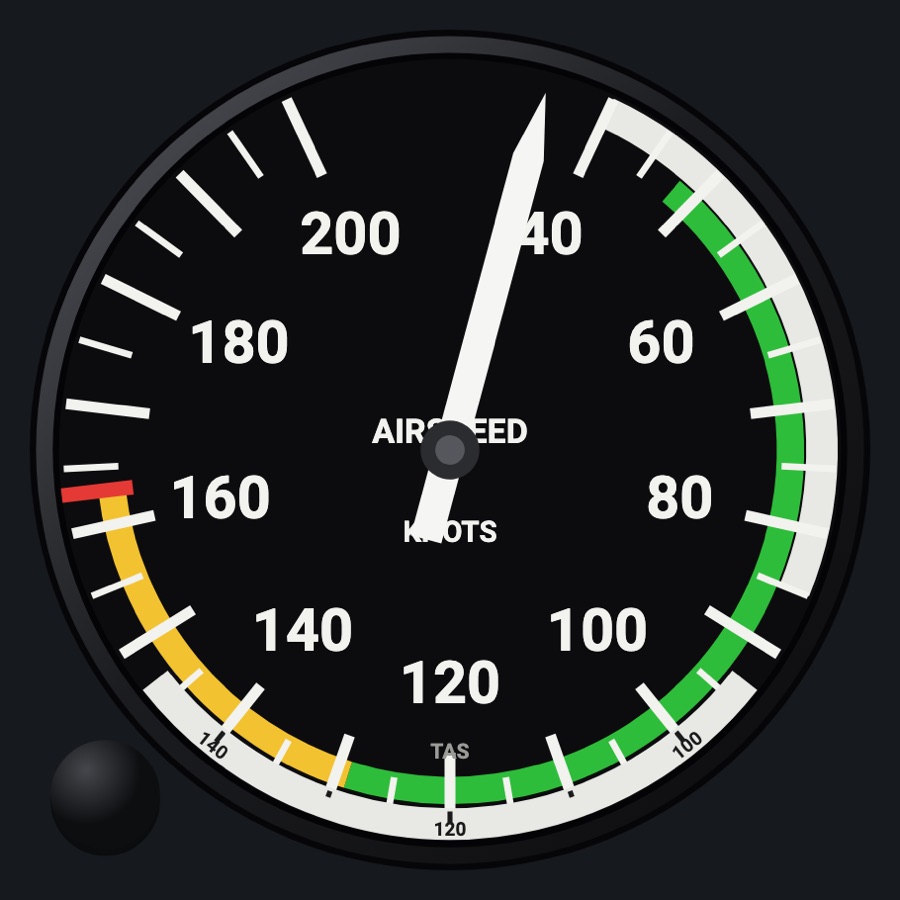
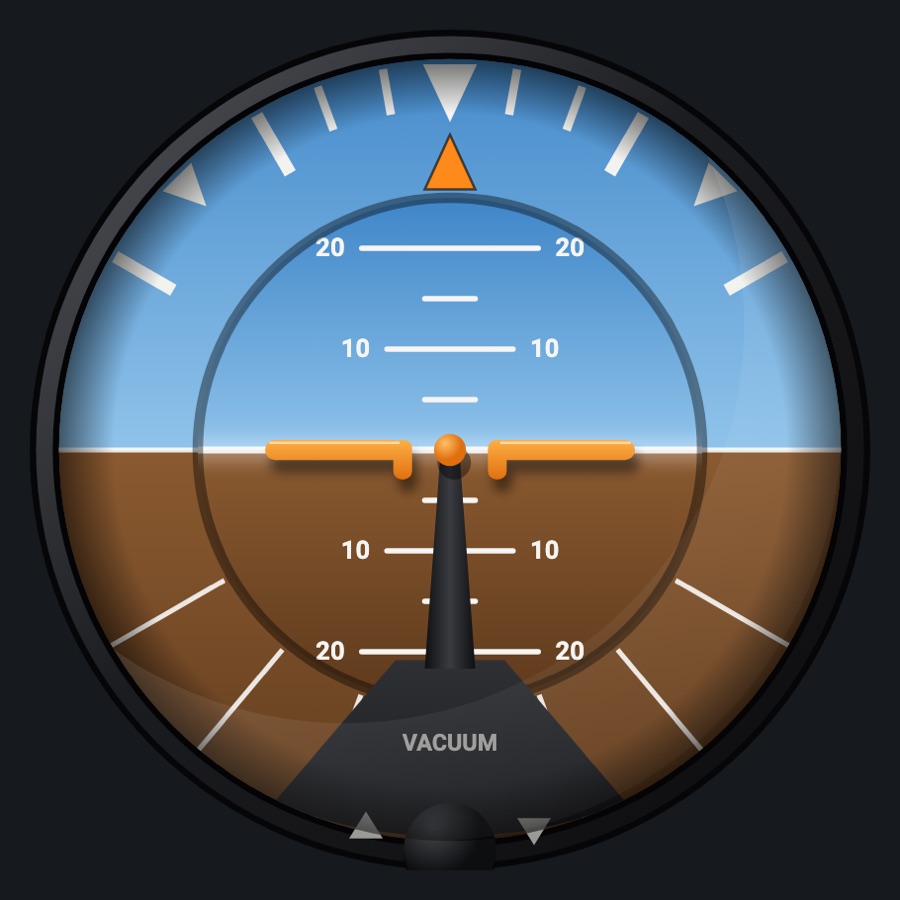
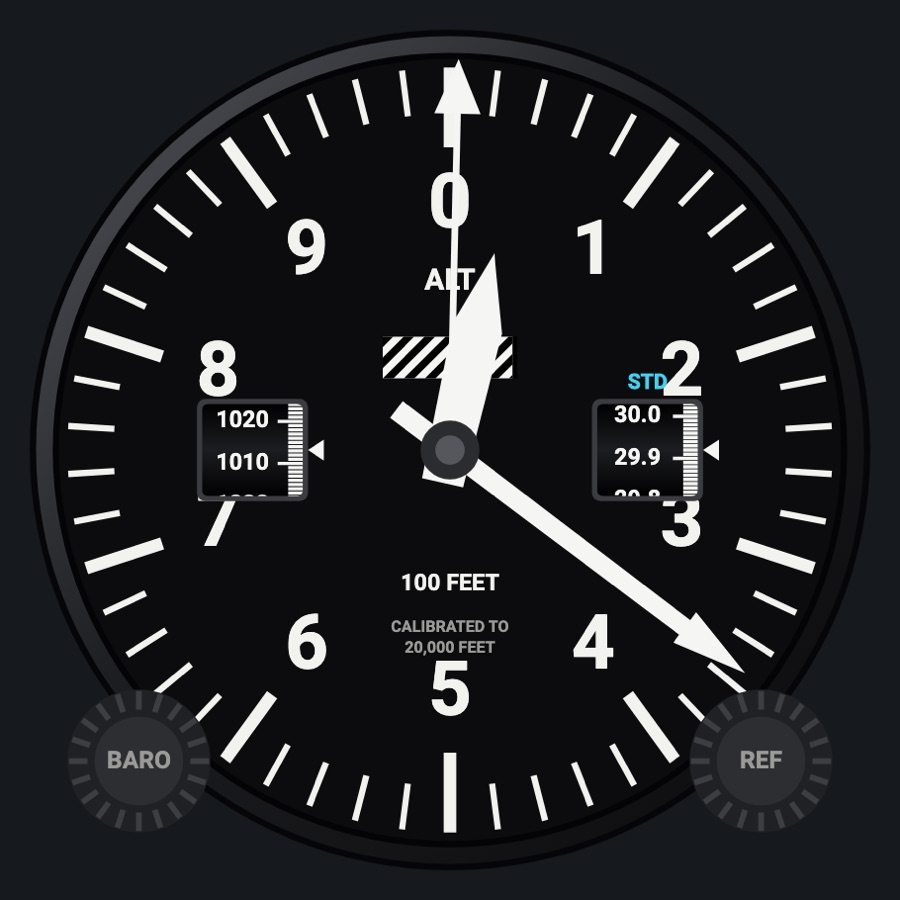
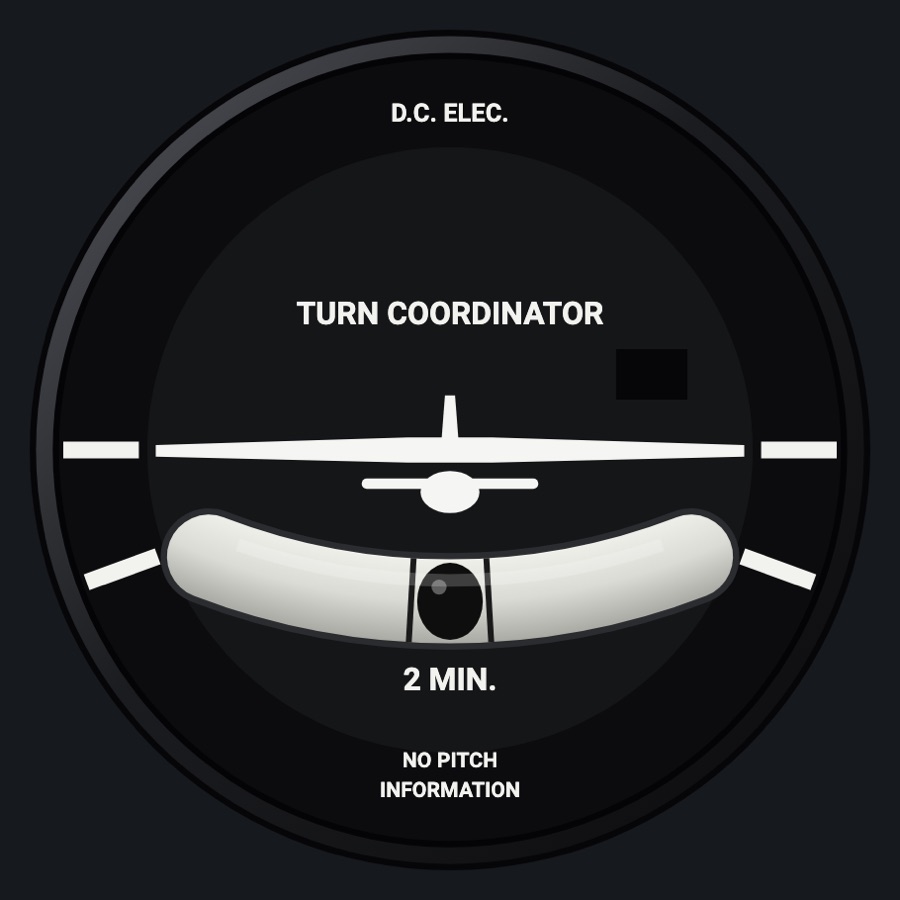
The six basic flight instruments in one 3 x 2 item: airspeed, attitude and altimeter on top; turn coordinator, heading indicator and vertical speed below. Each is the app's full analog gauge, with its knobs and behavior, sized as large as the slot allows.
- Modeled on
- The classic 'six-pack' of round steam gauges (Cessna-style basic T)
- Category
- Avionics stacks
- Size
- 3 × 2 cells
- Version
- 1.0 · 2026-10-19
- Plan
- Pro
- Simulators
- MSFS 2020 · MSFS 2024 · X-Plane 11 · X-Plane 12
Features
- Airspeed (knots face): arcs and V-speed marks from the aircraft profile (Vmc red radial and Vyse blue line on twins), the TAS ring, two draggable speed bugs on the bezel
- Attitude (vacuum face): the gyro's own behavior (vacuumGyro), bank scale, pitch ladder, adjustable miniature airplane
- Altimeter (three-pointer face): inHg and hPa windows, STD at standard, low-altitude striped flag below 10,000 ft, a REF altitude bug that flashes within 100 ft
- Turn coordinator: ball moved by its own physics, the airplane banked by turn rate, OFF flag without power or with the gyro too slow, a built-in turn timer
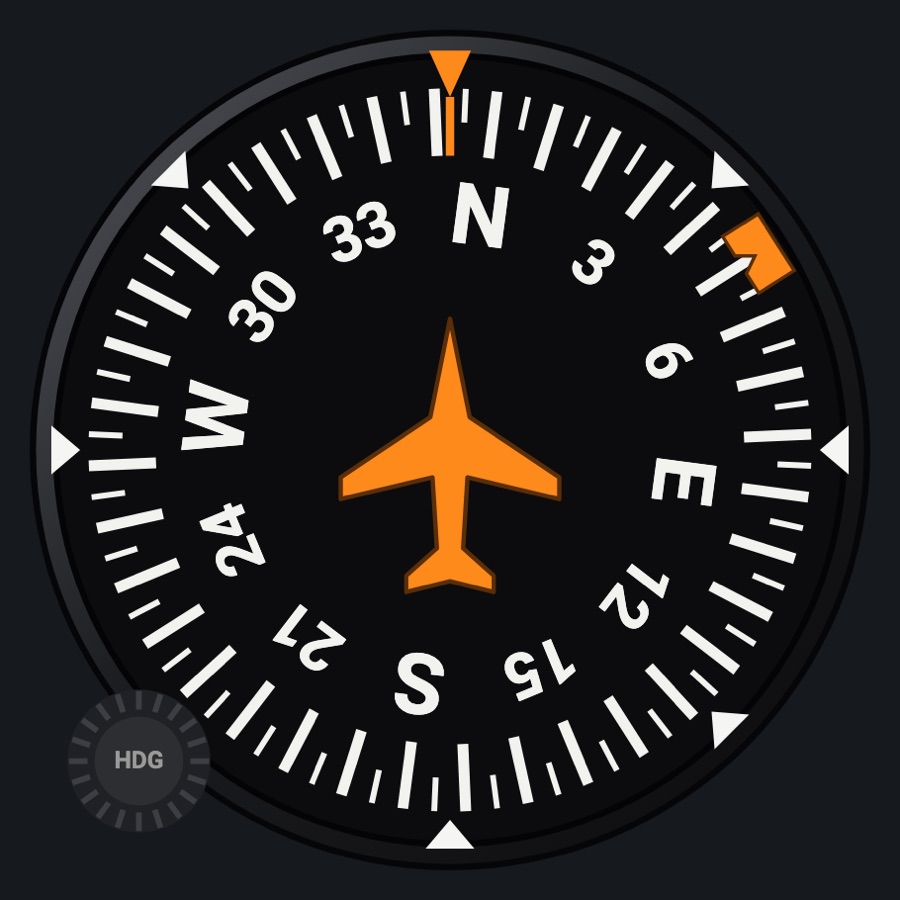
- Heading indicator: rotating card with the heading bug
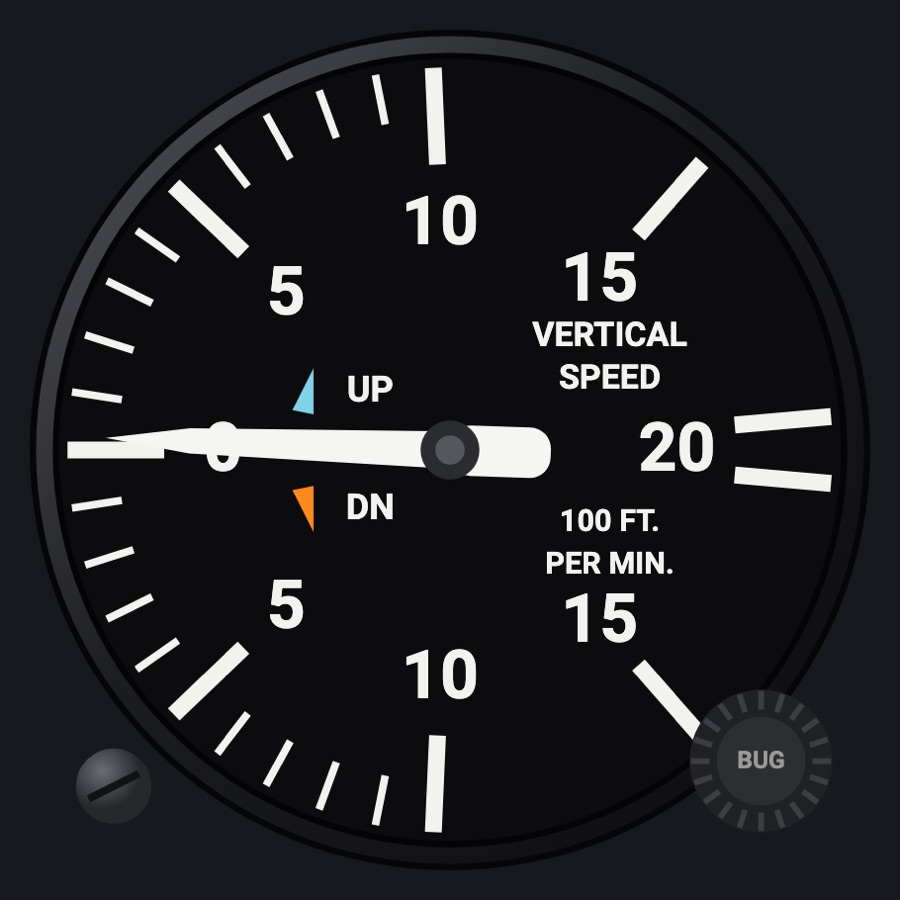
- Vertical speed: lagged needle, zero-adjust screw, a manual orange bug and the autopilot's VS target in cyan
- Each gauge shows its own red X when its data is missing or stale
- Realistic-needle settings (lag, engine vibration) apply as on the single gauges
Your aircraft: The airspeed's arcs, red line and (twins) Vmc / Vyse lines come from the aircraft profile's V-speeds; a generic aircraft gets no arcs.
On the iPad
- Altimeter: drag the knob to set the baro; double tap for standard (29.92); drag the REF knob (lower right) for the altitude bug, double tap to turn it off
- Heading: drag the knob to move the heading bug; double tap to sync it to the current heading
- Airspeed: drag on the bezel ring to place or move a speed bug (up to two), drag it into the middle to remove; drag the TAS knob (lower left) to set the ring by hand, double tap for auto
- Attitude: drag the knob to move the miniature airplane up or down, double tap to center it
- VSI: drag the zero-adjust screw (lower left) or the BUG knob (lower right), double tap the bug knob to turn it off
- Turn coordinator: tap the minutes label to start/stop the timer
- Tap a gauge to open the instrument picker for the item
Settings
- None of its own: the six faces are fixed (Knots airspeed, vacuum attitude, three-pointer altimeter, turn coordinator, heading indicator, VSI), always analog. App-wide settings (airspeed bugs/TAS, realistic needles, night lighting, panel style) apply.
Keys and controllers
Map any of these to a key, a game controller's button or axis, or a MIDI knob (how):
- Baro +
- Baro -
- Baro sync
- Heading bug +
- Heading bug -
- Heading bug sync
Simulator data
What the Hub reads from the simulator for this instrument, and what the instrument sends back. Names are the simulators' own: MSFS SimVars and events, X-Plane datarefs and commands.
Reads
| Value | MSFS | X-Plane |
|---|---|---|
| Indicated airspeed (kt) | AIRSPEED INDICATED (knots) | sim/cockpit2/gauges/indicators/airspeed_kts_pilot |
| Indicated altitude (ft) | INDICATED ALTITUDE (feet) | sim/cockpit2/gauges/indicators/altitude_ft_pilot |
| Pitch attitude, + nose up (deg) | ATTITUDE INDICATOR PITCH DEGREES (degrees) | sim/flightmodel/position/theta |
| Bank angle, + right wing down (deg) | ATTITUDE INDICATOR BANK DEGREES (degrees) | sim/flightmodel/position/phi |
| Altimeter setting (inHg) | KOHLSMAN SETTING HG (inHg) | sim/cockpit2/gauges/actuators/barometer_setting_in_hg_pilot |
| Turn rate, + right (turn coordinator) (deg/s) | TURN INDICATOR RATE (degrees per second) | sim/flightmodel/position/Qsim/flightmodel/position/Rsim/flightmodel/position/phisim/flightmodel/position/thetasim/cockpit2/gauges/indicators/turn_rate_heading_deg_pilot |
| Heading (glass AHRS heading, else magnetic heading) (deg magnetic) | HEADING INDICATOR (degrees) | sim/cockpit2/gauges/indicators/heading_AHARS_deg_mag_pilotsim/flightmodel/position/mag_psi |
| Heading bug (deg) | AUTOPILOT HEADING LOCK DIR (degrees) | sim/cockpit2/autopilot/heading_dial_deg_mag_pilot |
| Vertical speed (fpm) | VERTICAL SPEED (feet per minute) | sim/cockpit2/gauges/indicators/vvi_fpm_pilot |
| Autopilot modes, one bit each (ApBit: ap, fd, yd, hdg, nav, apr, bc, alt, vs, flc, lvl, gs, vnv) (bitfield) | AUTOPILOT MASTER (bool)AUTOPILOT FLIGHT DIRECTOR ACTIVE (bool)AUTOPILOT YAW DAMPER (bool)AUTOPILOT HEADING LOCK (bool)AUTOPILOT NAV1 LOCK (bool)AUTOPILOT APPROACH HOLD (bool)AUTOPILOT BACKCOURSE HOLD (bool)AUTOPILOT ALTITUDE LOCK (bool)AUTOPILOT VERTICAL HOLD (bool)AUTOPILOT FLIGHT LEVEL CHANGE (bool)AUTOPILOT WING LEVELER (bool)AUTOPILOT GLIDESLOPE HOLD (bool) | sim/cockpit2/autopilot/servos_onsim/cockpit2/autopilot/flight_director_modesim/cockpit2/switches/yaw_damper_onsim/cockpit2/autopilot/heading_statussim/cockpit2/autopilot/nav_statussim/cockpit2/autopilot/approach_statussim/cockpit2/autopilot/backcourse_statussim/cockpit2/autopilot/altitude_hold_statussim/cockpit2/autopilot/vvi_statussim/cockpit2/autopilot/speed_statussim/cockpit2/autopilot/roll_statussim/cockpit2/autopilot/glideslope_status |
| Autopilot vertical speed target (fpm) | AUTOPILOT VERTICAL HOLD VAR (feet per minute) | sim/cockpit2/autopilot/vvi_dial_fpm |
| Pressure altitude (ft) | PRESSURE ALTITUDE (feet) | sim/flightmodel2/position/pressure_altitude |
| Outside air temperature (degC) | AMBIENT TEMPERATURE (celsius) | sim/cockpit2/temperature/outside_air_temp_degc |
Sends
| When you… | MSFS | X-Plane |
|---|---|---|
| Dragging the altimeter's knob | KOHLSMAN_SET | sim/cockpit2/gauges/actuators/barometer_setting_in_hg_pilot |
| Double tap on the altimeter's knob | KOHLSMAN_SET | sim/cockpit2/gauges/actuators/barometer_setting_in_hg_pilot |
| Dragging the heading indicator's knob | HEADING_BUG_SET | sim/cockpit2/autopilot/heading_dial_deg_mag_pilot |
| Double tap on the heading indicator's knob | HEADING_GYRO_SETHEADING_BUG_SET | sim/instruments/DG_sync_magsim/cockpit2/autopilot/heading_dial_deg_mag_pilot |
Add-on aircraft with their own systems may use other variables; the Hub reads the standard ones.
Changes
The instrument's version counts what its faces share (the case, the mechanism, the data, the sounds); a face's own version counts that face alone.
- 1.0 2026-10-19
- First numbered version.