
Connect your iPad or iPhone
- Make sure the Hub is running on the simulator PC, and your iPad or iPhone is on the same Wi-Fi.
- Open Headingstar. The first time, iOS asks to let it find devices on your local network: choose Allow. That’s how it finds the Hub.
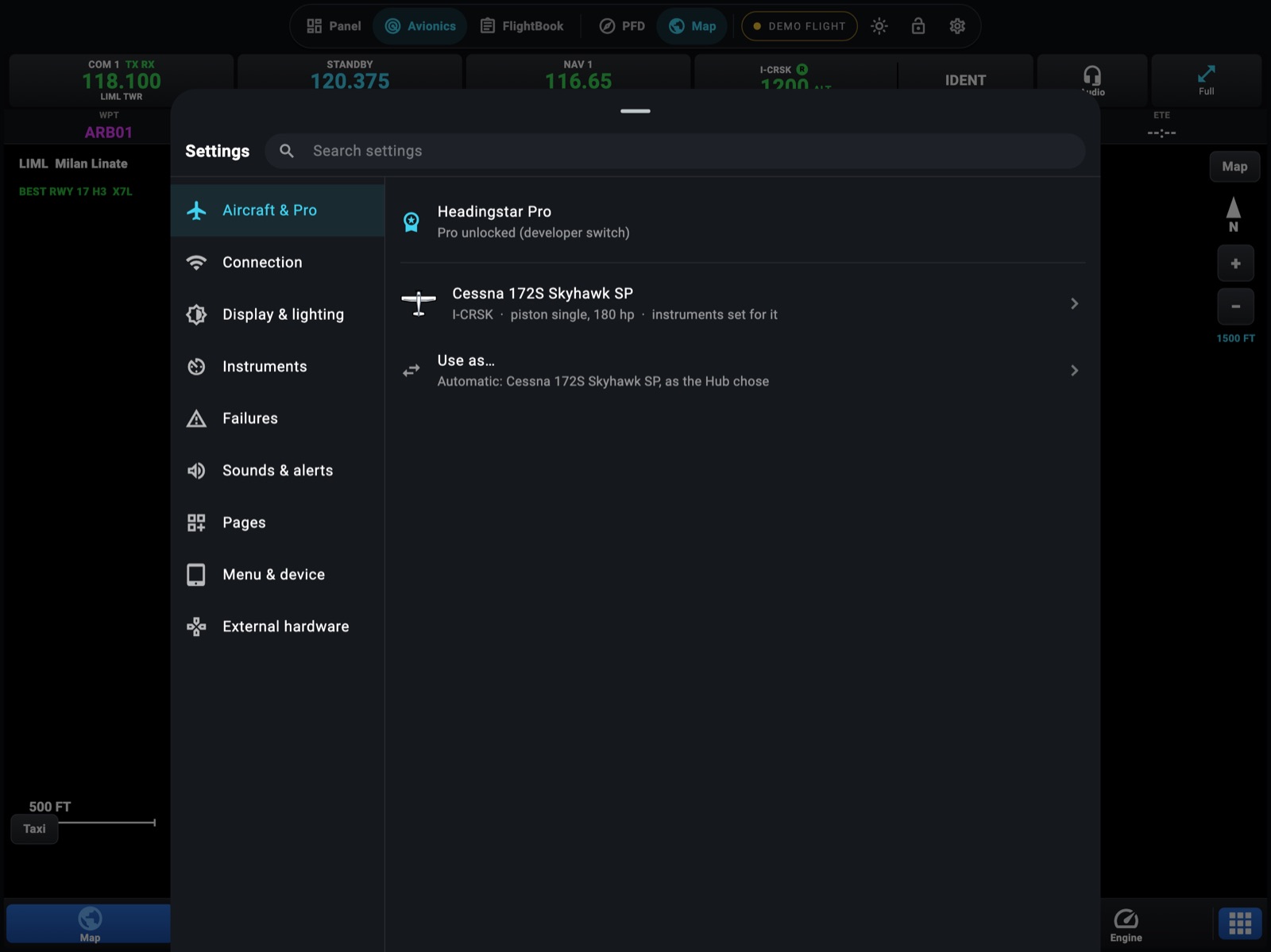
- Touch the connection chip in the menu at the top (it says DEMO FLIGHT with the demo’s aircraft, or NOT CONNECTED). Settings open on Connection. (On an iPhone, open Settings from the menu key, then Connection.)
- Under Headingstar Hub on this Wi-Fi, touch your PC.
The chip turns green and shows the Hub’s address, for example HUB 192.168.1.20. Headingstar remembers it and reconnects by itself next time.
If the Hub isn’t listed
Section titled “If the Hub isn’t listed”Type the PC’s address in Or type the PC’s address and touch Connect. To find the address on the PC, open a command prompt and type ipconfig: it’s the IPv4 Address of your Wi-Fi or Ethernet adapter, such as 192.168.1.20.
Still nothing? See Troubleshooting.
Several devices
Section titled “Several devices”Connect as many iPads and iPhones as you like. Each one is a separate instrument with its own pages: a flight display on one, the engine and radios on another, the map in Avionics on a third, and an iPhone as the Remote in your hand. They all get the same data, and a knob turned on any of them works.
The demo flight
Section titled “The demo flight”Headingstar starts in the demo the first time, so you have something to look at before you connect. The Demo flight switch in Settings → Connection is on, and both the switch and the connection chip name the aircraft flying.
- Turn the switch on to start the demo. First you pick the aircraft; ⓘ on a card shows its whole drawing. If you cancel, the demo stays off.
- Change aircraft switches to another model without leaving the demo.
- Turn the switch off to go back to your Hub. Headingstar reconnects to the one it remembers, or, if there isn’t one, shows Not connected and the Hubs it finds on your Wi-Fi.
Every instrument comes alive on a flight near Milan, flown as a pilot would: it lines up on Linate’s runway 35, takes off, flies the flight plan’s legs, and lands on Bergamo’s runway 28 after the approach, at the aircraft’s own speeds. It parks a while, then flies again.