Annunciators and NAV / GPS
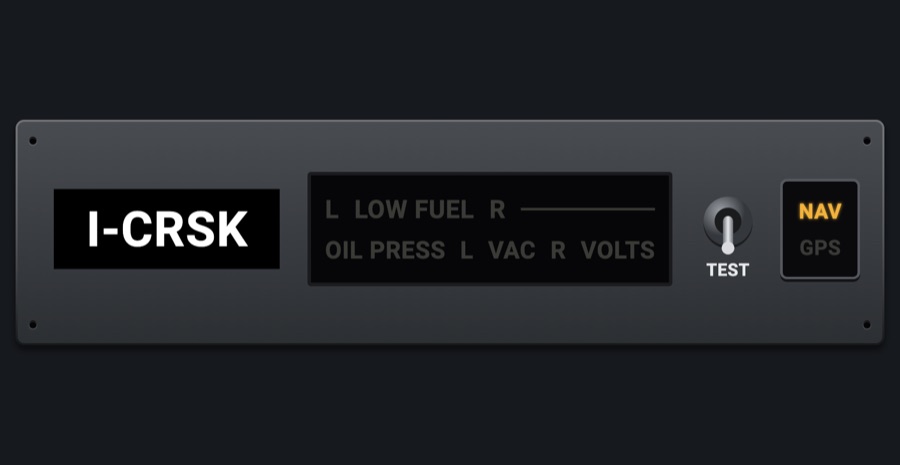
The annunciator strip of a C172SP panel: the tail number placard, the warning lights (low fuel, oil pressure, vacuum, volts) with a TEST switch, and the NAV / GPS switch that selects the CDI source.
- Modeled on
- Cessna 172SP-style annunciator strip
- Category
- Radios and panels
- Size
- 2 × 1 cells
- Version
- 1.0 · 2026-10-19
- Plan
- Pro
- Simulators
- MSFS 2020 · MSFS 2024 · X-Plane 11 · X-Plane 12
Features
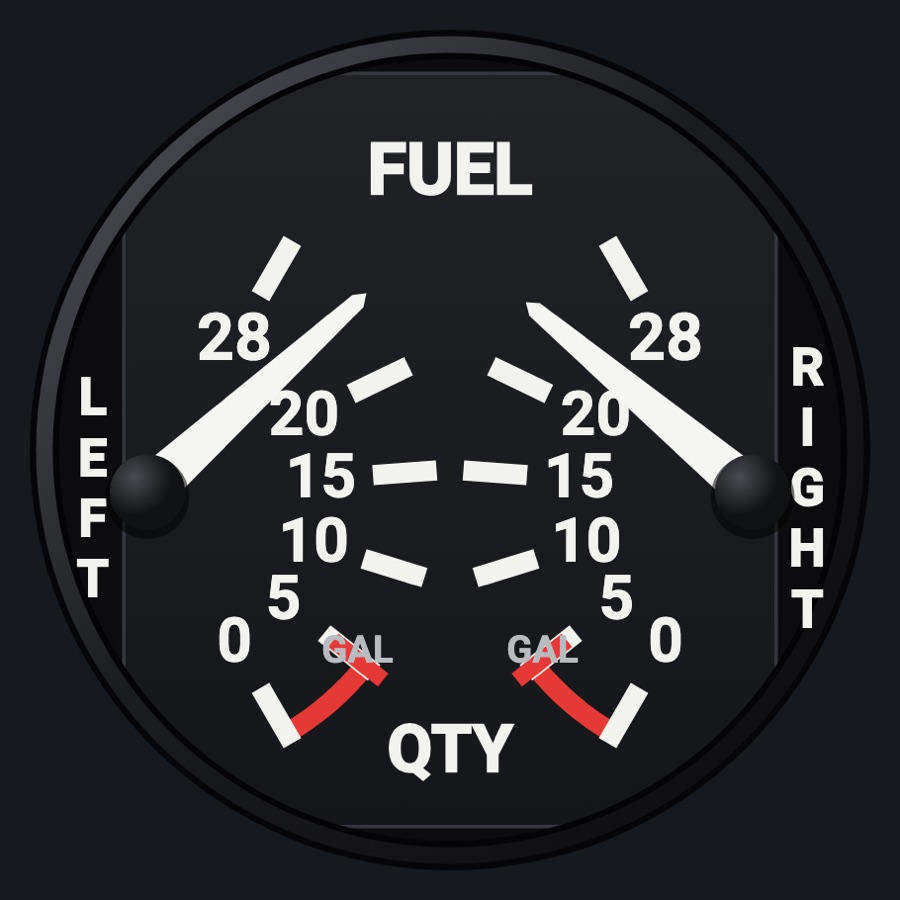
- L LOW FUEL R: amber when a tank drops below the aircraft profile's red line (5 if none)
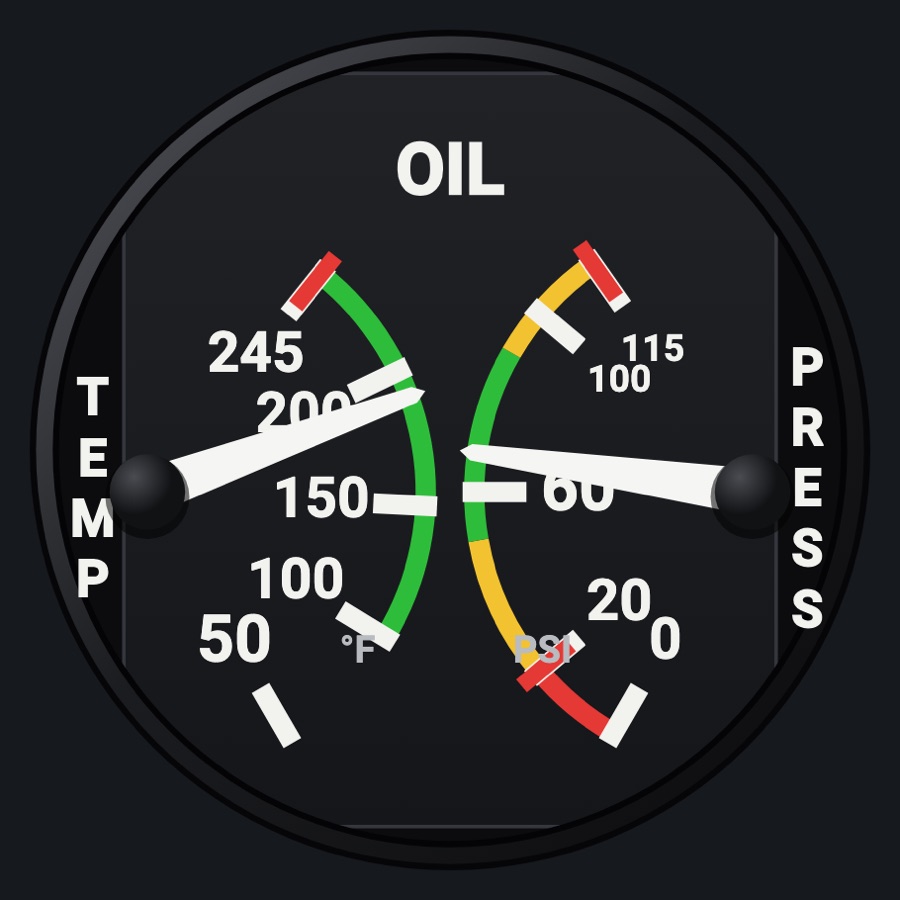
- OIL PRESS (red) below the oil pressure red line, either engine on a twin
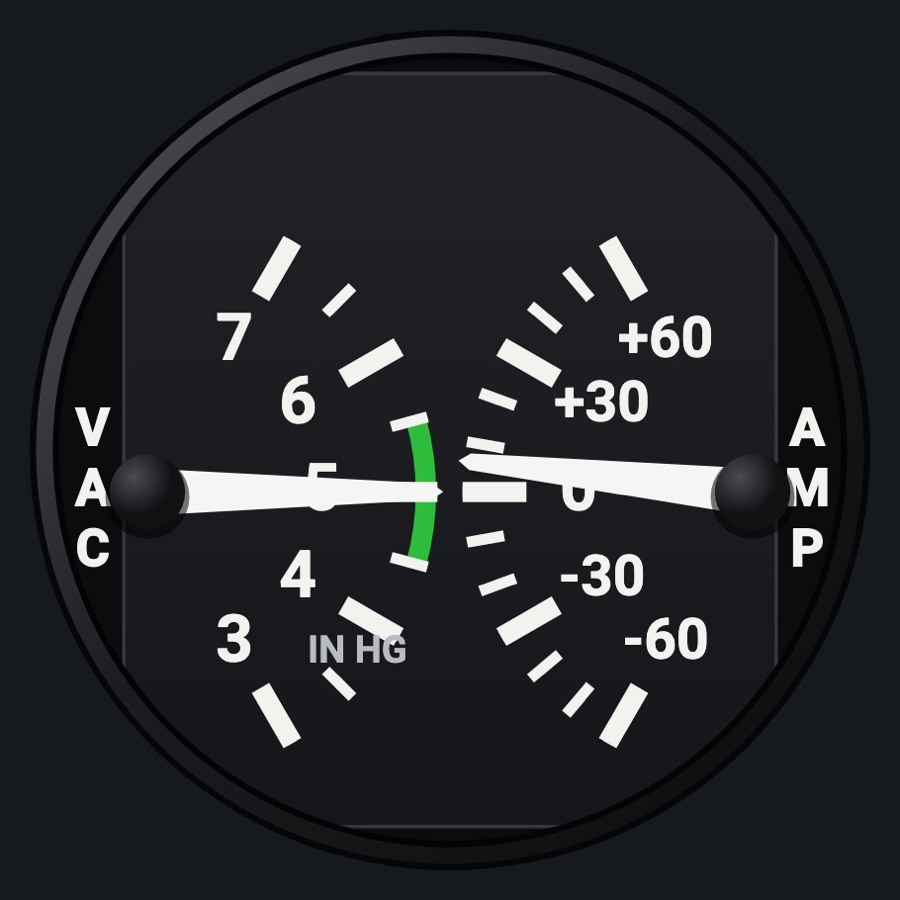
- L VAC R (amber) below 3 inHg suction; both sides light together (the sim has one value)
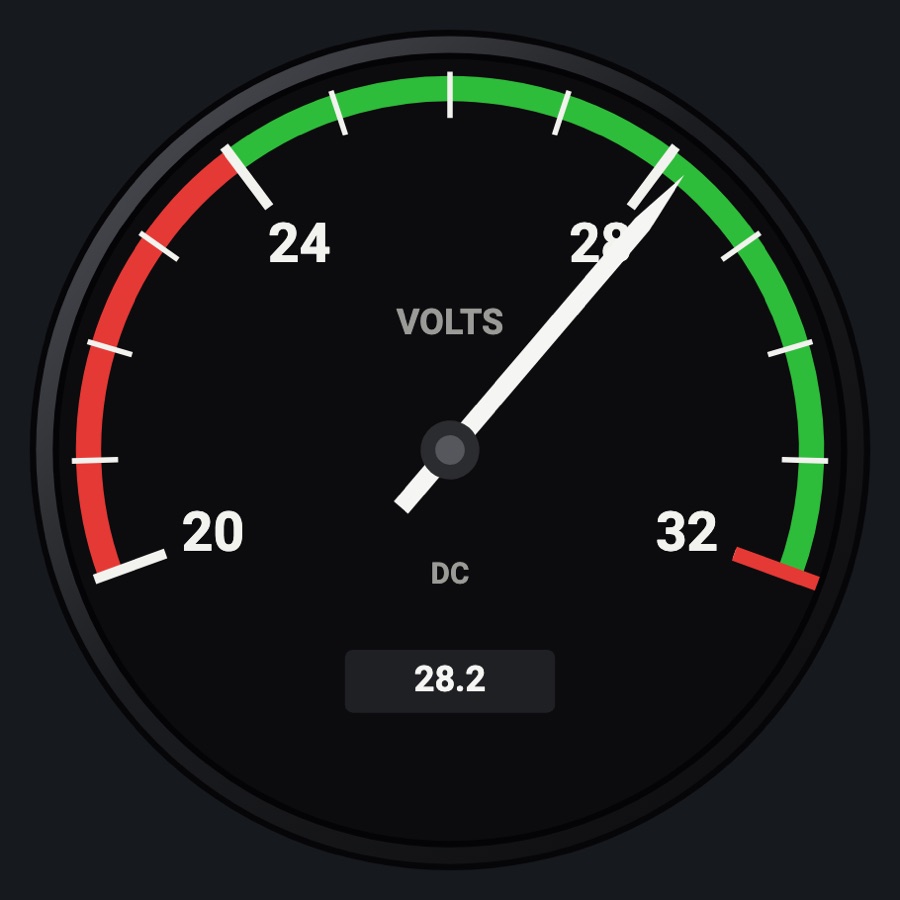
- VOLTS (red) below 24.5 V
- TEST lever, resting down: hold it up to light every annunciator; the simulator's own annunciators are tested too while it is held (X-Plane)
- NAV / GPS pushbutton: NAV lit amber or GPS lit green for the current CDI source
- Tail number placard: the simulator's registration, or one you type (default N172SP)
- Lights dark without battery power; dimmed at night; the glareshield's warm light falls on the faceplate too when its dimmer is up (Settings > Dimmers > Glareshield, off by default)
Your aircraft: Low fuel and oil pressure thresholds come from the aircraft profile's limits (tank and oil pressure red lines); twins check both engines' oil pressure. A generic profile: low fuel below 5 gal and no OIL PRESS light (no red line known).
On the iPad
- Press and hold TEST to light all annunciators (released: back down)
- Tap NAV / GPS to switch the CDI source
Settings
- Tail number (in the instrument picker when this slot is selected; empty uses the simulator's ATC ID)
Simulator data
What the Hub reads from the simulator for this instrument, and what the instrument sends back. Names are the simulators' own: MSFS SimVars and events, X-Plane datarefs and commands.
Reads
| Value | MSFS | X-Plane |
|---|---|---|
| Left main tank quantity (gal) | FUEL TANK LEFT MAIN QUANTITY (gallons) | sim/cockpit2/fuel/fuel_quantity[0] |
| Right main tank quantity (gal) | FUEL TANK RIGHT MAIN QUANTITY (gallons) | sim/cockpit2/fuel/fuel_quantity[1] |
| Oil pressure, engine 1 (psi) | GENERAL ENG OIL PRESSURE:1 (psi) | sim/cockpit2/engine/indicators/oil_pressure_psi[0] |
| Oil pressure, engine 2 (psi) | GENERAL ENG OIL PRESSURE:2 (psi) | sim/cockpit2/engine/indicators/oil_pressure_psi[1] |
| Vacuum / suction (inHg) | SUCTION PRESSURE (inHg) | sim/cockpit/misc/vacuum |
| Main bus voltage (V) | ELECTRICAL MAIN BUS VOLTAGE (volts) | sim/cockpit2/electrical/bus_volts[0] |
| CDI/HSI navigation source: 0 GPS, 1 NAV (enum) | GPS DRIVES NAV1 (bool) | sim/cockpit2/radios/actuators/HSI_source_select_pilot |
| Text: aircraft registration (ATC ID) (text) | ATC ID (string32) | sim/aircraft/view/acf_tailnum |
Sends
| When you… | MSFS | X-Plane |
|---|---|---|
| Tapping the NAV / GPS switch | TOGGLE_GPS_DRIVES_NAV1 | sim/cockpit2/radios/actuators/HSI_source_select_pilot (2 GPS <-> 0 NAV1) |
| TEST pressed (1) and released (0) | — | command held: sim/annunciator/test_all_annunciators |
Add-on aircraft with their own systems may use other variables; the Hub reads the standard ones.
Changes
The instrument's version counts what its faces share (the case, the mechanism, the data, the sounds); a face's own version counts that face alone.
- 1.0 2026-10-19
- First numbered version.