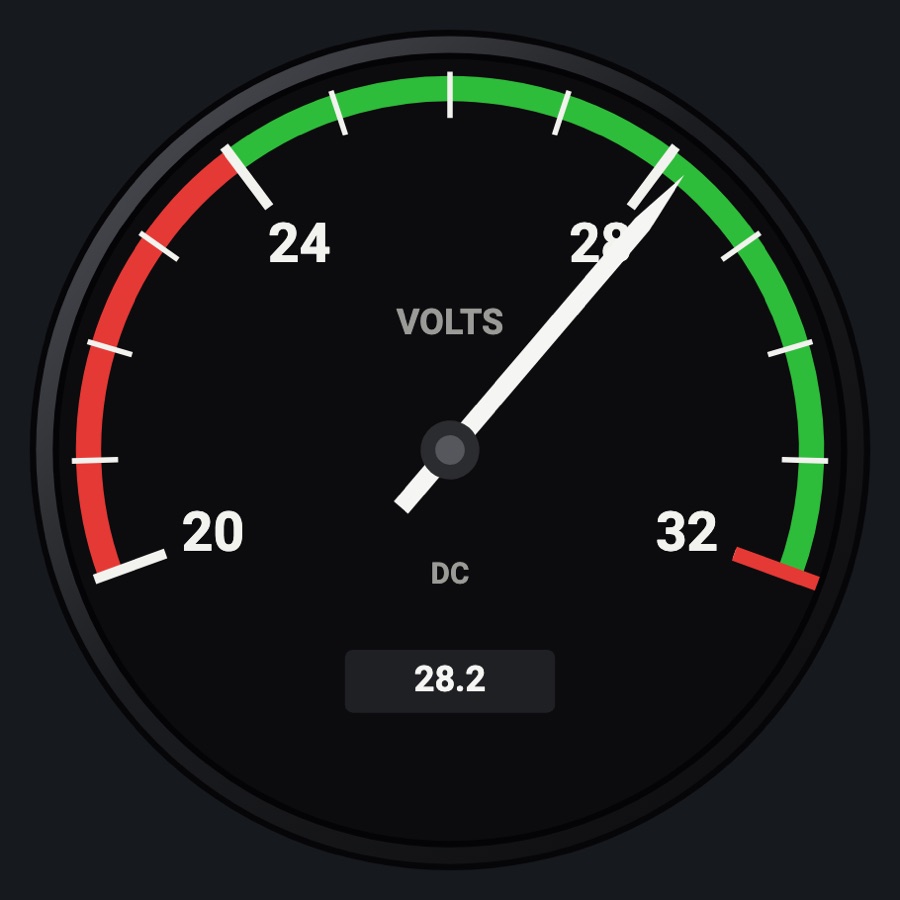
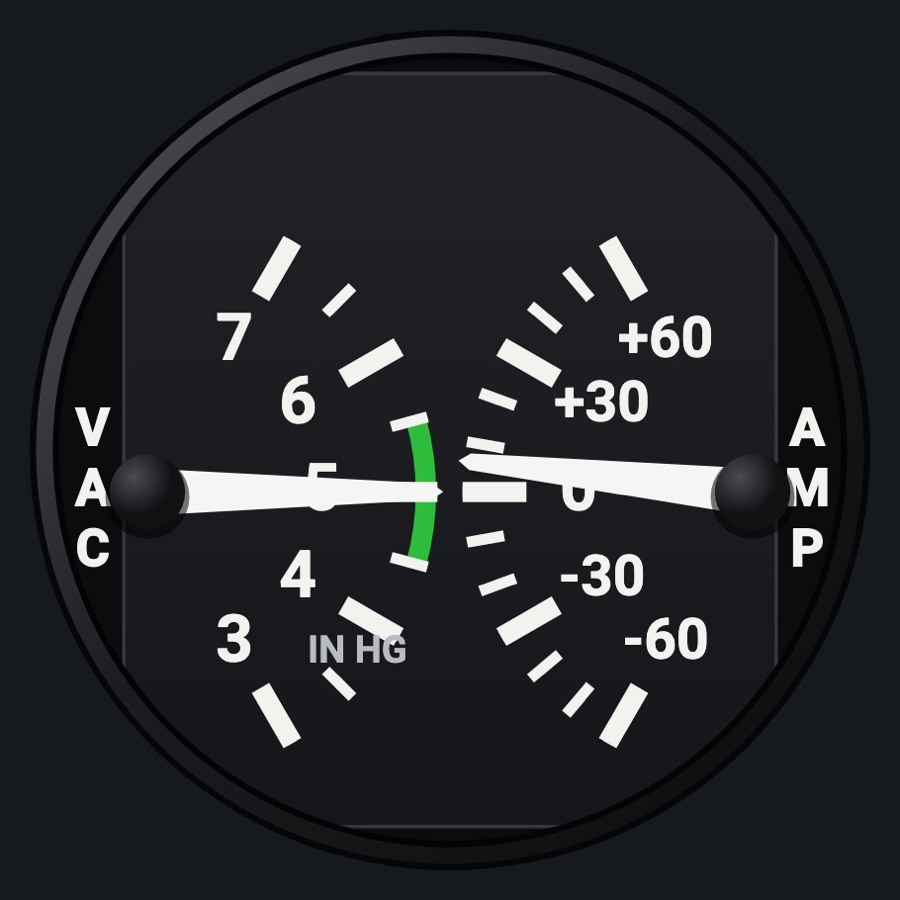
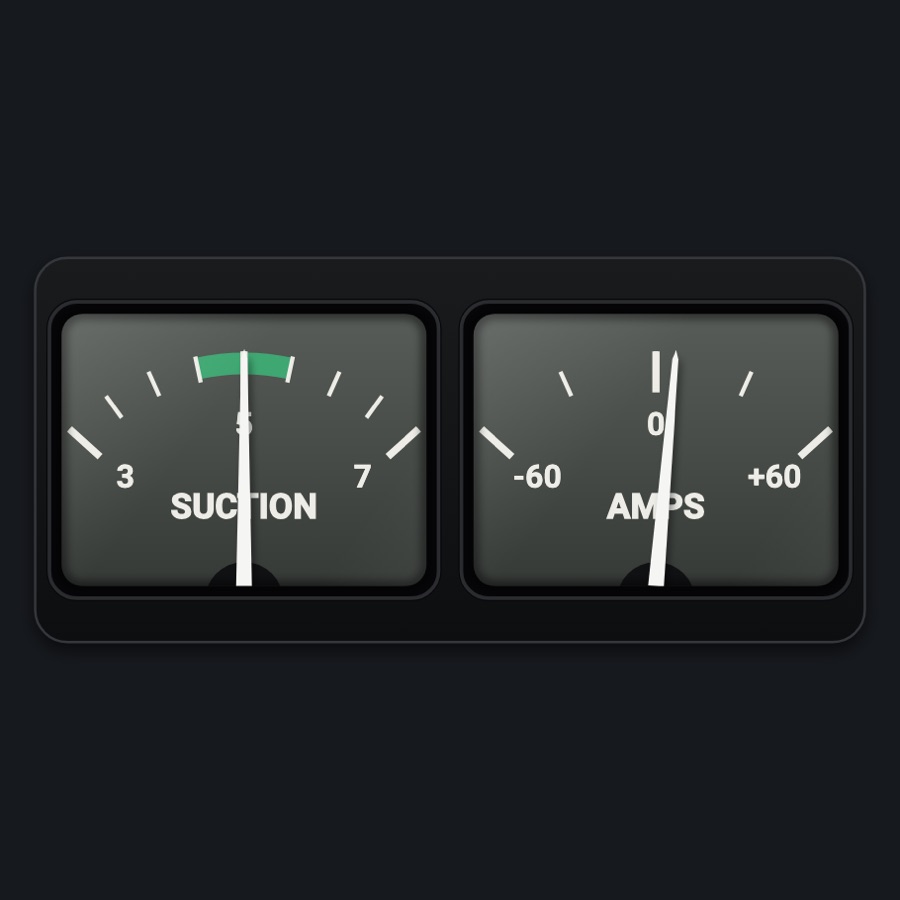
Ammeter
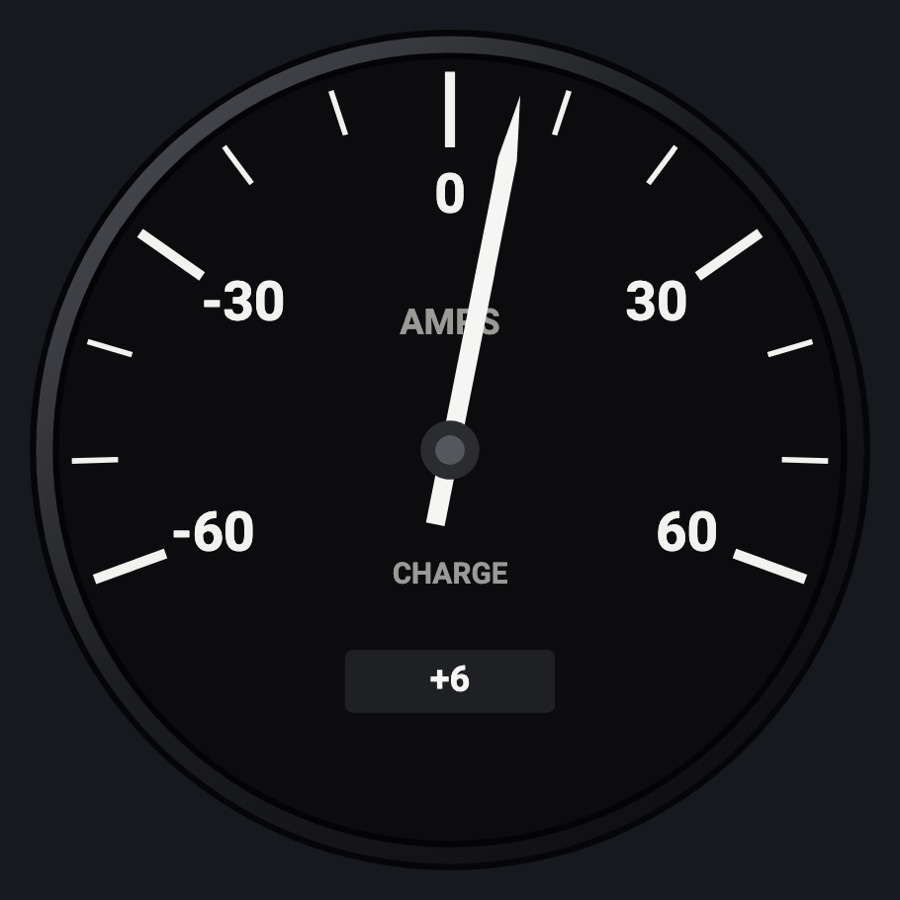
A round ammeter from -60 to +60 amps showing whether the battery is charging or discharging, with the signed reading in a small window.
- Modeled on
- Classic round center-zero ammeter
- Category
- Engine and systems
- Size
- 1 cell
- Version
- 1.0 · 2026-10-19
- Plan
- Pro
- Simulators
- MSFS 2020 · MSFS 2024 · X-Plane 11 · X-Plane 12
Features
- AMPS / CHARGE dial from -60 to +60, majors every 30, minors every 10
- Digital window with the signed reading (+ while charging)
- Red X when the ammeter value is missing or stale
- Realistic needles (Settings): spring and vibration
- Night lighting: the face takes the panel's red flood light, the glareshield's warm light from above (stronger for instruments higher on the page) and its own light, a lamp hidden at the top of the case lighting the dial downward (Settings > Dimmers: Red flood light, Glareshield, Instruments (analog))
On the iPad
- No knobs: a tap on the face asks to change the instrument
Settings
- Global: Realistic needles
Simulator data
What the Hub reads from the simulator for this instrument, and what the instrument sends back. Names are the simulators' own: MSFS SimVars and events, X-Plane datarefs and commands.
Reads
| Value | MSFS | X-Plane |
|---|---|---|
| Ammeter, + charging (A) | ELECTRICAL BATTERY LOAD:1 (amperes) | sim/cockpit2/electrical/battery_amps[0] |
Add-on aircraft with their own systems may use other variables; the Hub reads the standard ones.
Changes
The instrument's version counts what its faces share (the case, the mechanism, the data, the sounds); a face's own version counts that face alone.
- 1.0 2026-10-19
- First numbered version.