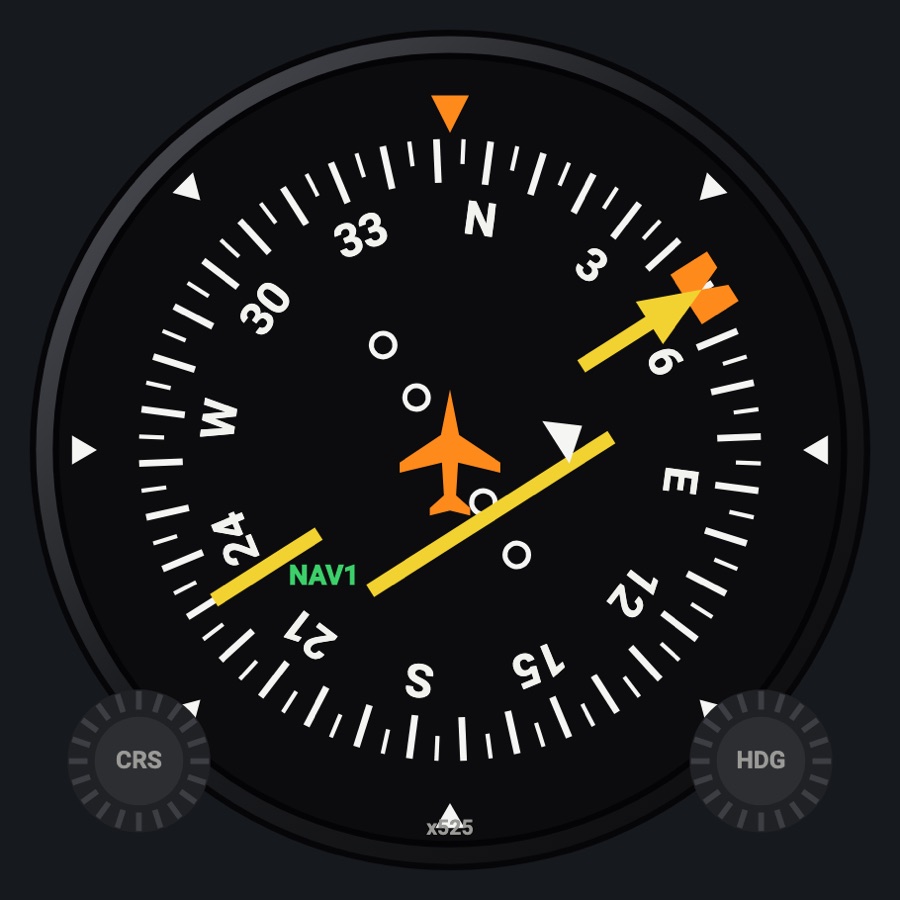
IN-385A-style VOR / LOC indicator
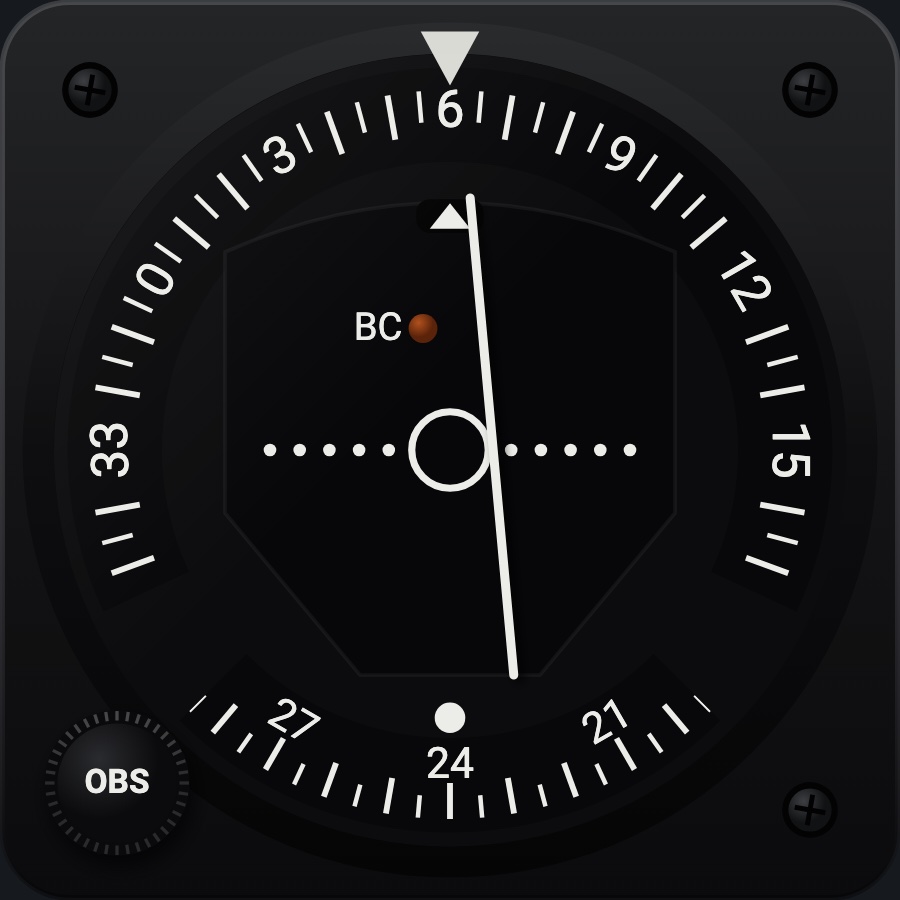
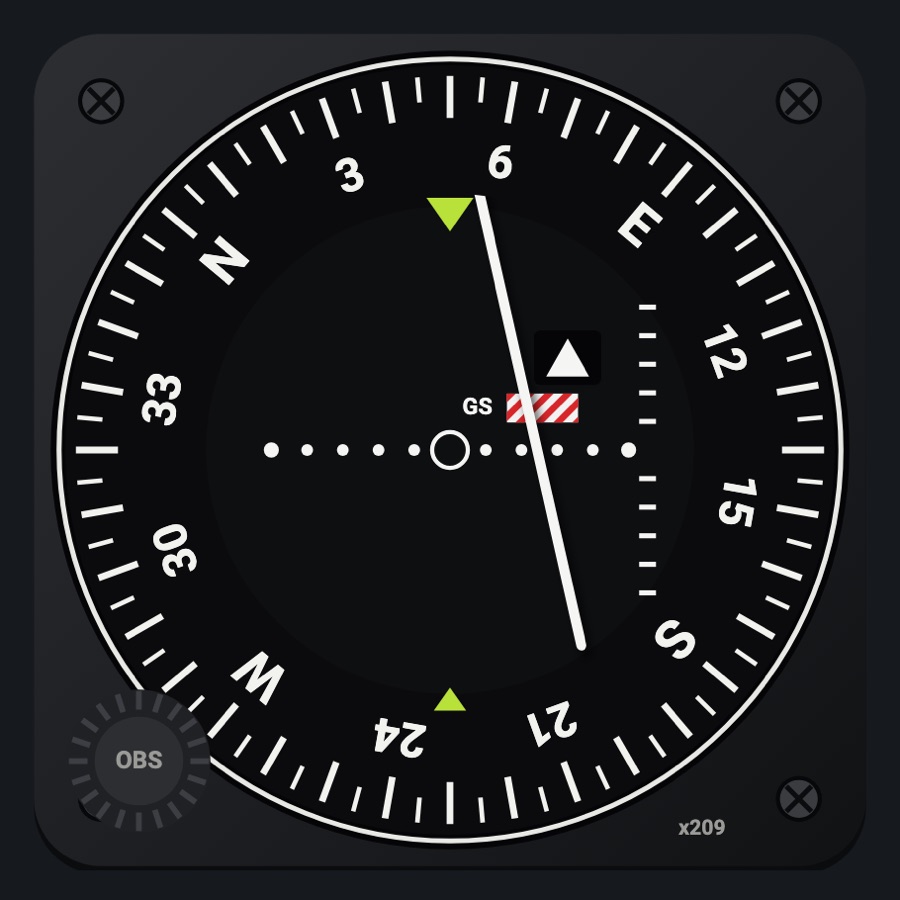
The 1970s-80s Cessna's VOR / LOC head: the azimuth card seen through two arcs, the CDI needle hinged above the dial coming out of its TO / FROM window, the red NAV flag and the amber BC lamp. Set it to NAV 1, NAV 2 or the GPS; the OBS knob at the lower left sets that receiver's course in the simulator.
- Modeled on
- ARC IN-385A-style VOR / LOC converter indicator (the 300 series stack of a 1970s-80s Cessna)
- Category
- Flight instruments
- Size
- 1 cell
- Version
- 1.0 · 2026-10-19
- Plan
- Pro
- Simulators
- MSFS 2020 · MSFS 2024 · X-Plane 11 · X-Plane 12
Variants
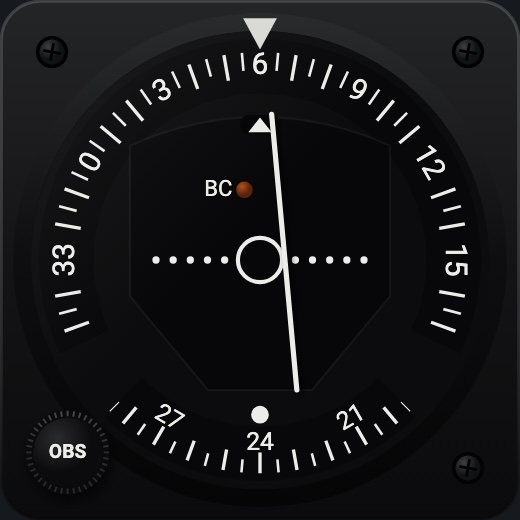
NAV 1v1.0
The NAV 1 receiver's course, deviation, TO / FROM and flag; the OBS sets its course.
Instrument picker > RECEIVER > NAV 1
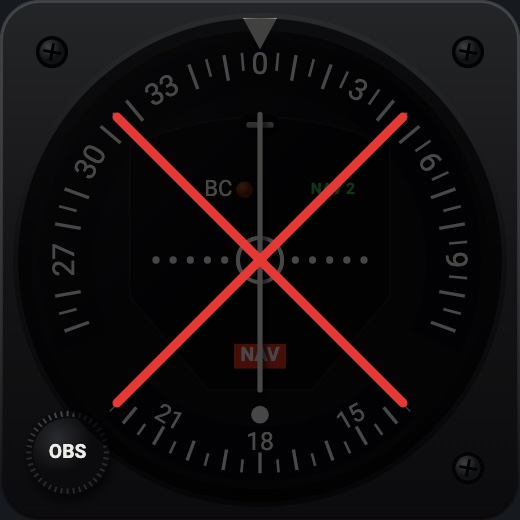
NAV 2v1.0
The NAV 2 receiver's; the OBS sets NAV 2's course.
RECEIVER > NAV 2
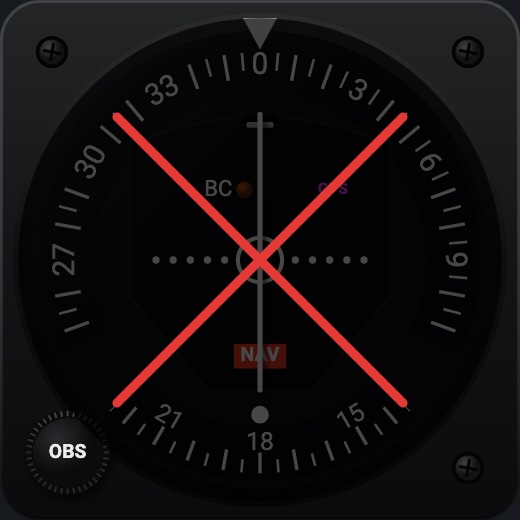
GPSv1.0
The GPS's desired track and cross-track deviation; the OBS does nothing (the GPS sets its own course).
RECEIVER > GPS
Features
- Black square case with rounded corners, a black screw in three corners and the OBS knob in the fourth
- Azimuth card turned by the OBS, seen only through the top arc (the course under the white index, numbers every 30°, a mark every 5°) and the short bottom arc (the reciprocal over a white dot)
- CDI needle hinged above the dial, swinging over the scale (a small circle, five dots each side) as the real one
- TO / FROM window under the index: a white arrow up for TO, down for FROM, the hinge alone without either
- Red NAV flag in view without a station; the amber BC lamp lit while the autopilot flies a back course
- No glideslope, as the real IN-385A (that is the IN-386A)
- At night the face takes the red flood light and the BC lamp keeps its own color
On the iPad
- Drag the OBS knob up or down to turn the course; double tap it to center the needle (the course to the station)
- On the GPS receiver the knob does nothing
- Tap elsewhere on the face to change the instrument
Settings
- Receiver: NAV 1 / NAV 2 / GPS (instrument picker)
Keys and controllers
Map any of these to a key, a game controller's button or axis, or a MIDI knob (how):
- Course +
- Course -
- Course sync
- NAV 2 course +
- NAV 2 course -
- NAV 2 course sync
Simulator data
What the Hub reads from the simulator for this instrument, and what the instrument sends back. Names are the simulators' own: MSFS SimVars and events, X-Plane datarefs and commands.
Reads
| Value | MSFS | X-Plane |
|---|---|---|
| Course shown on the HSI (deg) | GPS WP DESIRED TRACK (degrees)NAV OBS:1 (degrees)GPS DRIVES NAV1 (bool) | sim/cockpit2/radios/actuators/hsi_obs_deg_mag_pilot |
| Course deviation, + = course to the right (dots (-2.5..2.5)) | HSI CDI NEEDLE (number) | sim/cockpit2/radios/indicators/hsi_hdef_dots_pilot |
| TO/FROM flag: 0 off, 1 TO, 2 FROM (enum) | HSI TF FLAGS (enum) | sim/cockpit2/radios/indicators/hsi_flag_from_to_pilot |
| CDI needle valid (1/0) (bool) | HSI CDI NEEDLE VALID (bool) | sim/cockpit2/radios/indicators/hsi_flag_from_to_pilot |
| CDI/HSI navigation source: 0 GPS, 1 NAV (enum) | GPS DRIVES NAV1 (bool) | sim/cockpit2/radios/actuators/HSI_source_select_pilot |
| NAV2 OBS course (deg) | NAV OBS:2 (degrees) | sim/cockpit2/radios/actuators/nav2_obs_deg_mag_pilot |
| NAV2 receiver course deviation, + = course right (dots (-2.5..2.5)) | NAV CDI:2 (number) | sim/cockpit2/radios/indicators/nav2_hdef_dots_pilot |
| NAV2 TO/FROM: 0 off, 1 TO, 2 FROM (enum) | NAV TOFROM:2 (enum) | sim/cockpit2/radios/indicators/nav2_flag_from_to_pilot |
| NAV2 receiving a station (1/0) (bool) | NAV HAS NAV:2 (bool) | sim/cockpit2/radios/indicators/nav2_flag_from_to_pilot |
| GPS desired track (deg) | GPS WP DESIRED TRACK (degrees)GPS IS ACTIVE FLIGHT PLAN (bool) | Not available |
| GPS's own course deviation (dots) | GPS CDI NEEDLE (number) | sim/cockpit2/radios/indicators/gps_hdef_dots_pilot |
| GPS flight plan active (1/0) (bool) | GPS IS ACTIVE FLIGHT PLAN (bool) | Not available |
| Autopilot modes, one bit each (ApBit: ap, fd, yd, hdg, nav, apr, bc, alt, vs, flc, lvl, gs, vnv) (bitfield) | AUTOPILOT MASTER (bool)AUTOPILOT FLIGHT DIRECTOR ACTIVE (bool)AUTOPILOT YAW DAMPER (bool)AUTOPILOT HEADING LOCK (bool)AUTOPILOT NAV1 LOCK (bool)AUTOPILOT APPROACH HOLD (bool)AUTOPILOT BACKCOURSE HOLD (bool)AUTOPILOT ALTITUDE LOCK (bool)AUTOPILOT VERTICAL HOLD (bool)AUTOPILOT FLIGHT LEVEL CHANGE (bool)AUTOPILOT WING LEVELER (bool)AUTOPILOT GLIDESLOPE HOLD (bool) | sim/cockpit2/autopilot/servos_onsim/cockpit2/autopilot/flight_director_modesim/cockpit2/switches/yaw_damper_onsim/cockpit2/autopilot/heading_statussim/cockpit2/autopilot/nav_statussim/cockpit2/autopilot/approach_statussim/cockpit2/autopilot/backcourse_statussim/cockpit2/autopilot/altitude_hold_statussim/cockpit2/autopilot/vvi_statussim/cockpit2/autopilot/speed_statussim/cockpit2/autopilot/roll_statussim/cockpit2/autopilot/glideslope_status |
Sends
| When you… | MSFS | X-Plane |
|---|---|---|
| Dragging the OBS knob on NAV 1, or mapped 'Course +' / 'Course -' | VOR1_SET | sim/cockpit2/radios/actuators/nav1_obs_deg_mag_pilotsim/cockpit2/radios/actuators/hsi_obs_deg_mag_pilot (also, when HSI_source_select_pilot == 0) |
| Double tap on the OBS knob on NAV 1, or mapped 'Course sync' | VOR1_SET | sim/cockpit2/radios/actuators/nav1_obs_deg_mag_pilotsim/cockpit2/radios/actuators/hsi_obs_deg_mag_pilot (when HSI shows NAV1) |
| Dragging the OBS knob on NAV 2, or mapped 'NAV 2 course +' / '-' | VOR2_SET | sim/cockpit2/radios/actuators/nav2_obs_deg_mag_pilotsim/cockpit2/radios/actuators/hsi_obs_deg_mag_pilot (also, when HSI_source_select_pilot == 1) |
| Double tap on the OBS knob on NAV 2, or mapped 'NAV 2 course sync' | VOR2_SET | sim/cockpit2/radios/actuators/nav2_obs_deg_mag_pilotsim/cockpit2/radios/actuators/hsi_obs_deg_mag_pilot (when HSI shows NAV2) |
Add-on aircraft with their own systems may use other variables; the Hub reads the standard ones.
Changes
The instrument's version counts what its faces share (the case, the mechanism, the data, the sounds); a face's own version counts that face alone.
- 1.0 2026-10-19
- First numbered version.